
Realistic lighting
Sun, sky and bounced light computed on our servers in 20 to 60 minutes, with undo.
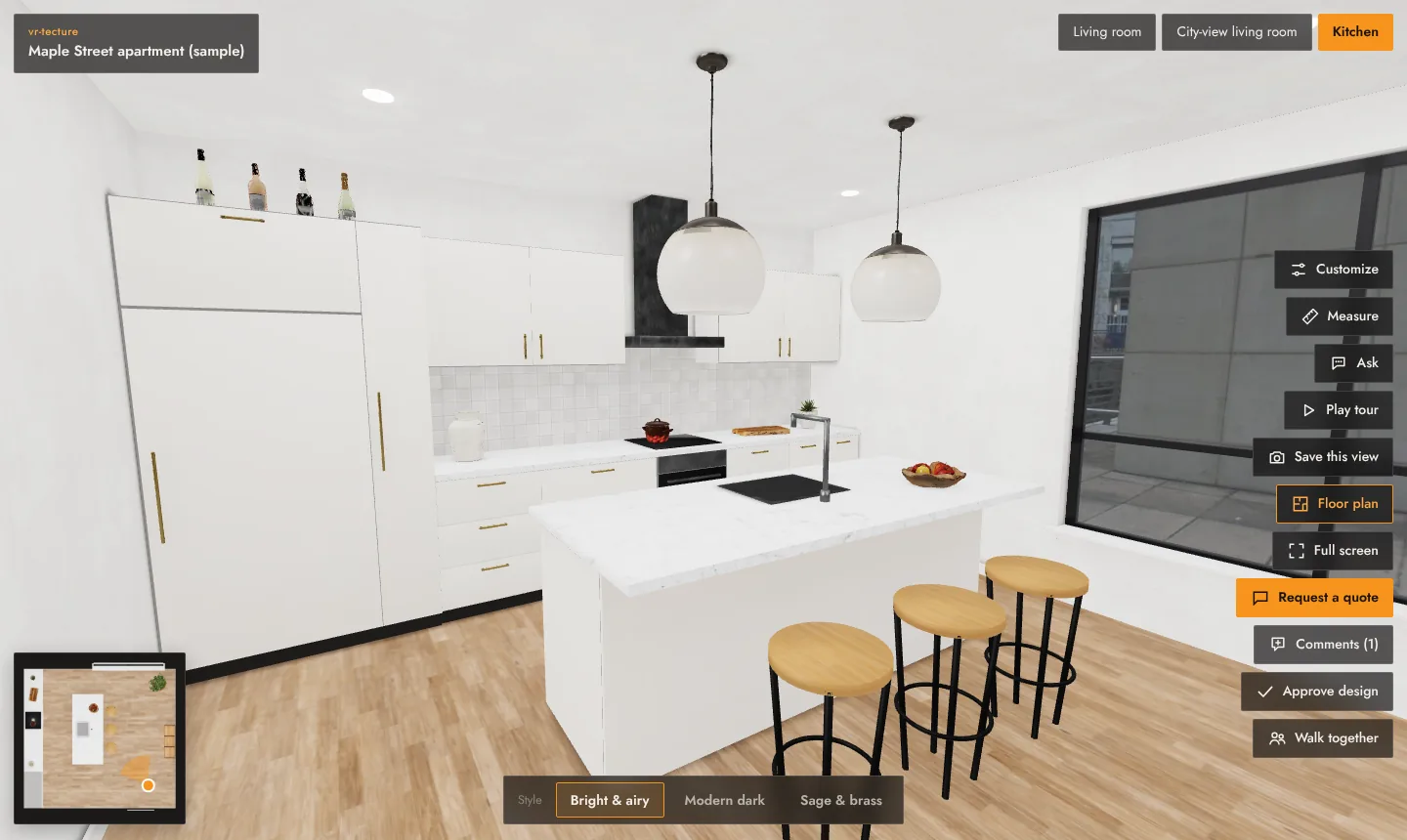
Realistic lighting computes sun, sky and light bouncing between surfaces for a style, on our servers. The room gets soft shadows and natural light, and it costs nothing in speed for your client: the light is stored in the model.
Start it
- Upload the model for the style and select Save tour. Light is computed for the saved model; before saving, the editor shows Save the tour first to compute realistic lighting.
- On the style, select ✦ Realistic lighting.
- The style shows Waiting to compute light (or how many are ahead), then Computing light… n%.
It takes about 20 to 60 minutes, depending on the model and the queue. You can close the page: we email you when it is ready. While a job is still waiting, you can Cancel it.
When it is ready
The style shows ✦ Realistic lighting on and your client sees the lit room. Your previous version is kept: Undo brings it back at any time.
Things to know
- Daily allowance: 3 lighting runs per 24 hours on Free, 20 on paid plans. The editor shows how many are left today.
- Uploading a new model for the style removes its light; compute it again for the new model. If you upload while a job is running, it ends with The model changed meanwhile; start again.
- Windows matter. Daylight comes in through openings and glass. A closed box with no windows gets only indoor light.
- Finishes are kept. Materials you set in Finishes and client choices still work on a lit style.
- If a model cannot be lit automatically, the editor says so; send it to us and we will look at it.