
Design approval and its record
Your client approves the design as shown; you both keep a dated record with every selection.
Approve design lets your client sign off the design exactly as shown in the tour: every space, style and client choice. You both get a dated record you can print or keep as a PDF. It closes the “that is not what I agreed to” conversation before it starts.
How a client approves
- The client sets up the design in the tour: styles and client choices for each space.
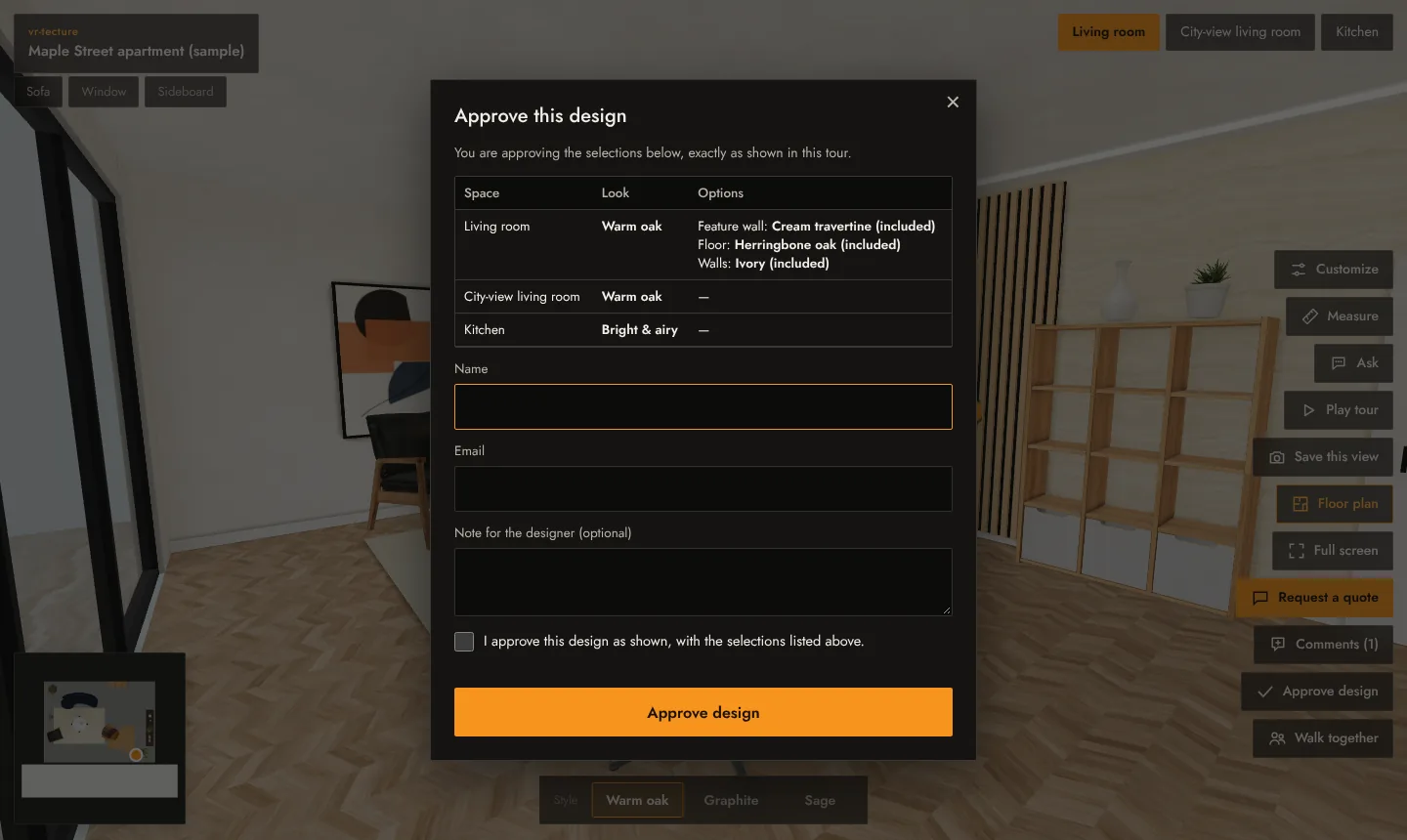
- They select Approve design. The window lists what they are approving: each space, its look and its options.
- They can add a note, enter their name and email, and tick I approve this design as shown, with the selections listed above.
- They select Approve design.
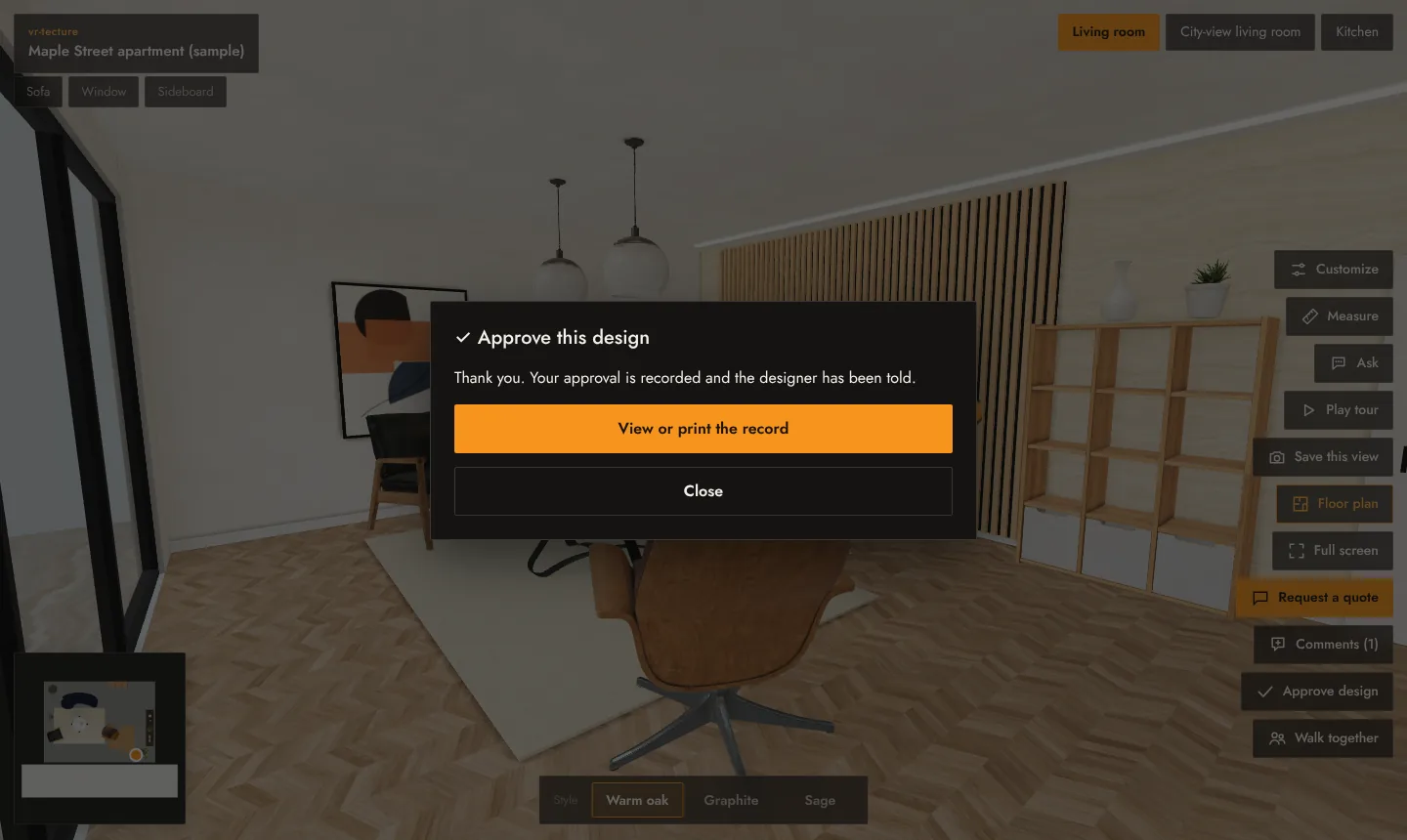
They see Thank you. Your approval is recorded and the designer has been told. and a link to View or print the record.
The record
The record holds the tour, the date and time, the client’s name and email, their note and a table of every space with the chosen look, its price and the options. It is kept as approved: later changes to the tour do not change it.
Where you find it
We email you when a design is approved. Approved designs are also listed on the Requests tab of your studio, under Approved designs, each with View the record, so you can print it or save it as PDF from your browser’s print window.
The approval is a record of what the client saw and chose. It is not a contract; attach it to your own agreement or order if you need one.