
Walk a tour together (live session)
Up to eight people in the same tour: everyone sees the others, and you can lead the way.
A live session puts up to eight people in the same tour at the same time. Everyone sees where the others are standing, and anyone can follow someone else. It is the closest thing to walking a client through the space in person, from anywhere.
Start a session
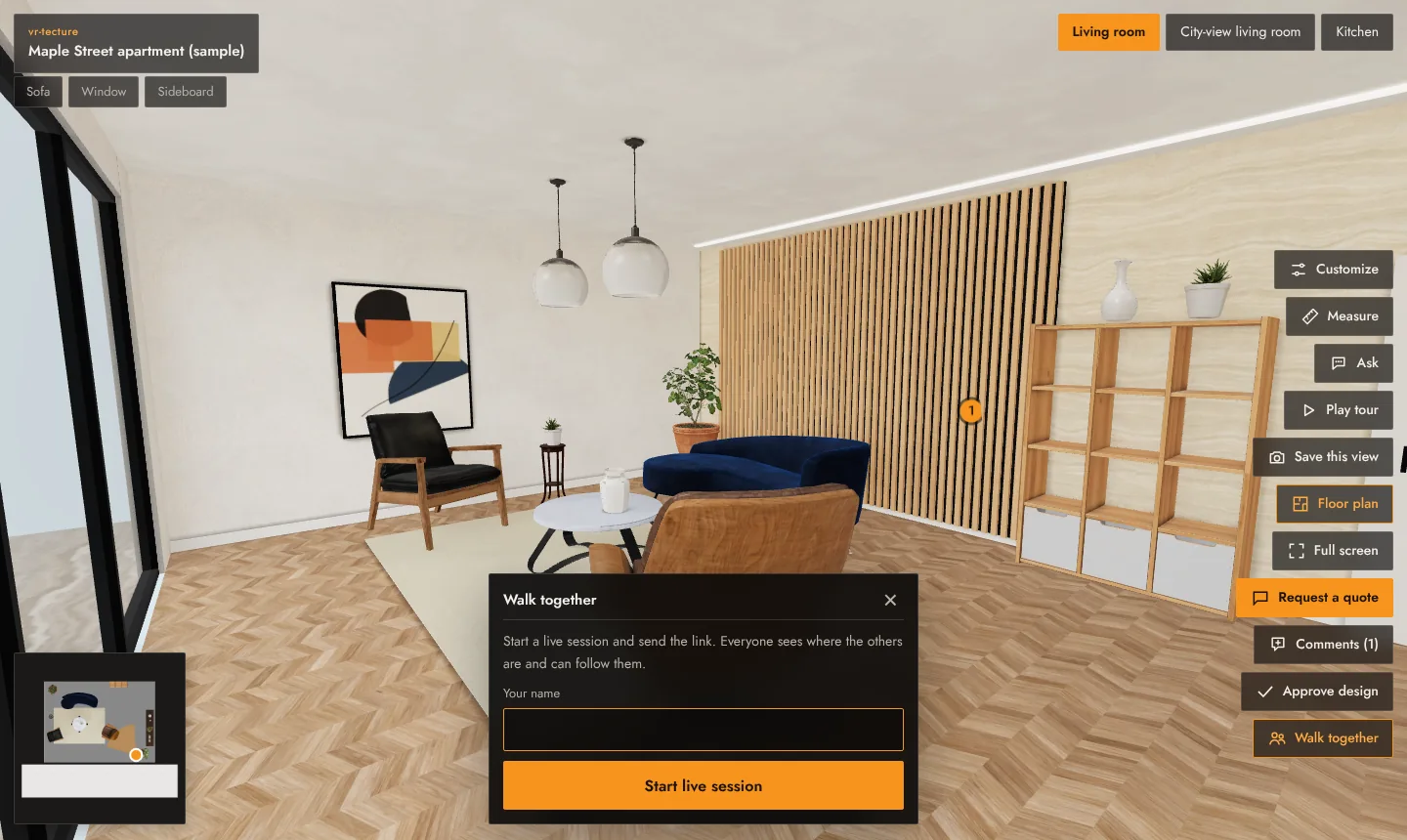
- Open the tour and select Walk together.
- Type your name and select Start live session.
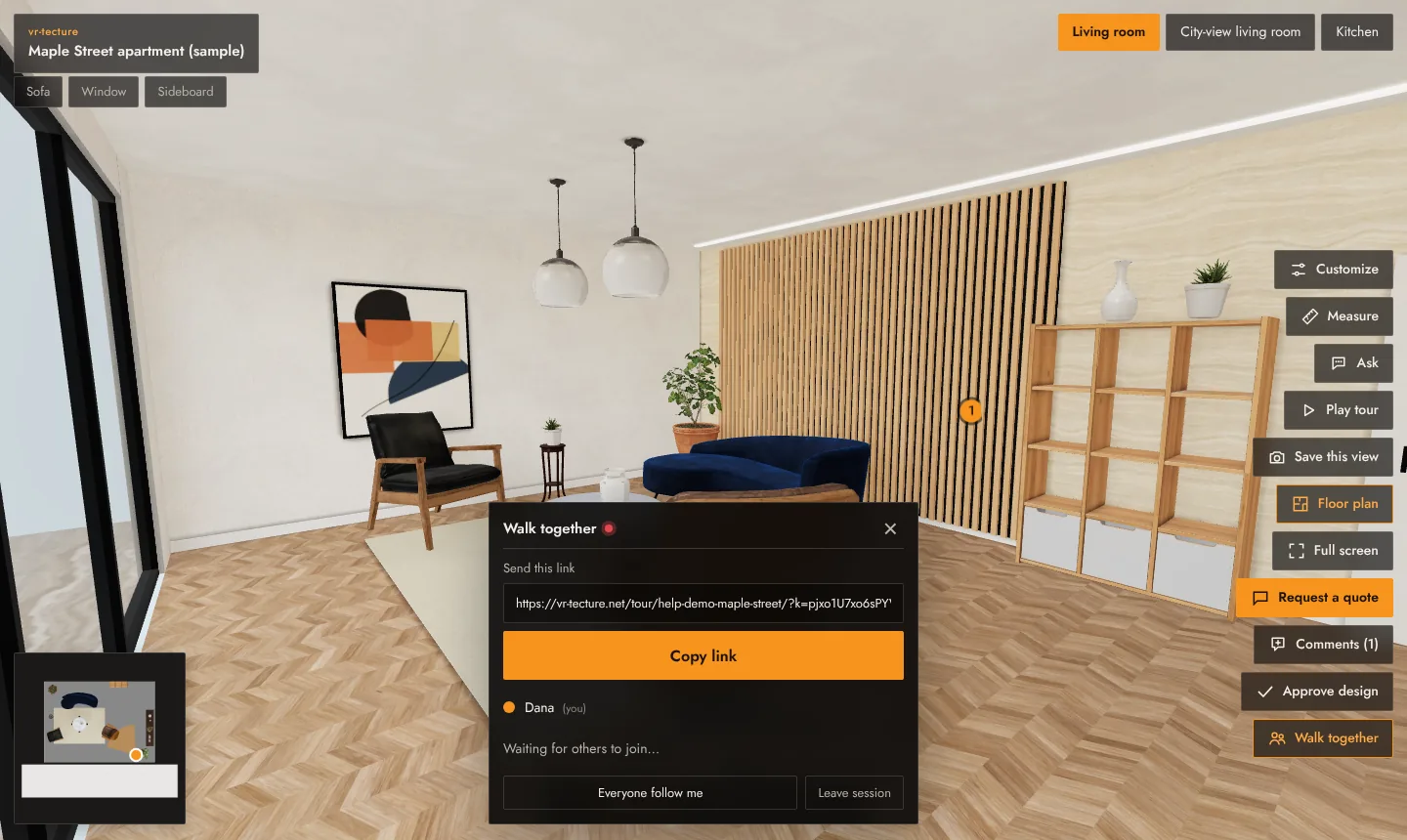
- Copy the link under Send this link and send it to the people joining. It is the tour link with the session added.
When someone opens the link, they see You have been invited to walk this tour together, type a name and join. You are told when people join and leave.
Lead the way
- Everyone follow me: all participants follow you as you walk and turn, and see the space, style and choices you show. The others see … is presenting; you are following. Select Stop presenting to let them walk freely again.
- Follow next to a name: follow one person. Stop to walk on your own.
- Leave session: leave; the others stay.
Good to know
- A session holds up to 8 people. A ninth sees This session is full.
- Talk over a phone or video call alongside; the session shares positions, not sound.
- Participants can be on phones, computers or headsets.
- Nothing is recorded: positions are only passed between participants while the session runs. Someone who closes the page leaves the session after a few seconds.