
Short answer: a virtual showroom shows furniture and finishes inside a designed room, at real size, instead of on a white background. Visitors walk through it from a link, change the color or model of a piece in place, and open a product card with its price and a link to buy.
Why a catalog image is not enough
A product photo cannot show scale, and it cannot show how a sofa sits next to a rug and under a lamp. Buyers hesitate because they cannot picture the piece in a room. A physical showroom solves this for the few people who visit it; a virtual one is open to everyone who has the link.
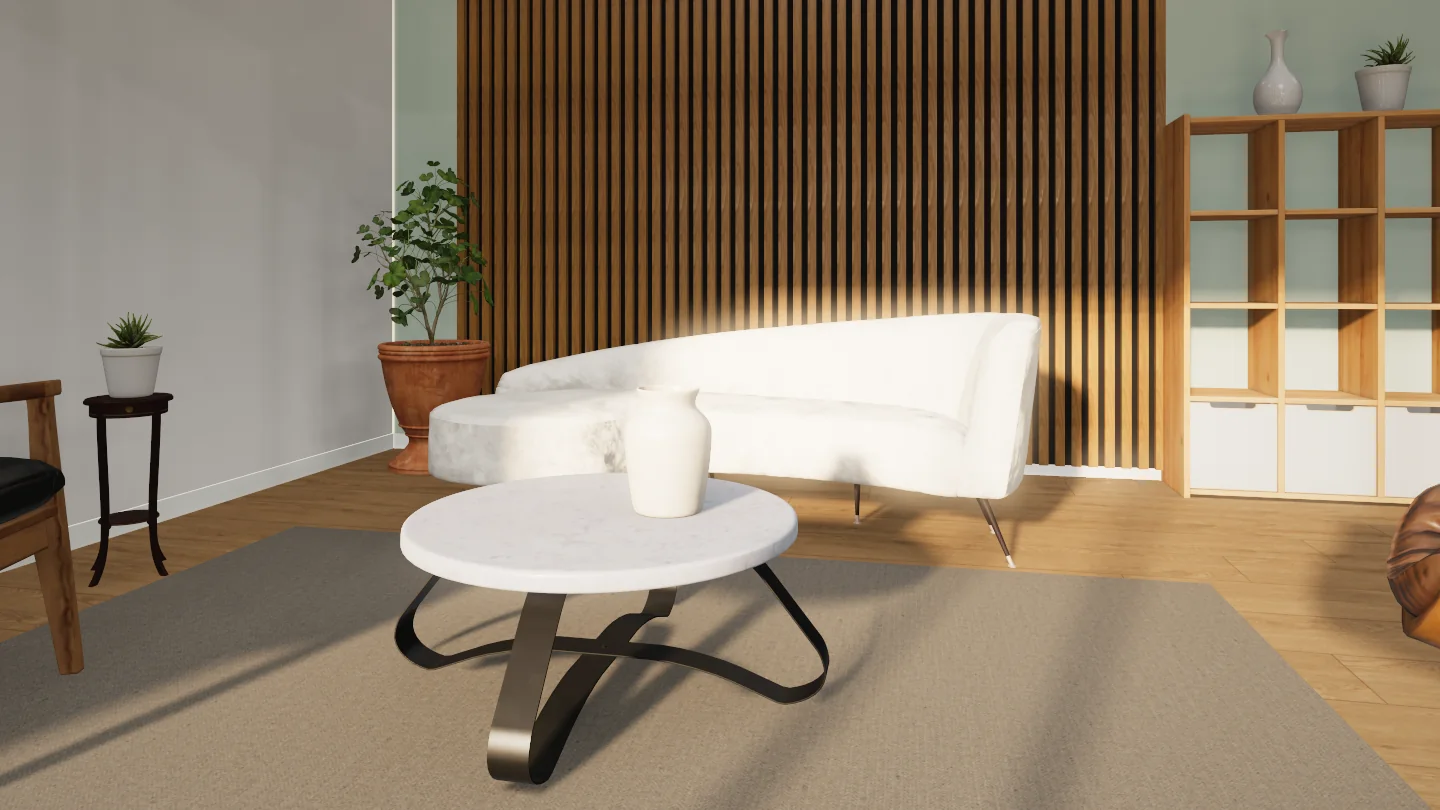
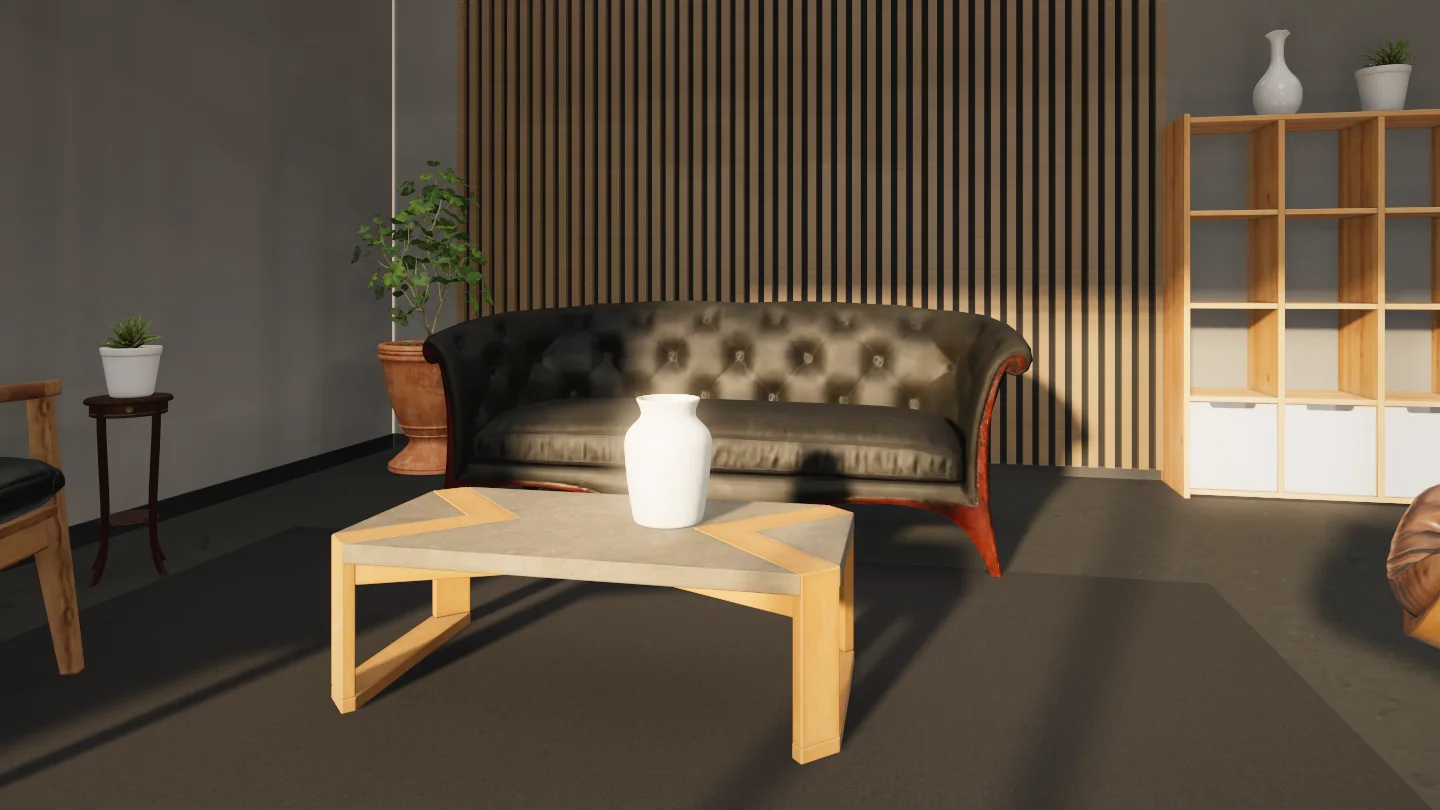 Style 1Style 2
What a virtual showroom contains
- A room, not a shelf. Products are placed in a living room, a kitchen or an office that a designer has composed.
- Swappable pieces. The visitor changes the color or model of an object where it stands. See Let clients swap furniture and fixtures.
- Product cards. Each object can carry a card with its price, pictures, a video and a link to buy. See Product cards (info points).
- Real scale. On a screen the visitor walks around the piece; in a VR headset they stand next to it.
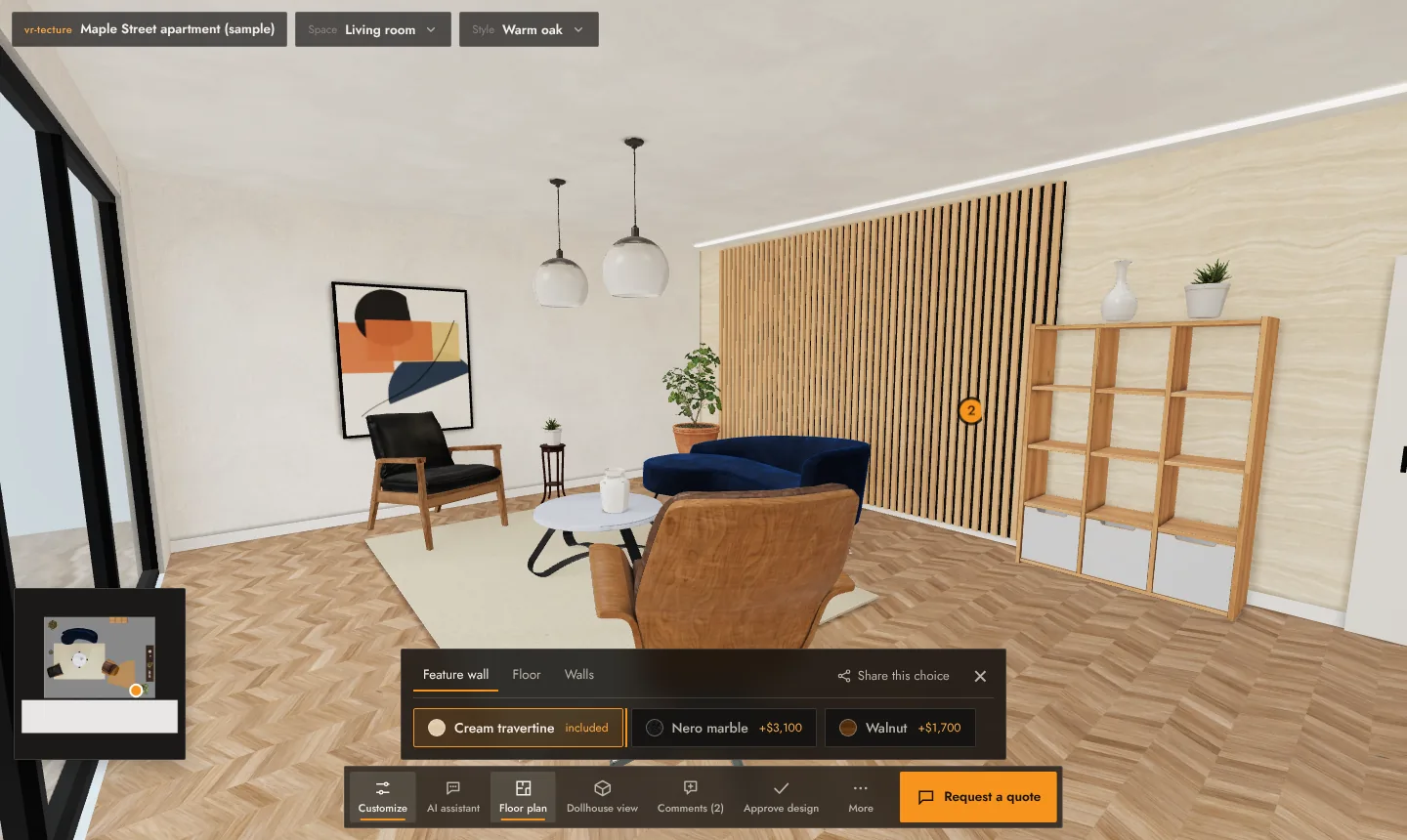 123
- 1Chosen finish
- 2Price difference of each option
- 3Request a quote
Where to use it
- On your website or online shop. A tour can be embedded in a page; see Share link, QR code and embed.
- In the physical showroom. A QR code next to a sofa opens the same model in other colors and in a complete room.
- At exhibitions. A headset shows a whole collection in a stand of a few square meters.
- With designers. Interior designers place your products in the tours they show their own clients.
How to build one
Suppliers of furniture and finishes can also list products for designers to use in their tours; see Become a supplier.
Common questions
Do visitors need an app?
No. The showroom opens in the browser of a phone, tablet or computer.
Can I see which products people look at?
Tour insights show visits, the time spent in each space and which options visitors picked; see Tour insights.