
Short answer: in architecture and interior design, virtual reality is most useful where a drawing or render leaves the client guessing: the real size of a room, the choice between finishes, and the moment of approval. These are six uses that pay for themselves in fewer meetings and fewer changes on site.
1. Client presentations
Most clients cannot read a plan, and a render shows only the views you chose. In a walkable model the client stands in the room and understands it at once. Sent as a link, the presentation also reaches the people who share the decision but never come to meetings. See how to present with fewer revisions.
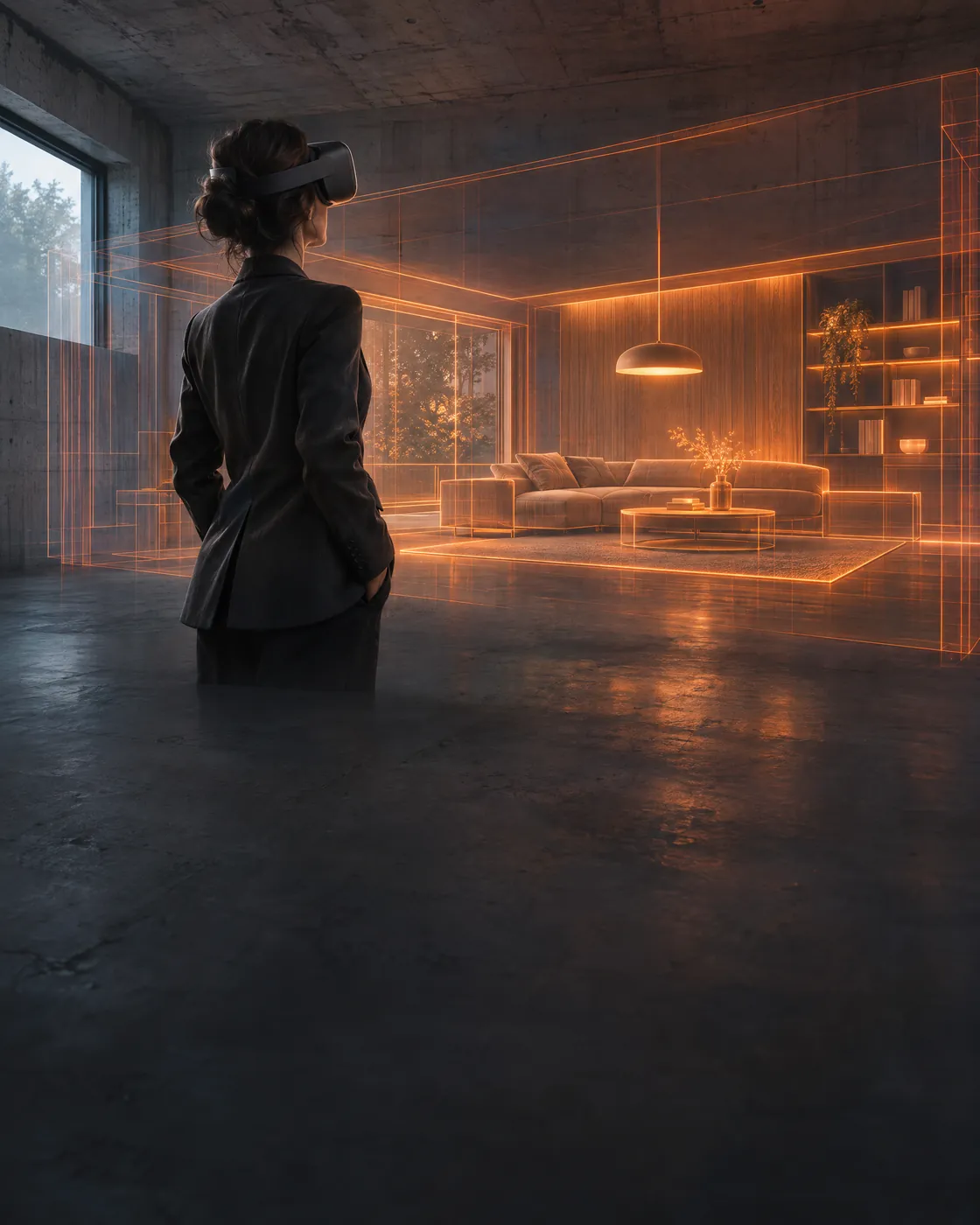
A design at real scale answers questions a drawing cannot.
2. Checking scale and clearances
Ceiling heights, the width of a corridor, the space around a kitchen island and the view from a seat are hard to judge on a screen and obvious in a headset. Designers use VR as a check for themselves before the client ever sees the design.
3. Choosing finishes and furniture
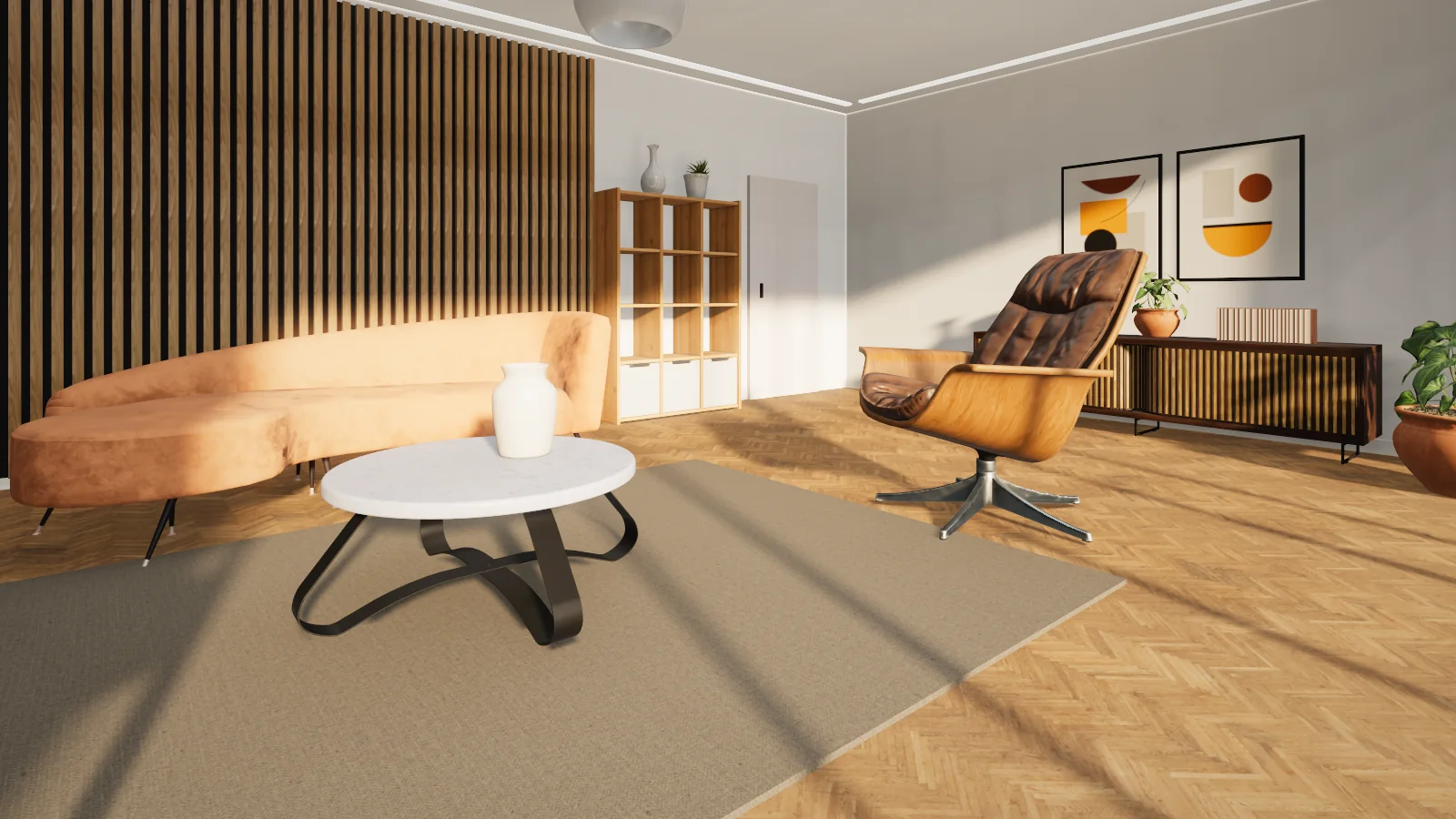
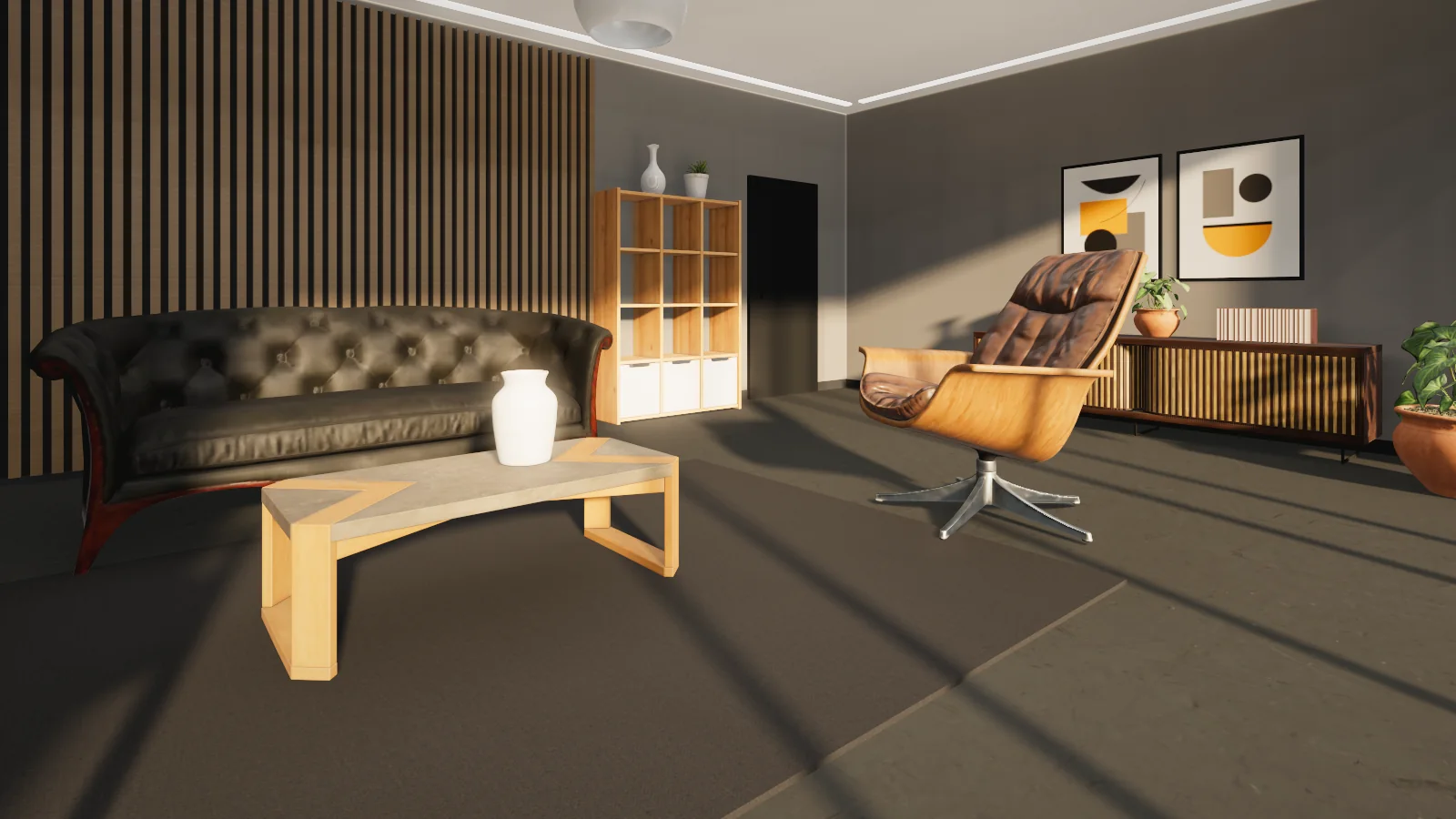
Comparing two floors or two sofas works best when both appear in the same room under the same light. In an interactive tour the client switches between the options you prepared, with the price of each if you wish.
4. Selling before construction
Developers let buyers walk a unit that does not exist yet and choose a finish package. The buyer’s choice comes back to the sales office as a record. See virtual tours for off-plan sales.
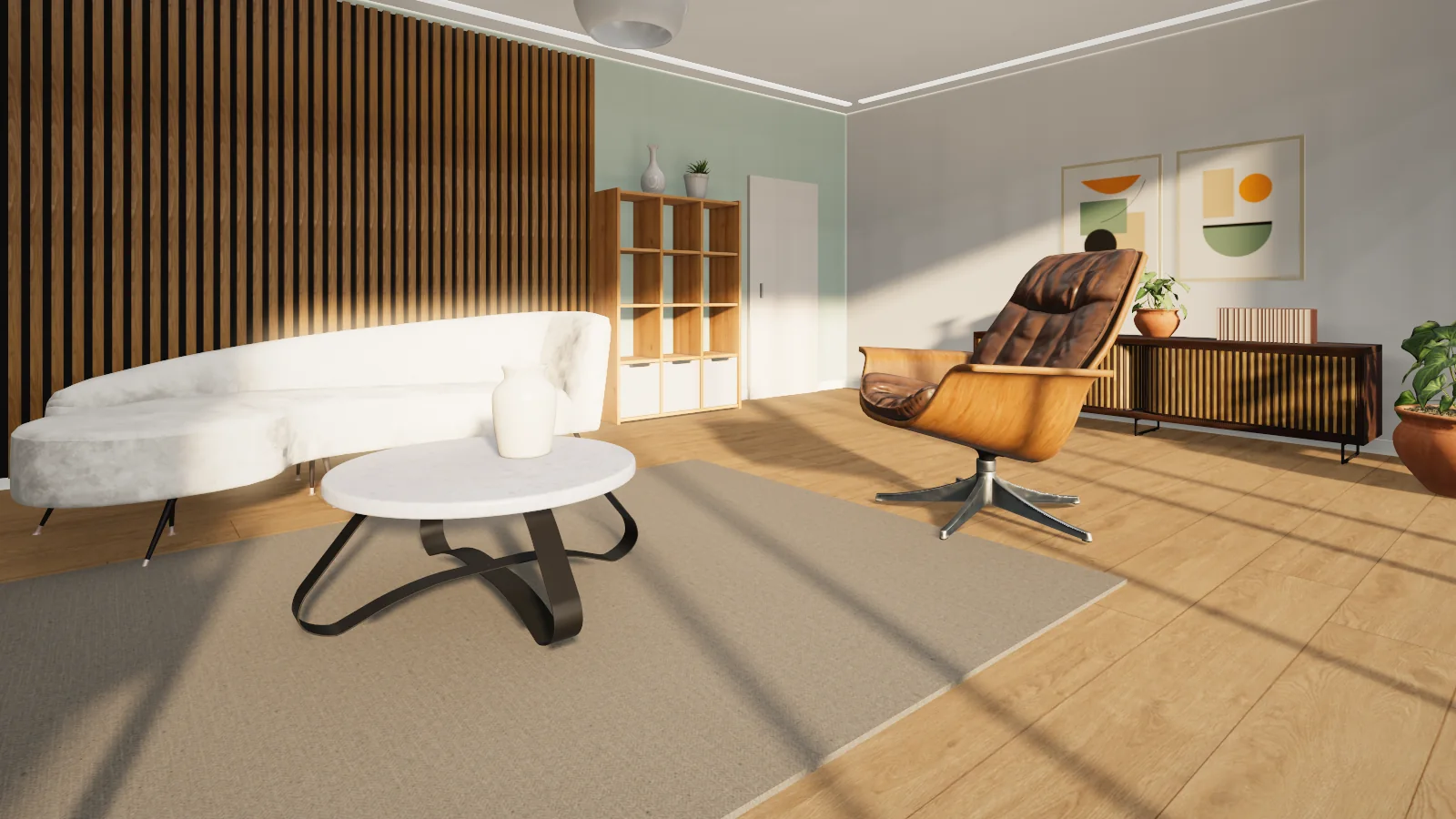
5. Remote reviews
A client in another city opens the same link, and you can walk the space together in a live session while talking on the phone. See presenting a design remotely.
6. Showing products in context
Furniture and finish brands show a product at real size inside a designed room, instead of on a white background. Visitors change its color or model in place.
What you need to start
- A 3D model in SketchUp, Revit, Blender, 3ds Max or Rhino, or an IFC file.
- A way to publish it. A desktop real-time renderer suits reviews in your own office; a web tour suits anything you send to a client. The differences are in four ways to view a model in VR.
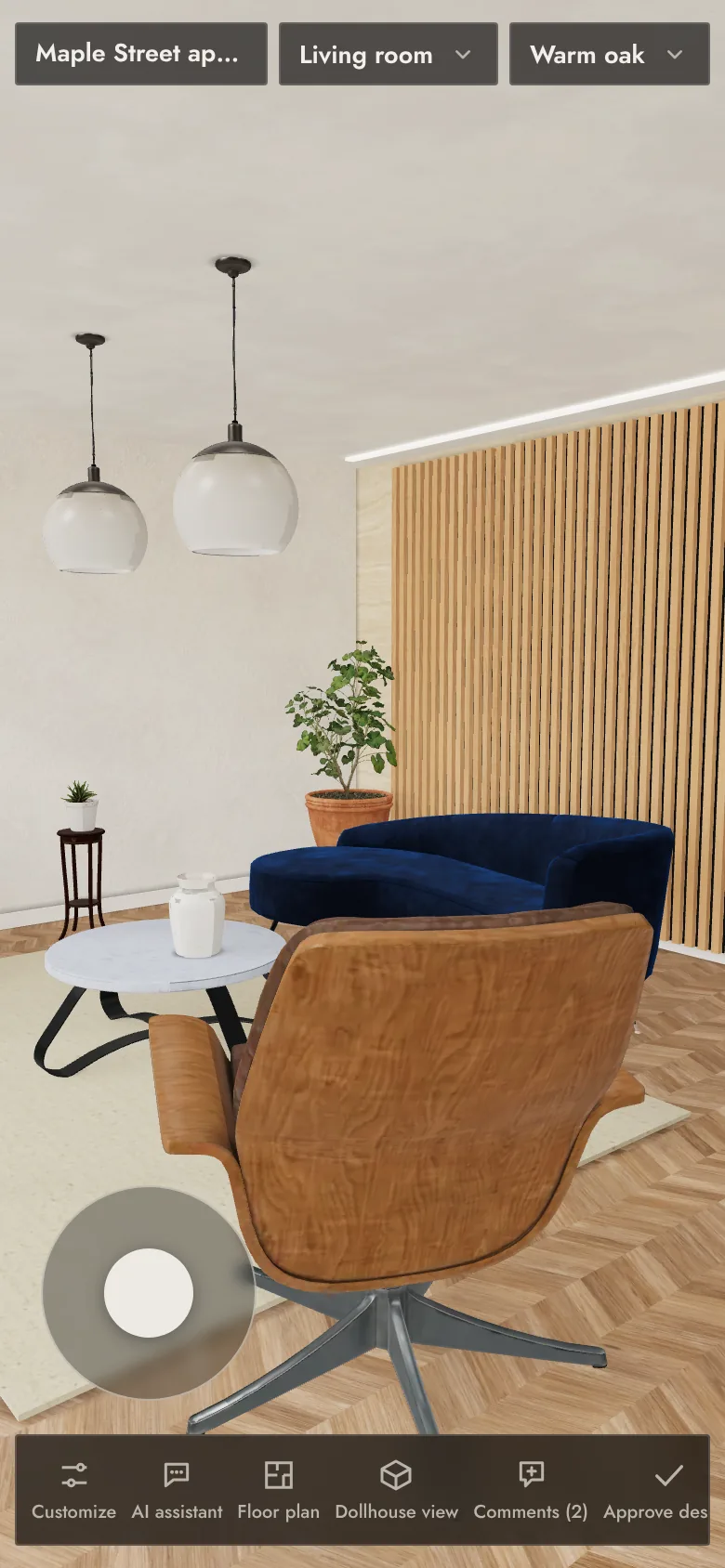
- A headset, optionally. Clients can walk a web tour on a phone or computer. A standalone headset in the office adds real scale.
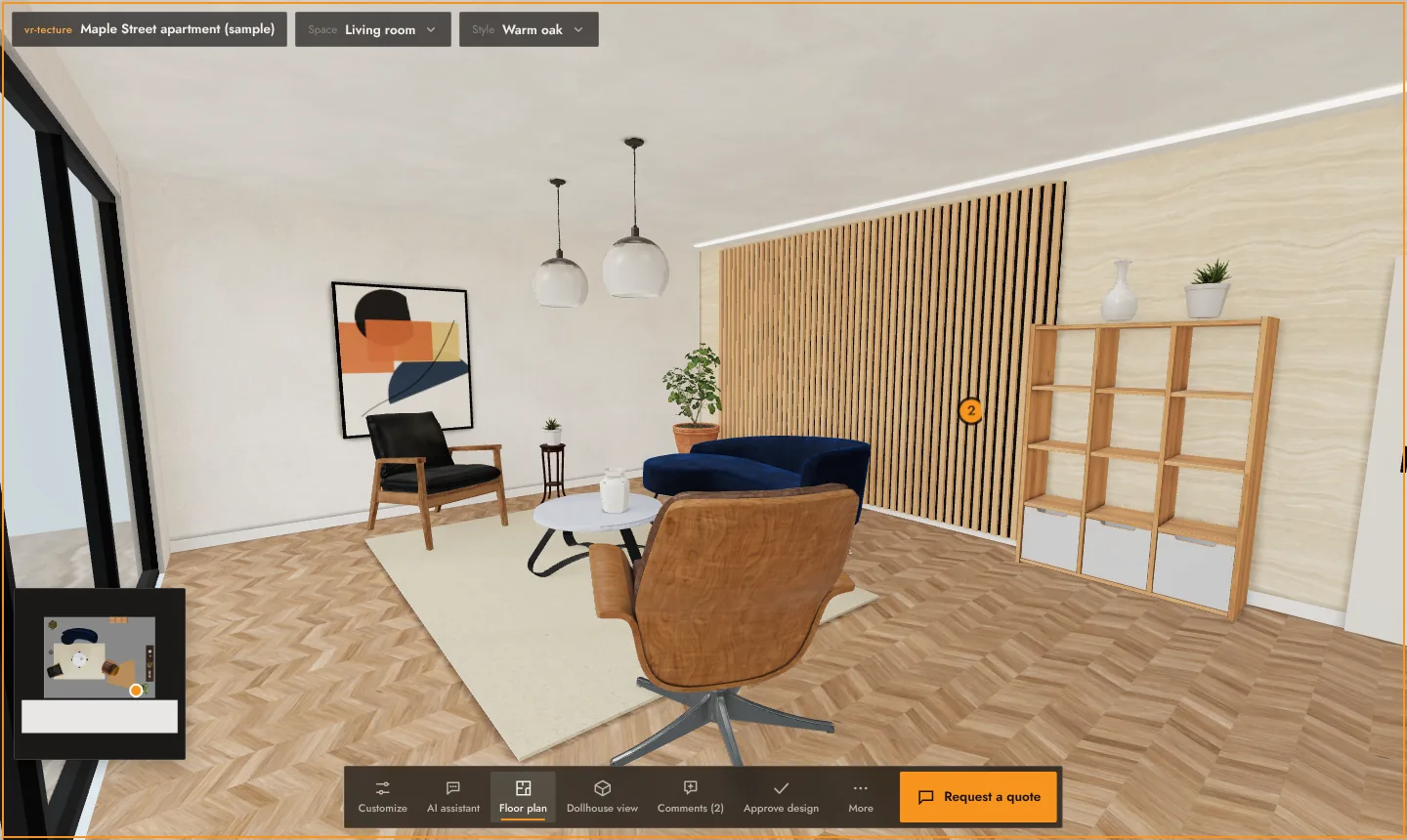
With vr-tecture you publish from your design software with a free plugin and send one link. The demo tour shows what a client sees.
Common questions
Do clients need a headset?
No. A web tour opens on a phone or computer; the headset is an extra for the sense of scale.
Is VR only for large practices?
No. A single designer can publish a tour from the model they already have. The cost is mostly the time to tidy the model.