
Short answer: an Archicad model can be walked in VR in three ways: Graphisoft’s own BIMx app, a real-time rendering plugin on a VR-ready computer, or an IFC export published as a web tour that clients open from a link. The right one depends on whether you are reviewing the design yourself or sending it to a client.
Prepare the model
- Work in a 3D view that shows only what the client should see: one apartment or one floor, not the whole building.
- Hide structural and MEP layers unless they are the subject of the review.
- Check that surfaces have the materials you intend; they travel with the export.
Route 1: BIMx
BIMx is Graphisoft’s presentation app. It packages the 3D model together with its drawings for phones, tablets and the web. It suits handing over a project to people who also need the documentation.
Route 2: a real-time rendering plugin
Real-time renderers such as Enscape and Twinmotion work with Archicad and can show the model in a headset connected to the computer. Image quality is high and changes appear quickly. You need a VR-ready graphics card, and the client has to be with you.
Route 3: export IFC and publish a web tour
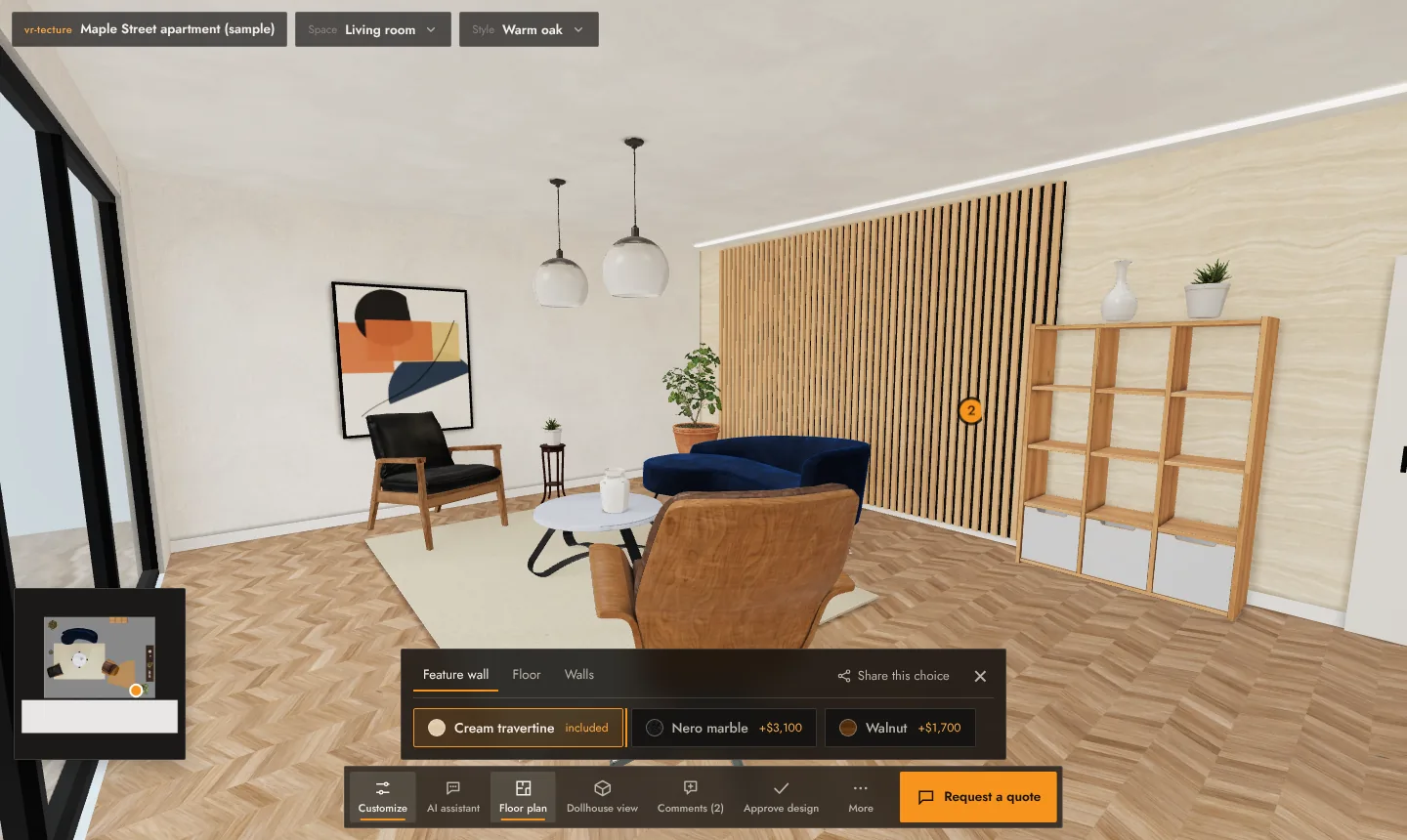
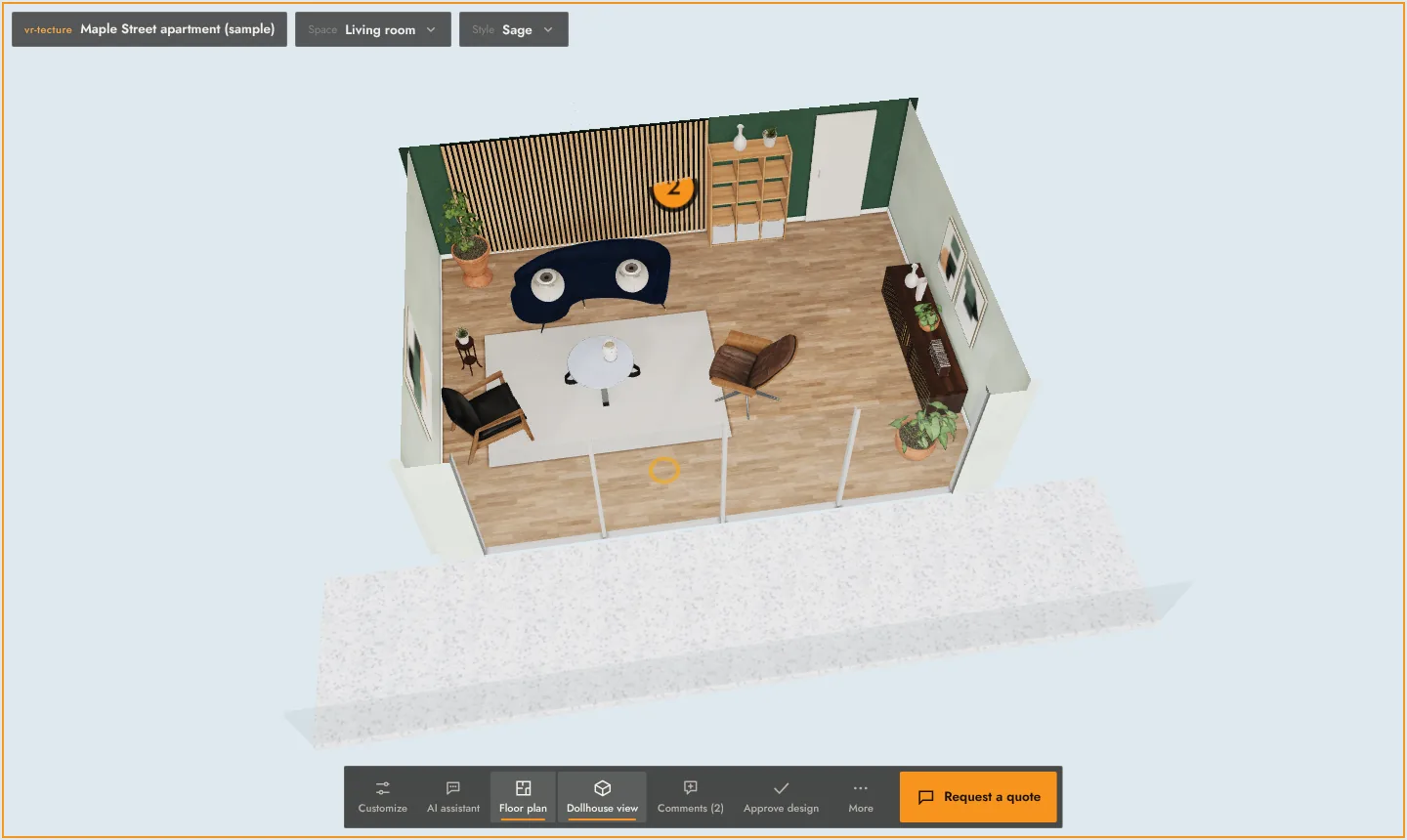
Archicad saves IFC, the open BIM format, natively. Upload the IFC file to vr-tecture and it becomes a walkable tour: surfaces arrive named by building element, so floors, walls, doors and glass can be given finishes by element. See IFC to a walkable tour.
The client opens one link on a phone, a computer or a VR headset, switches between the finish options you prepared with their prices, comments on the model and approves.
Which route for which job?
| You want to… | Route |
|---|---|
| Hand over the model with its drawings | BIMx |
| Review at full quality in your own office | Real-time rendering plugin |
| Send the design to a client and get a decision | IFC and a web tour |
Step by step: Archicad to a web tour
Common questions
Is there a vr-tecture plugin for Archicad?
Not at the moment. Archicad models come in through IFC; direct plugins exist for SketchUp, Revit, Blender, 3ds Max and Rhino.
How large can the IFC file be?
Up to 200 MB. A single dwelling is normally far smaller.