
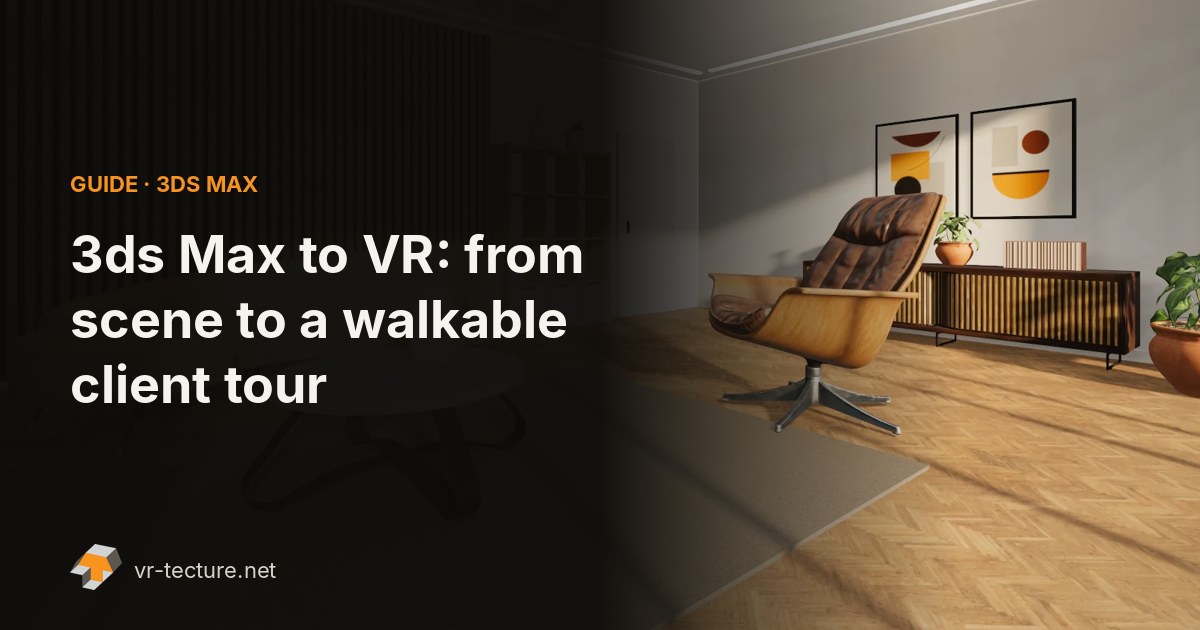
Short answer: the quickest way to put a 3ds Max scene in front of a client in VR is to publish it as a web tour and send a link. The client opens it on a phone or computer, or in the browser of a VR headset, with nothing to install.
Prepare the scene
- Set system units correctly and reset transforms on imported objects.
- Collapse heavy modifier stacks and remove hidden helper geometry.
- Use Physical or PBR materials where you can; renderer-specific shaders are simplified on export.
Two routes from 3ds Max to VR
1. A headset connected to your workstation
Real-time tools that link to 3ds Max can show the scene in a headset connected to the PC. This suits design reviews at your own desk. It needs a VR-ready graphics card, and the client has to be with you.
2. A web tour that opens from a link
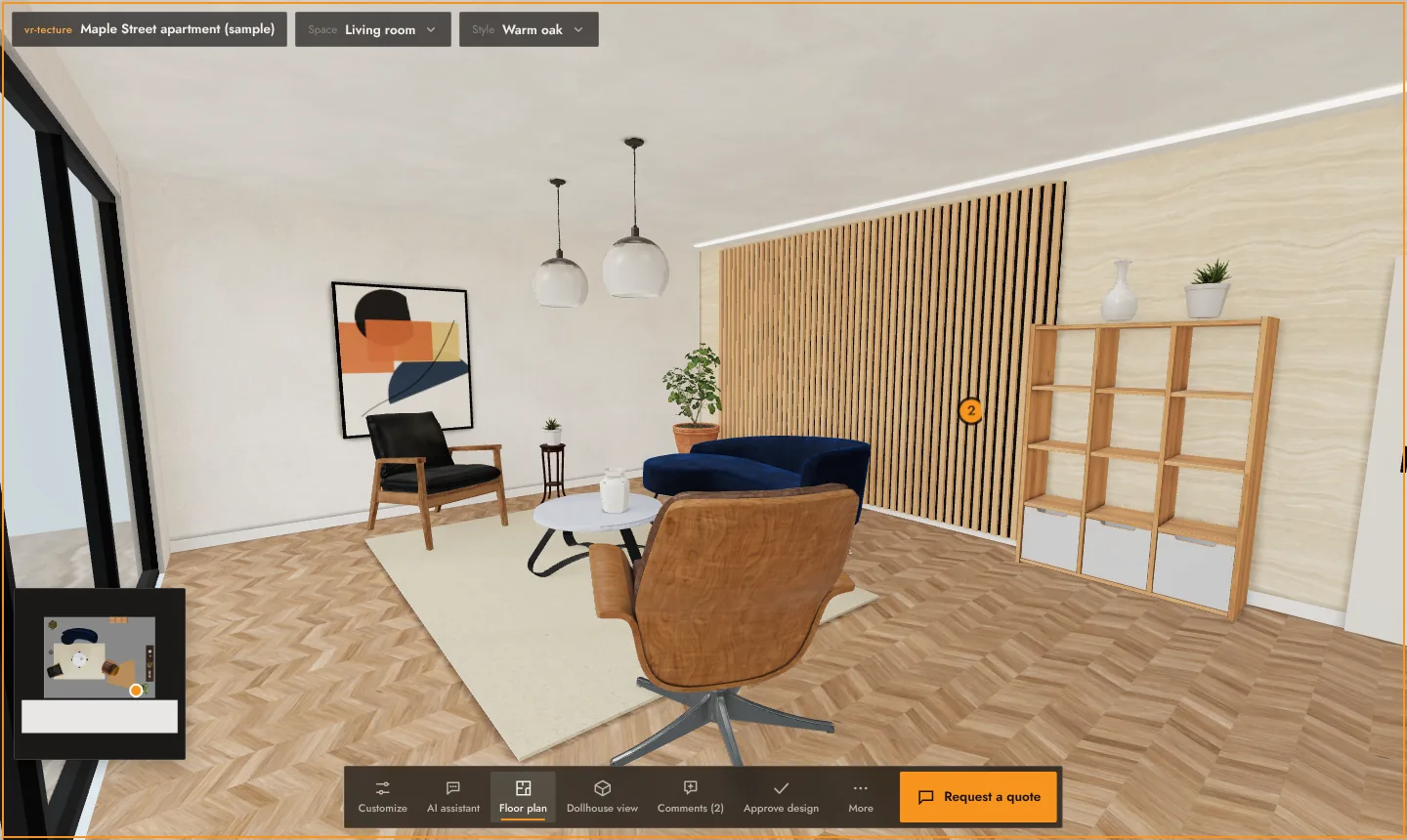
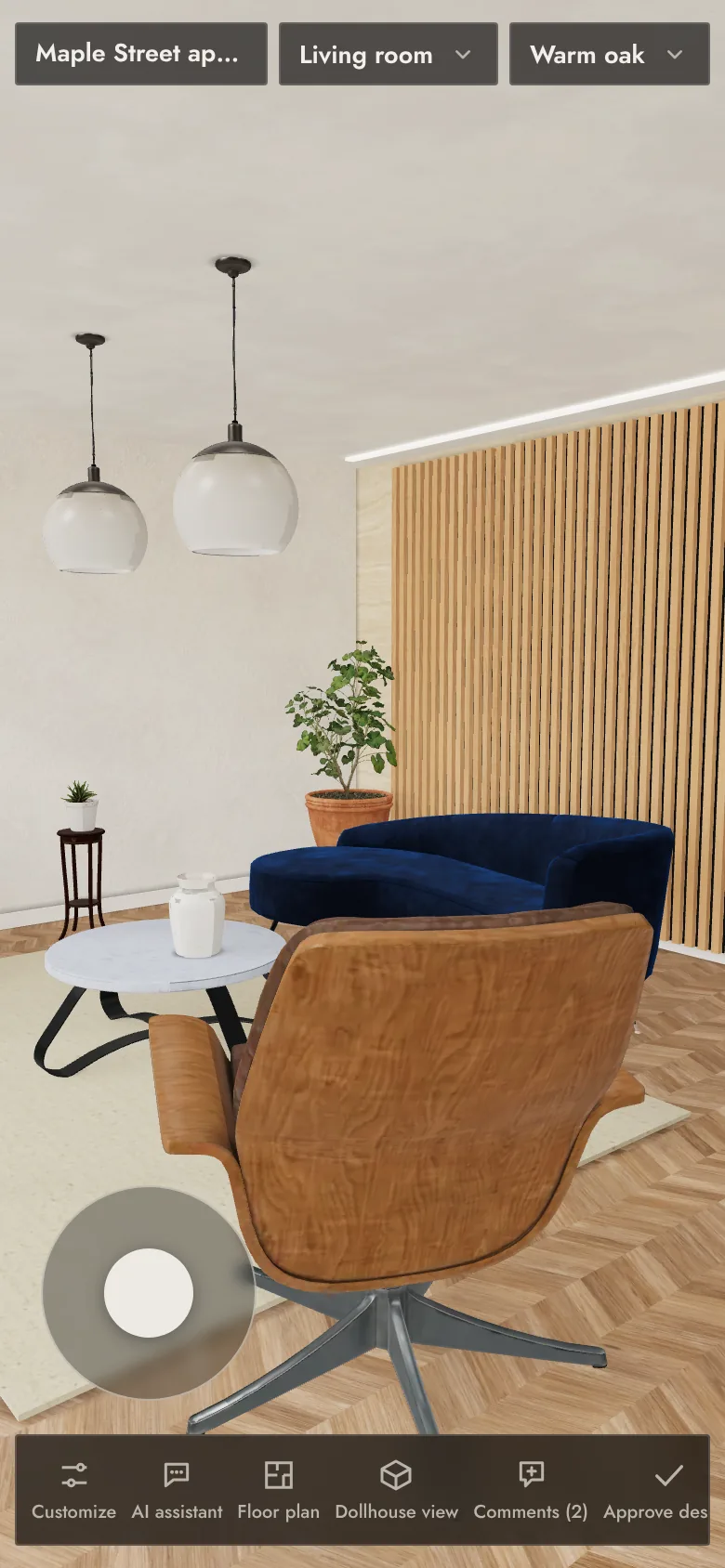
The free vr-tecture plugin for 3ds Max publishes the scene as a walkable tour. The scene is converted for the browser automatically. The tour runs in the browser through WebGL and WebXR, so the same link works on a phone, a computer and in Meta Quest, Pico, Apple Vision Pro and PC headsets.
In the tour the client can:
- walk freely at real scale;
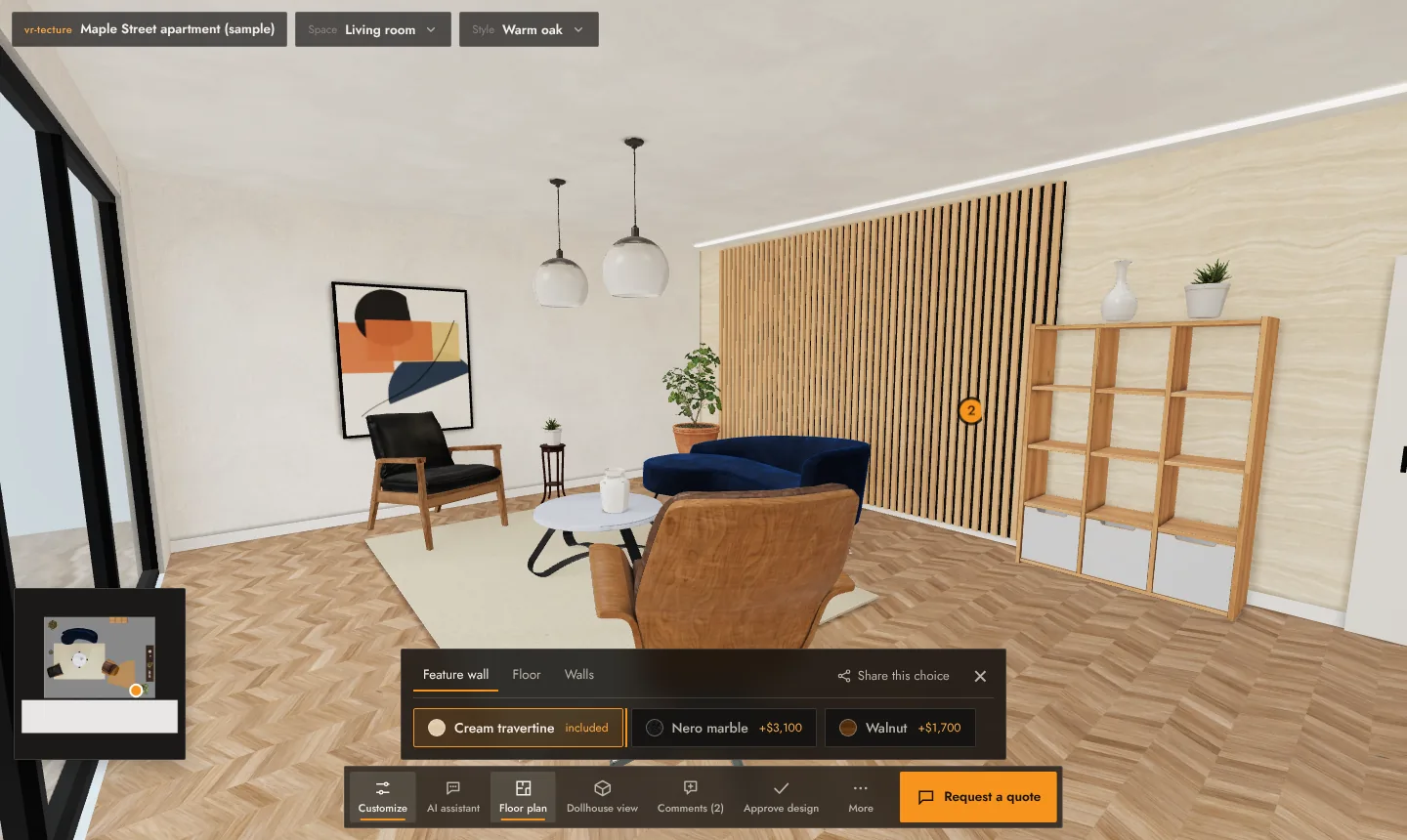
- switch between the finish and furniture options you prepared, each with its price if you want;
- pin comments to the model and approve the design, with the choice recorded for you.
 123
- 1Chosen finish
- 2Price difference of each option
- 3Request a quote
Step by step
Common questions
Will my materials survive?
Standard physically based materials and their textures carry over. Effects that only exist in an offline renderer do not; the tour uses real-time web graphics.
Is it free to try?
Yes. The plugin is free and the Free plan includes one active tour. You can also open the demo tour first.