Skip to content
How it works Features Who it's for Demo tourWalkable property tour Plug-ins Pricing AR studio About News Help Contact
Start freeRequest a demo

All plug-ins

vr-tecture plug-in3ds MaxBeta · v0.1.0

Your 3ds Max scene, walkable for your client.

The plug-in reads V-Ray and Corona materials, prepares the textures and turns the scene into a tour without exporting by hand.

vr-tecture3ds Max
New tourExisting tour
Publish
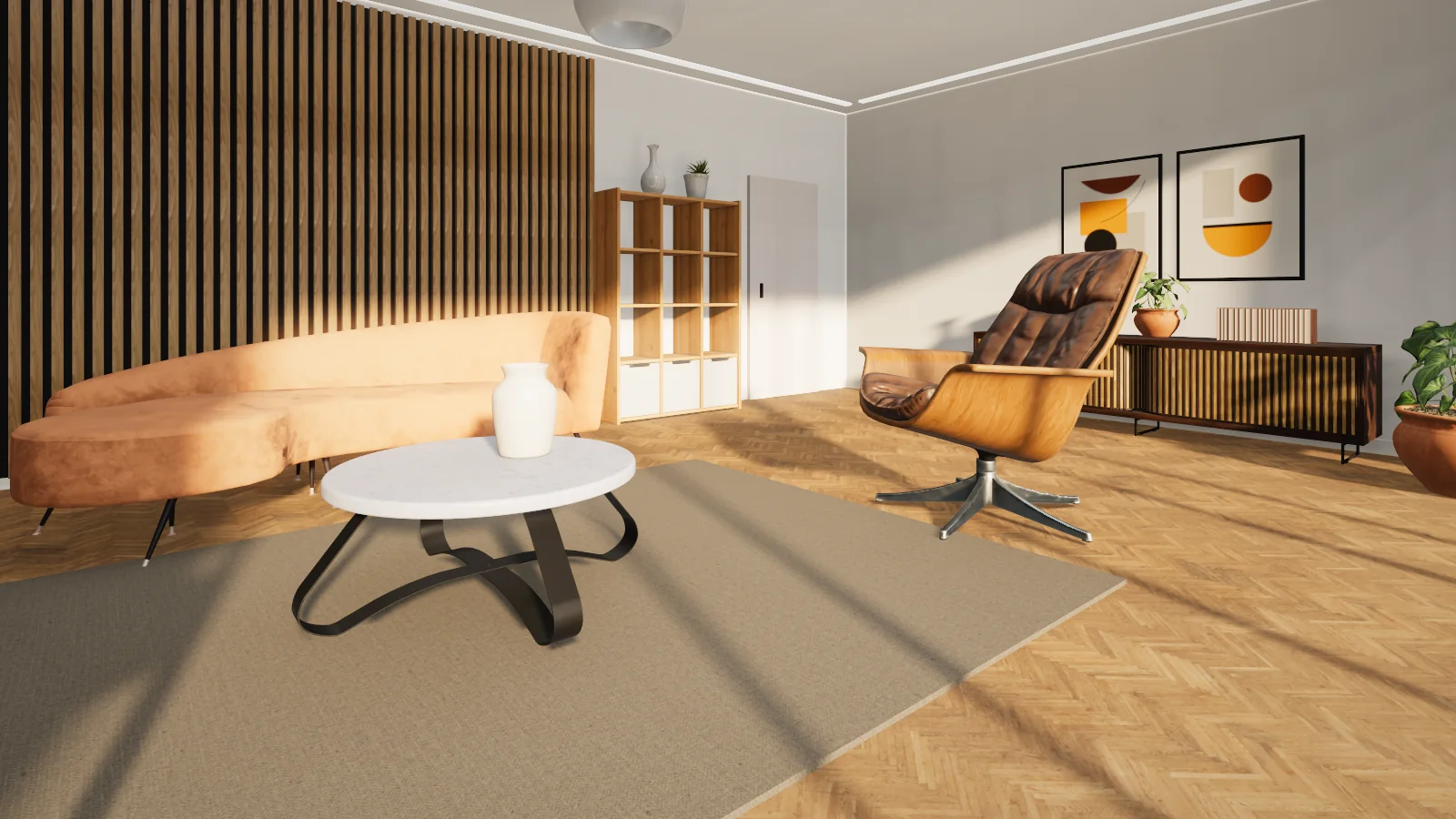
A living room in a walkable vr-tecture tourThe published tour
Version
0.1.0 · Beta
Works with
3ds Max 2022–2027
Operating system
Windows
Panel language
English and Persian
Download size
35 KB

Install and first tour

Three steps, about five minutes

  1. 1

    Copy one folder

    Copy the vrtecture.bundle folder into ApplicationPlugins and start 3ds Max.

  2. 2

    Connect the account

    Open the panel from the vr-tecture menu, select Connect account and approve the code in the browser.

  3. 3

    Publish

    Name the tour, the space and the style, then select Publish. Publishing again updates the same style.

Features

Materials

V-Ray, Corona, Physical and Standard

Colour, colour texture, roughness, metalness, transparency and normal maps travel. Whatever does not is listed after publishing.

  • TIFF, TGA and EXR textures are converted for you
  • Whatever the system unit, the model is converted to metres
  • The perspective view is the starting point; cameras become stops
Library

Materials and products, ready for the tour

A library material shows at full quality and true scale in the tour. A product is a box of its real size in the scene; the full model takes its place on publishing.

  • The scene stays light, the tour is complete
  • Products can be asked about and ordered in the tour
  • Panel in English and Persian

In this version

What is in, and what is not yet

  • Publish to a new or existing tourIn
  • V-Ray and Corona materialsIn
  • Library materials and catalog productsIn
  • Persian panelIn
  • Roughness maps and procedural texturesNot yet
  • Takeoff and 2D planNot yet

This plug-in is new. If something does not work on your computer, tell us the software and its version.

Questions

Common questions

Does it work without V-Ray or Corona?

Yes. Physical and Standard materials are read as well.

Do the scene lights come along?

No. The tour has its own lighting; geometry, materials and cameras travel.

Are the plug-ins free?

Yes. Downloading, installing and connecting a plug-in is free, and the free plan publishes one tour. For more tours, move up a plan.

Is my password stored in the design software?

No. The plug-in shows a code and you approve it in the studio. You can disconnect there or in the plug-in at any time; published tours stay online.

Does the plug-in change my design file?

No. It builds a copy of the model for the tour and sends that. Large textures are scaled down in that copy only.

Do I need a new tour after changing the design?

No. Publish again; the same tour and the same link are updated.
Ready for your first tour from 3ds Max?

Connected apps work on every plan, the free one included.See the plansAll plug-ins