Skip to content
How it works Features Who it's for Demo tourWalkable property tour Plug-ins Pricing AR studio About News Help Contact
Start freeRequest a demo

All plug-ins

Rhino
vr-tecture plug-inRhinoBeta · v0.1.0

One command in Rhino, one tour for your client.

The plug-in works the way Rhino does, from the command line: vrtPublish publishes the model and returns the tour link.

Command
Command: vrtConnect
vr-tecture: approve this code in the browser: K7QF-2MXD
vr-tecture: connected as Sara. Run vrtPublish to publish the model.
Command: vrtPublish
vr-tecture: exporting the model…
vr-tecture: 184,220 triangles, 12 materials (3 from the library), 6.4 MB. Uploading…
vr-tecture: published. Your client opens the tour with this link: vr-tecture.net/…
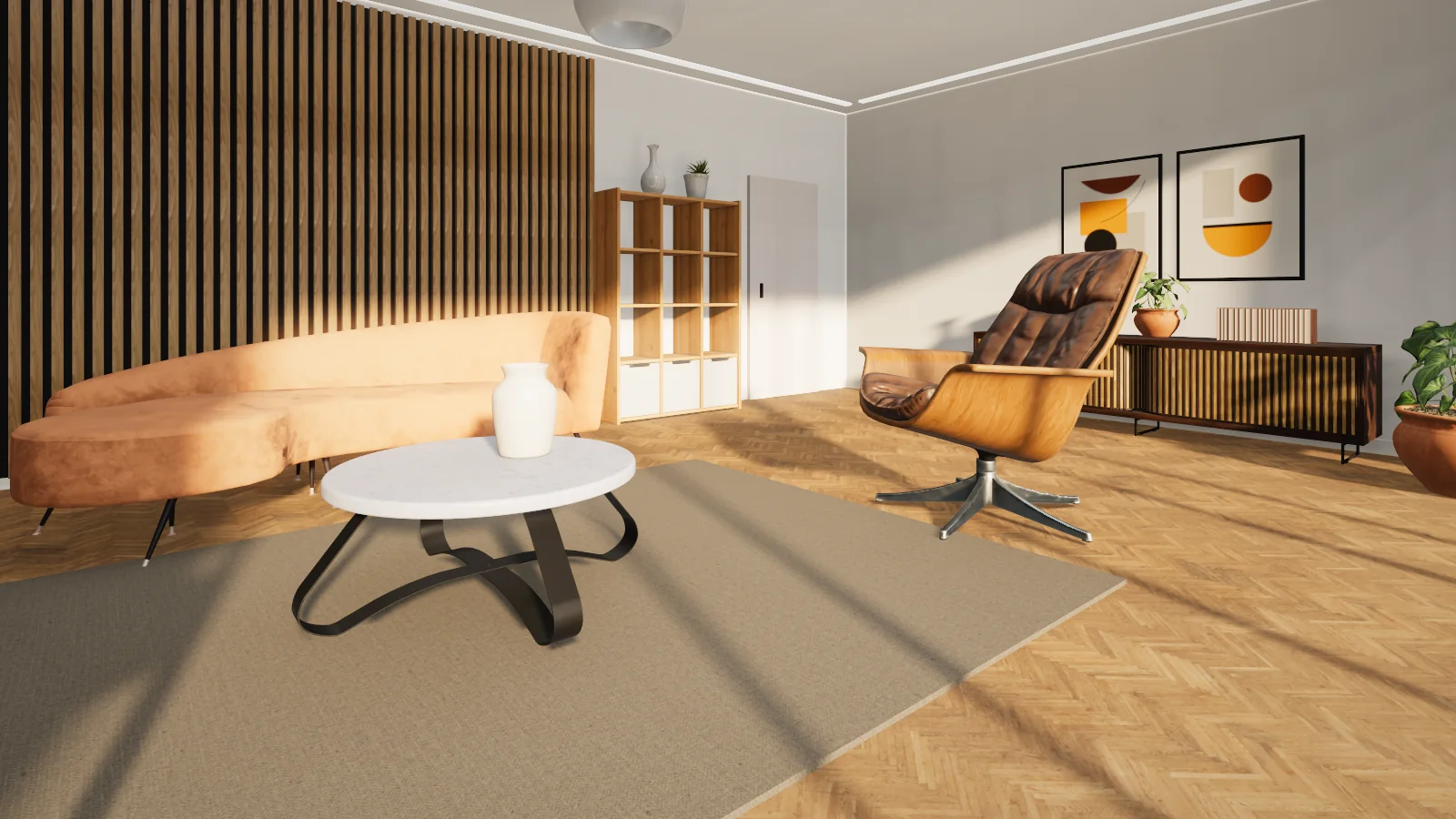
A living room in a walkable vr-tecture tourThe published tour
Version
0.1.0 · Beta
Works with
Rhino 7 · 8
Operating system
Windows
Panel language
English (command line)
Download size
29 KB

Install and first tour

Three steps, about five minutes

  1. 1

    Install

    Drag Vrtecture.Rhino.rhp onto the Rhino window.

  2. 2

    Connect the account

    Type vrtConnect and approve the code in the browser.

  3. 3

    Publish

    Type vrtPublish, choose the tour and get the link.

Features

The model

What is visible, or only what is selected

Visible objects are published; with a selection, only the selection. Blocks are walked with their transforms.

  • Whatever the model unit, it is converted to metres
  • The perspective viewport is the starting point
  • Perspective Named Views become stops
Library

A library material with one command

vrtMaterial lists the library and puts your pick on the selected objects. The tour shows it at full quality and true scale.

  • Colour, transparency and the colour image of Rhino materials travel
  • Publishing again updates the same style
  • One file for Rhino 7 and 8

In this version

What is in, and what is not yet

  • Publish to a new or existing tourIn
  • Rhino materials with their colour imageIn
  • Library materialsIn
  • A graphical panelNot yet
  • PersianNot yet
  • Catalog productsNot yet

This plug-in is new. If something does not work on your computer, tell us the software and its version.

Questions

Common questions

Is there a graphical panel?

Not in this version. It has four commands and asks for options on the command line.

How do NURBS surfaces travel?

The plug-in uses Rhino’s render meshes; your model is not changed.

Are the plug-ins free?

Yes. Downloading, installing and connecting a plug-in is free, and the free plan publishes one tour. For more tours, move up a plan.

Is my password stored in the design software?

No. The plug-in shows a code and you approve it in the studio. You can disconnect there or in the plug-in at any time; published tours stay online.

Does the plug-in change my design file?

No. It builds a copy of the model for the tour and sends that. Large textures are scaled down in that copy only.

Do I need a new tour after changing the design?

No. Publish again; the same tour and the same link are updated.

Ready for your first tour from Rhino?

Connected apps work on every plan, the free one included.See the plansAll plug-ins