
SketchUp extensionBeta
From SketchUp to VR, in one click.
Publish your model as a walkable tour, hand your client a QR code and walk through the design together.
SketchUp 2021+Windows · macOSv1.0.5
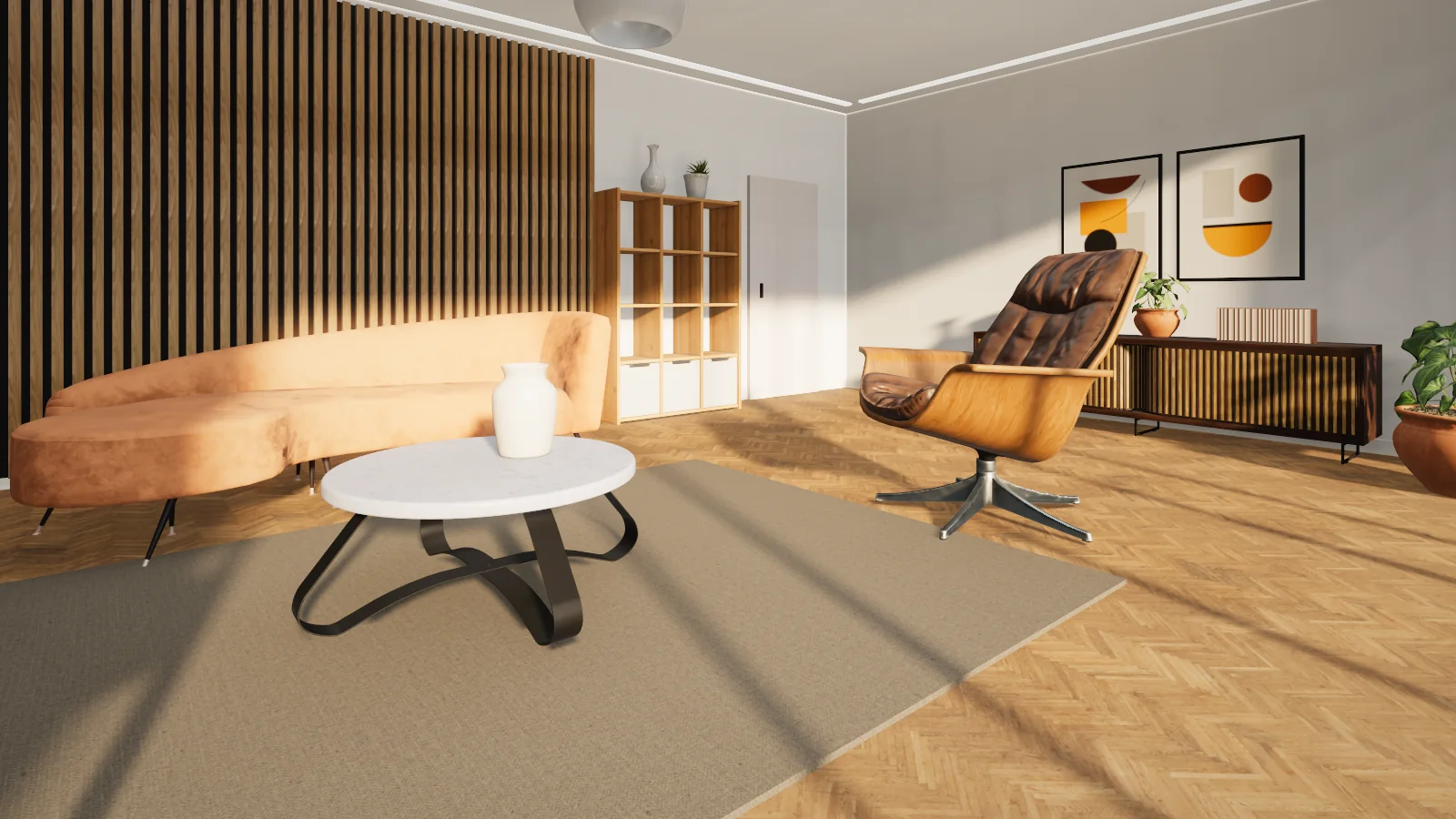
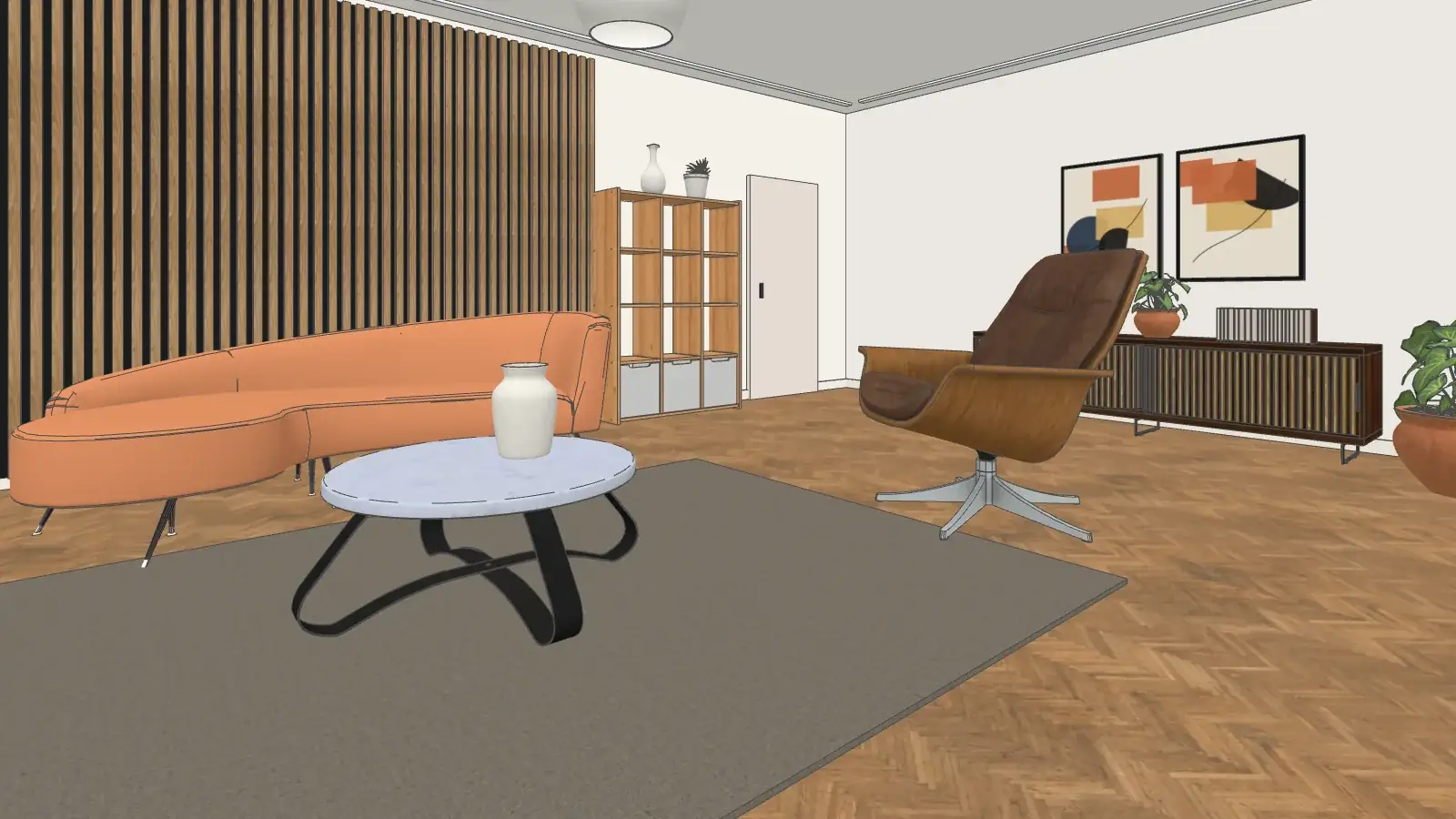
- 1
Install and connect
Install the extension and connect your vr-tecture studio in one click.
- 2
Design with real items
Place library materials and products like any material or component.
- 3
Publish and share
Publish the tour and send your client its QR code or link.
Share with your client
A QR code from inside SketchUp. See the design together.
After publishing, the extension panel shows the tour’s QR code. Your client scans it with their phone camera and is inside the design, with nothing to install.
- Live sessions for up to 8, with “Everyone follow me”
- On a phone, a laptop or a VR headset
- Comments and design approval inside the tour
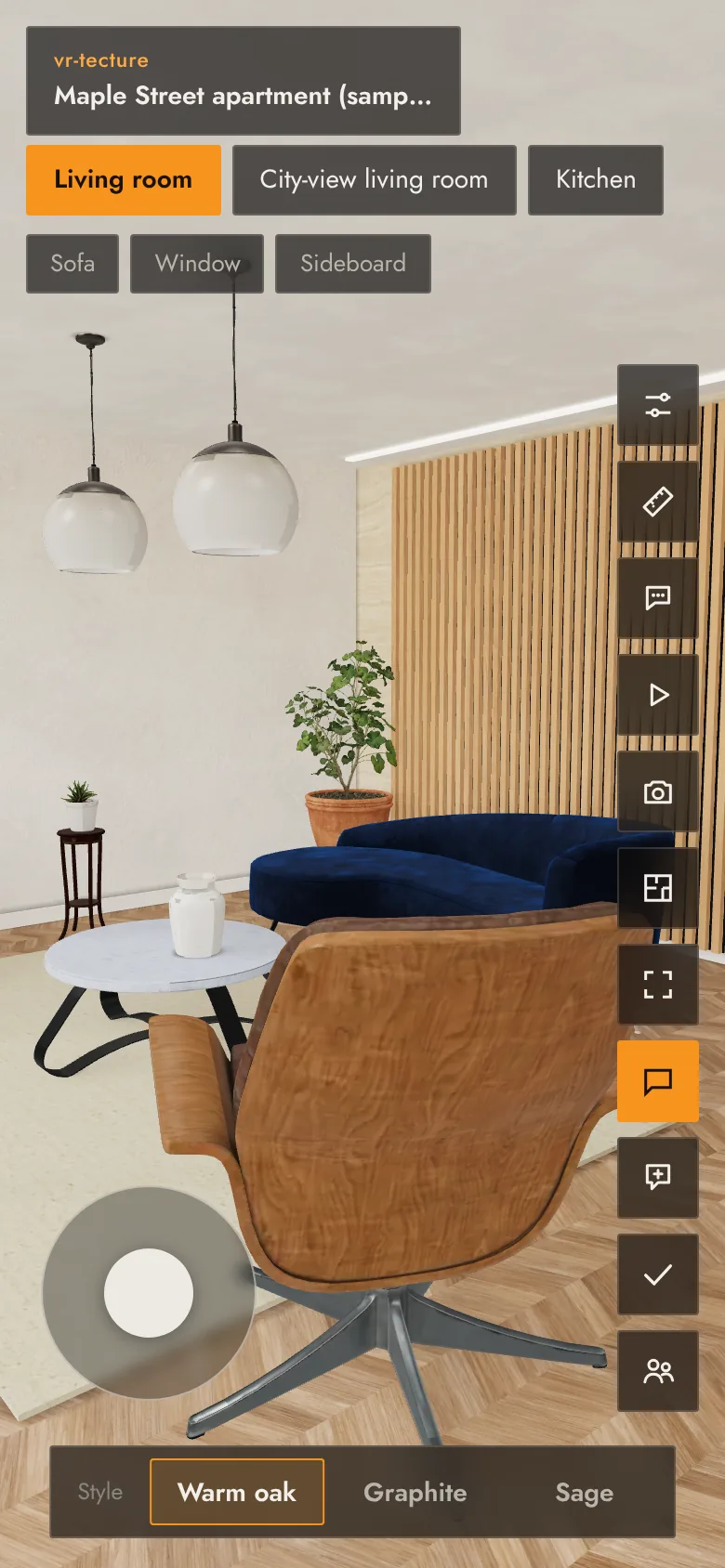
Swap and order, live
Your client swaps it, sees it, and orders that exact one
You define swappable options in SketchUp just by naming groups; in the tour your client switches between them with one tap.
- A product card with the 3D model and real dimensions
- An order request with name and quantity, to you and vr-tecture
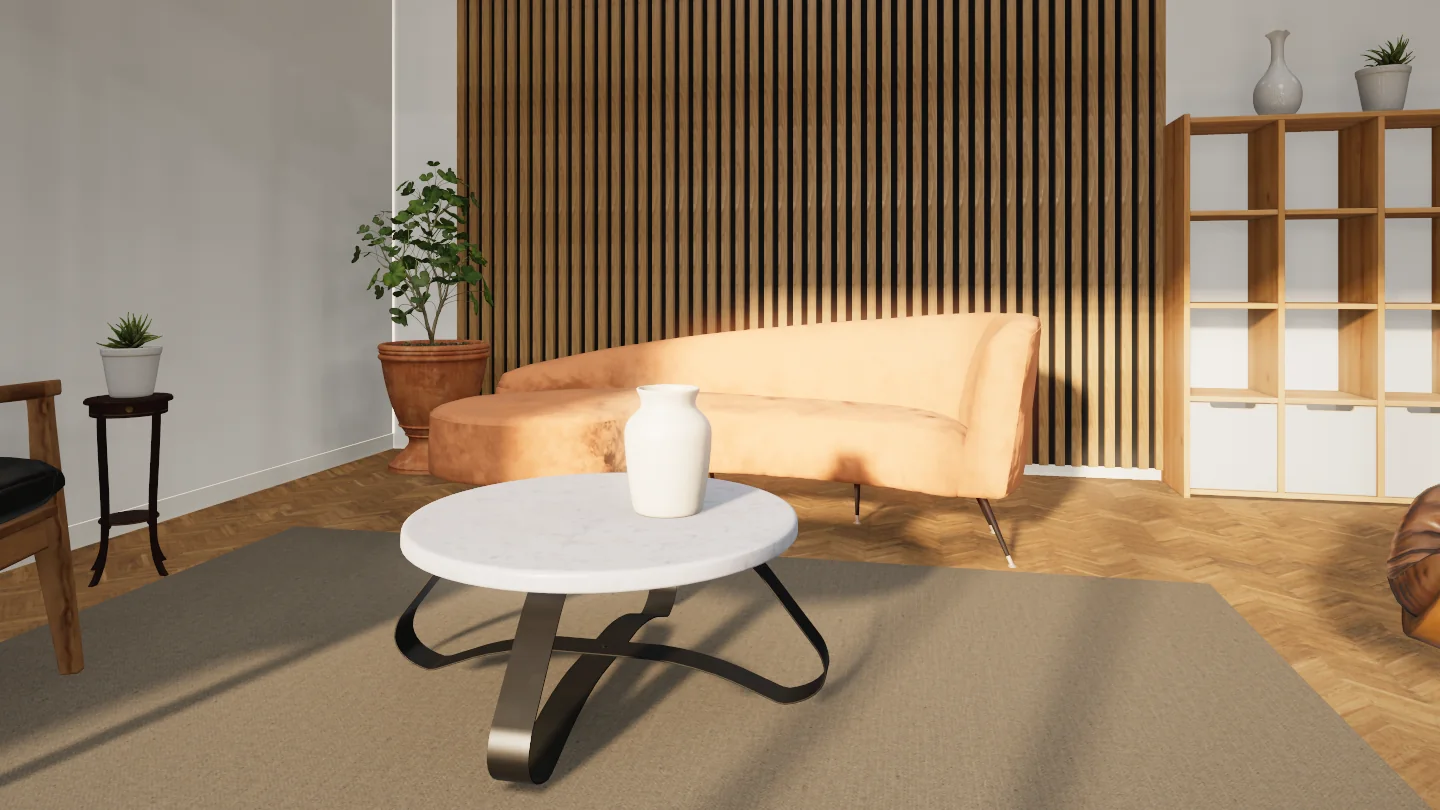
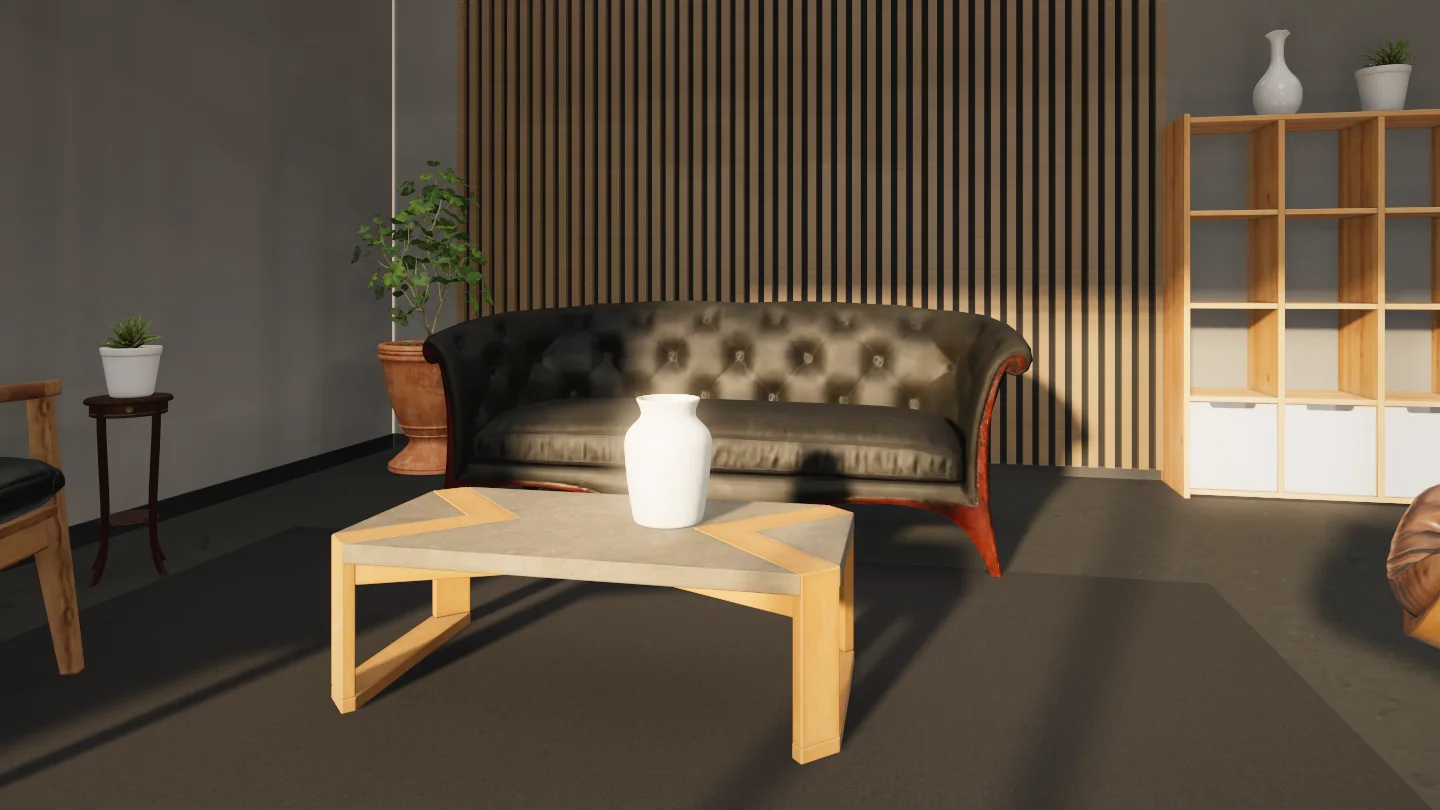
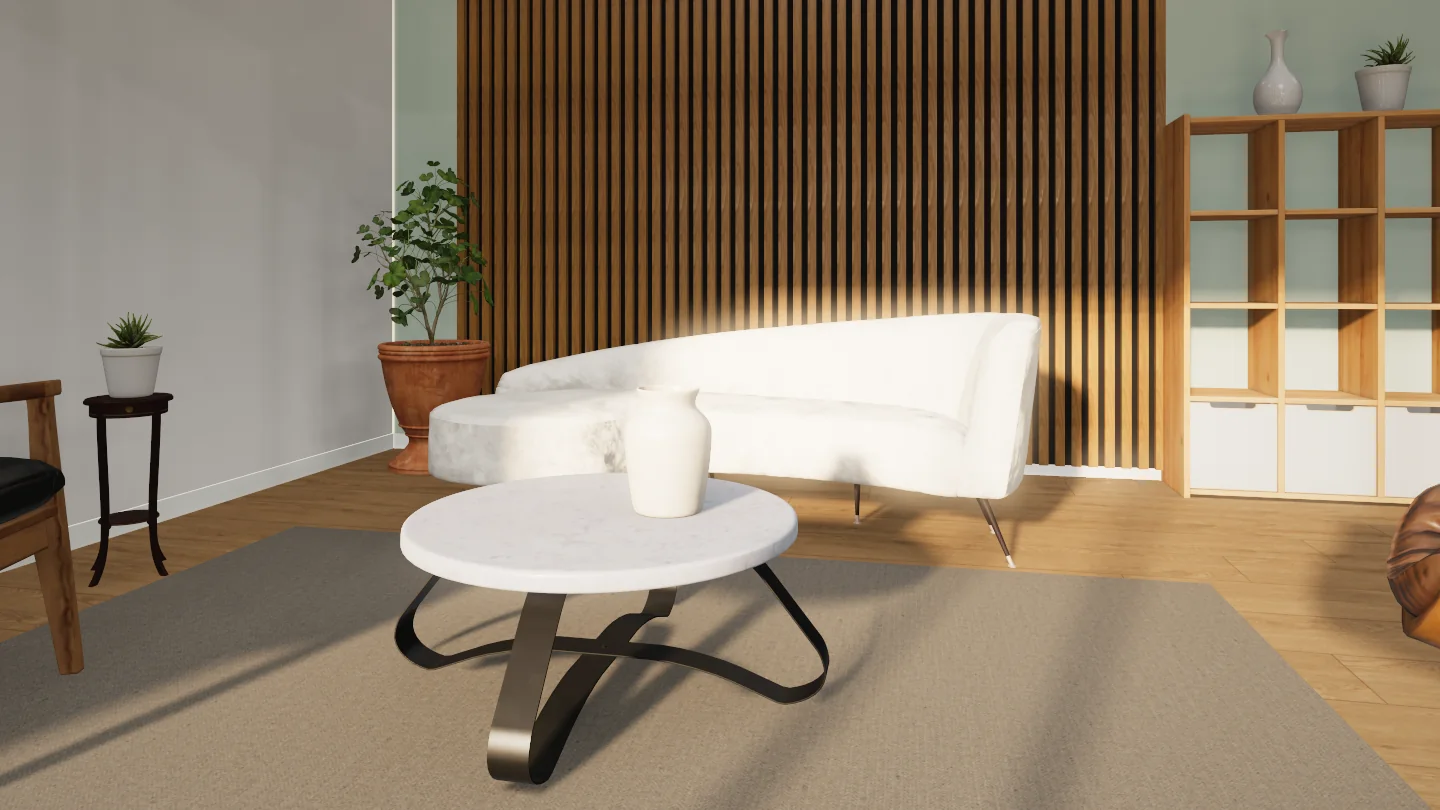
The library
Real materials and products, at real size
137 PBR materials in 9 categories and 30 3D products: seating, tables, cabinets, lighting and accessories. SketchUp gets the light version so your model stays fast; the tour shows the full one in real light.
- Manufacturers’ products, orderable from the tour, are coming soon
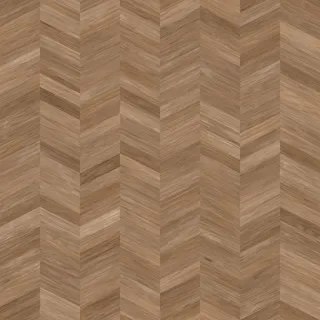 Herringbone oak
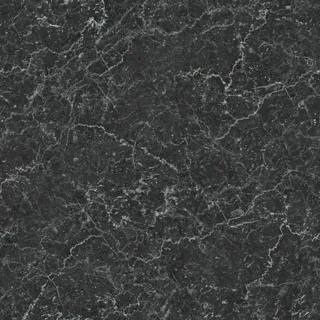 Black and white marble
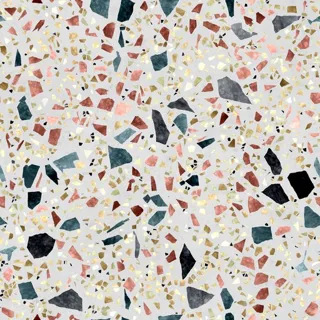 Speckled terrazzo
 Cognac leather
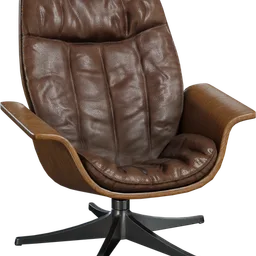 SampleMid-century lounge chair
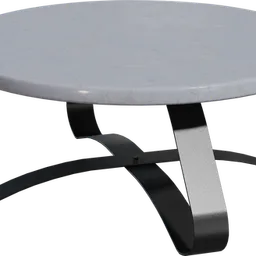 SampleRound coffee table
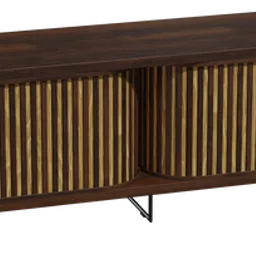 SampleWooden sideboard
 SamplePotted succulent
Deliver your next design in VR
Publishing is part of the Studio and Developer plansBeta: try it once on a test model before a confidential projectFull guide