
Short answer: a Revit model reaches VR in three ways: through a real-time rendering plugin on a VR-ready PC, through an IFC or FBX export opened in another tool, or by publishing it as a web tour that a client opens from a link on a phone or in a headset’s browser.
Why Revit models need a little preparation
A Revit file holds far more than a walkthrough needs: every view, family type, linked model and annotation. For VR you want one clean 3D view.
- Create a 3D view for the tour and hide what a client should not see: grids, levels, structural analysis, furniture you have not chosen yet.
- Use a section box to publish one apartment or one floor instead of the whole tower.
- Check that materials are assigned to the elements a client will look at closely: floors, walls, doors and joinery.
Route 1: a real-time rendering plugin
Plugins such as Enscape and Twinmotion read the Revit model directly and show it in a headset connected to the PC. This gives the best image quality and suits design reviews inside the office. The limits are a VR-ready graphics card and the fact that everyone has to be in the same room.
Route 2: export IFC or FBX
Revit exports IFC, the open BIM format, and FBX. Either file can be opened in other visualisation tools. IFC keeps the element types (wall, floor, door, window), which is useful later; FBX carries geometry and materials but no BIM information.
Route 3: publish a web tour and send a link
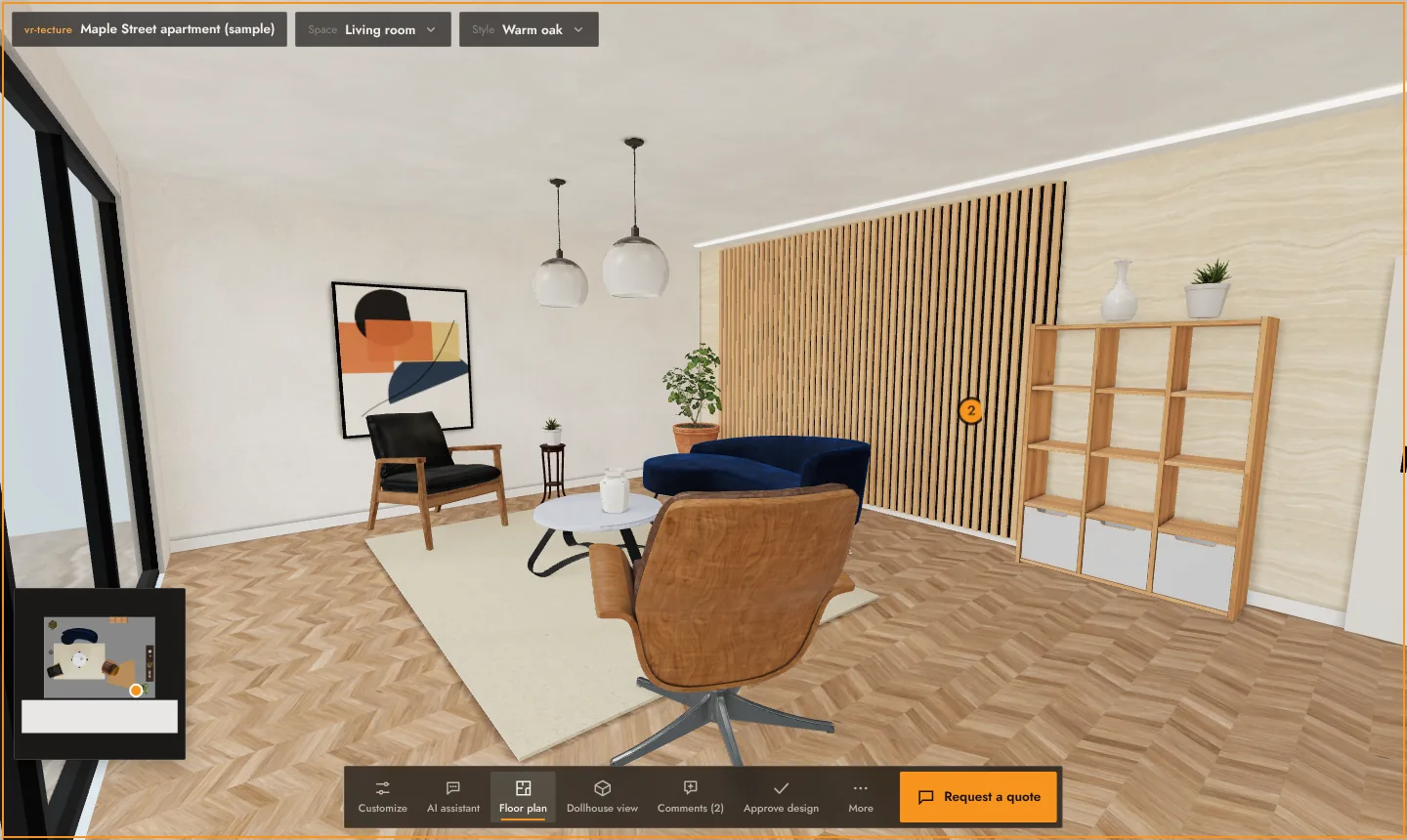
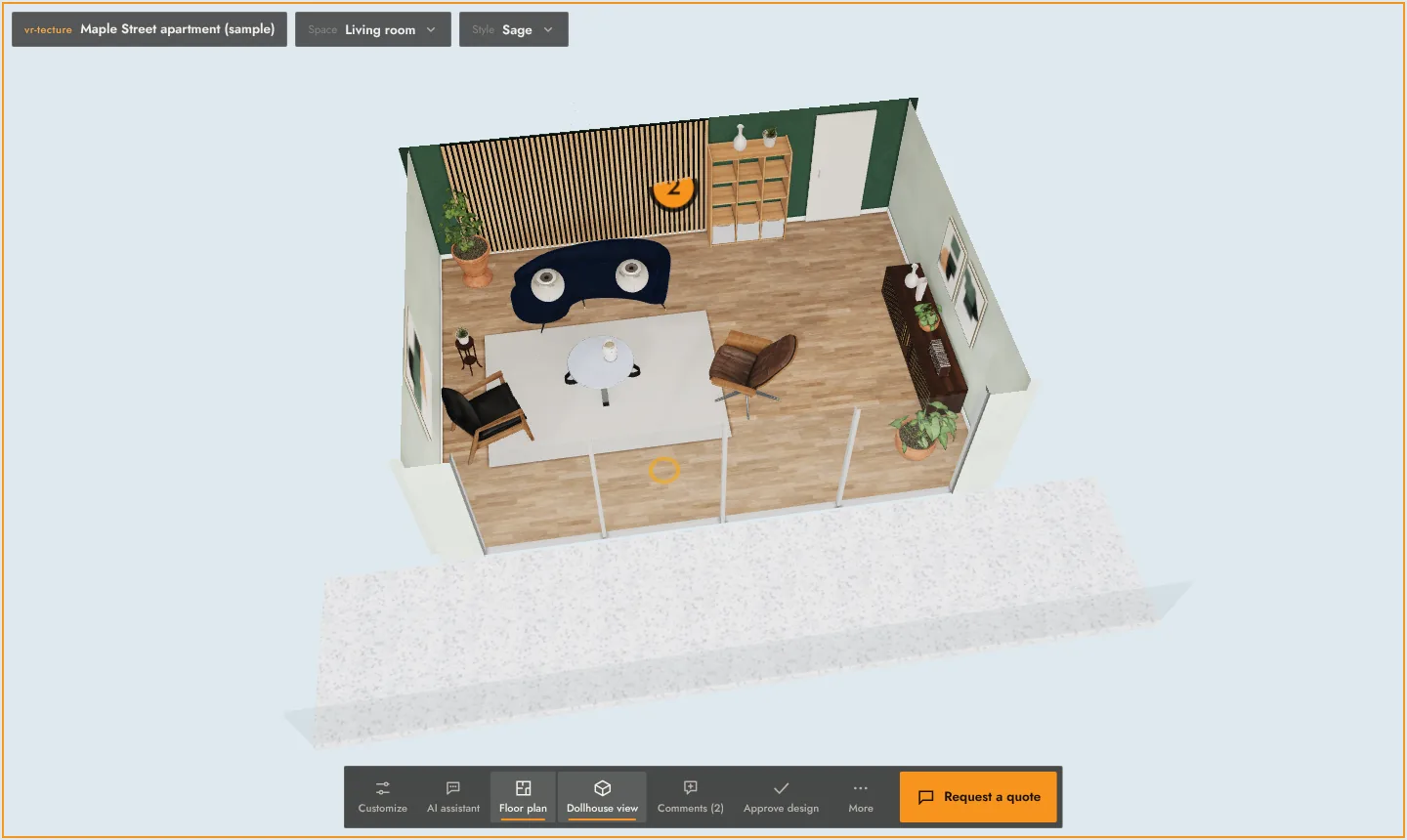
With vr-tecture the model becomes a tour that runs in the browser. The free Revit add-in publishes the model from inside Revit, or you upload the IFC or FBX file yourself. The client opens one link on a phone or computer, or in Meta Quest, Pico, Apple Vision Pro and PC headsets, with nothing to install.
IFC is a good choice here: surfaces arrive named by their building element, so finishes can be suggested for floors, walls, doors and glass in one step. The details are in Upload a BIM model (IFC) and Revit to tour.
In the tour the client can switch between finish options, see the price of each, comment on the model and approve the design; the choice is recorded and sent to you.
Which route for which job?
| Job | Route |
|---|---|
| Internal design review at the highest image quality | Real-time rendering plugin on a PC headset |
| Hand the model to another team or tool | IFC or FBX export |
| Show buyers or clients who are somewhere else, and collect their choices | Web tour from a link |
Common questions
How large can the model be?
Uploads are accepted up to 200 MB. A single apartment or house is usually far below that once it is limited with a section box.
Do buyers need a headset?
No. The tour is made for phones first; a headset is optional and adds real scale.
Can I try it free?
Yes. The Free plan includes one active tour, and the demo tour opens without an account.