
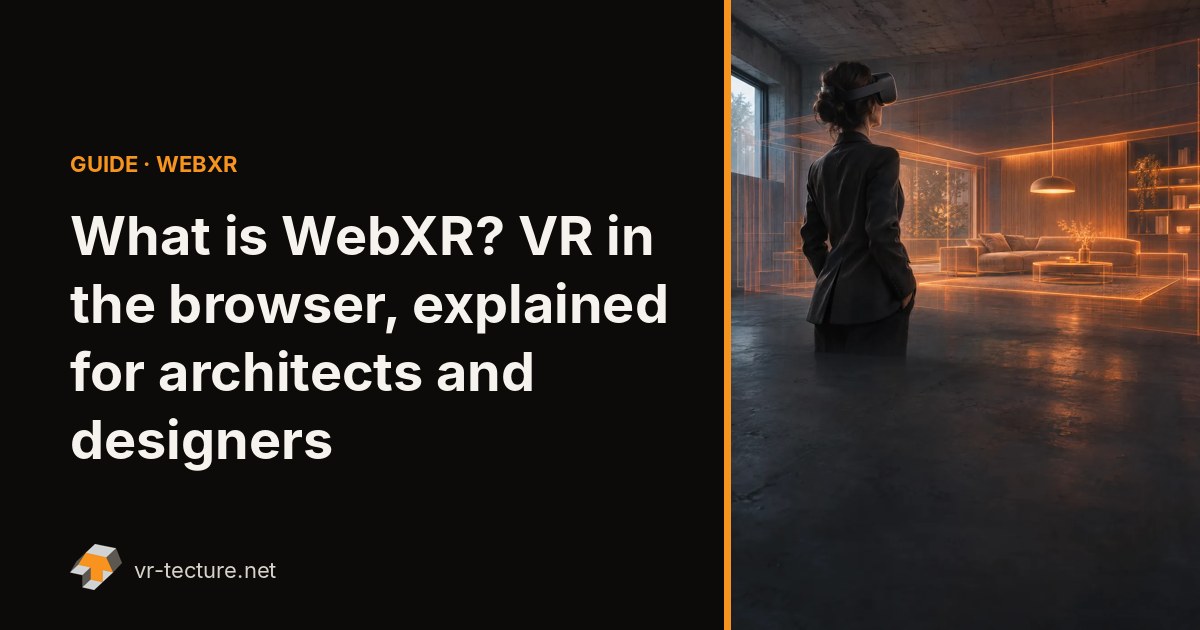
In one sentence: WebXR is the browser standard that lets a web page show 3D content in a VR or AR headset, so a client can open a link and step into a design without installing an app.
What WebXR is
WebXR is an open web standard developed at the W3C, the body that maintains the web’s standards. A page that uses it can ask the browser for the headset’s position and controllers and draw a 3D scene for each eye. It works together with WebGL, the standard browsers use to draw 3D graphics.
Why it matters for architects and interior designers
- No install. The client types nothing and downloads nothing: the tour is a web address.
- No app store. You do not publish, update or get approval for an app; changing the tour changes what everyone sees.
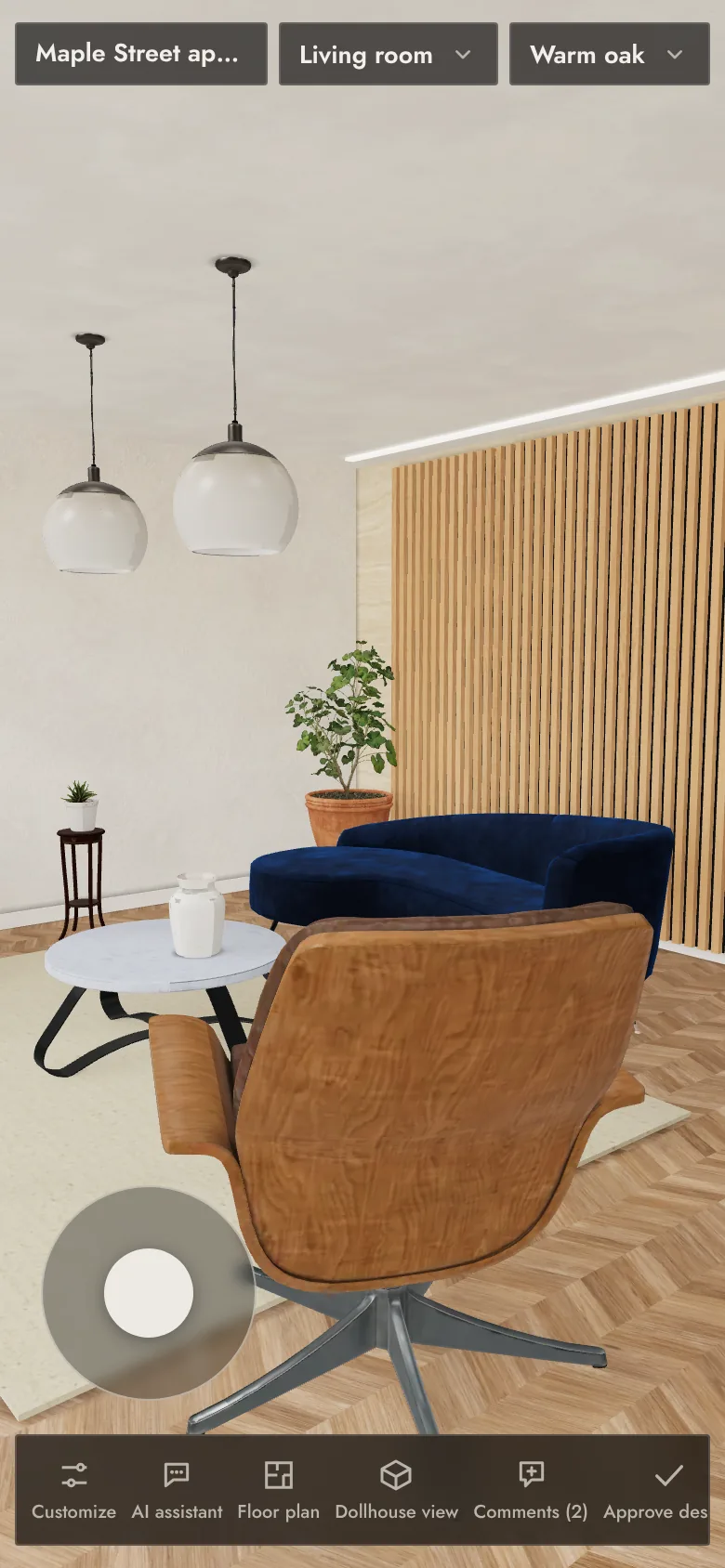
- One link for every device. The same address opens on a phone, a laptop and a headset. On a phone or laptop the client looks around on screen; in a headset they stand inside the room.
- The headset does the work. A standalone headset draws the scene itself, so no gaming PC is involved.
Which headsets support it
WebXR runs in the built-in browsers of the main standalone headsets, including Meta Quest and Pico, in Safari on Apple Vision Pro, and in desktop browsers with a PC headset attached.
What it cannot do
A browser on a standalone headset has less graphics power than a workstation. Very heavy models need to be simplified, and lighting is real-time rather than path-traced. For a brochure image, a still render is still the right tool; see render, 360° tour or interactive walkthrough.
How vr-tecture uses WebXR
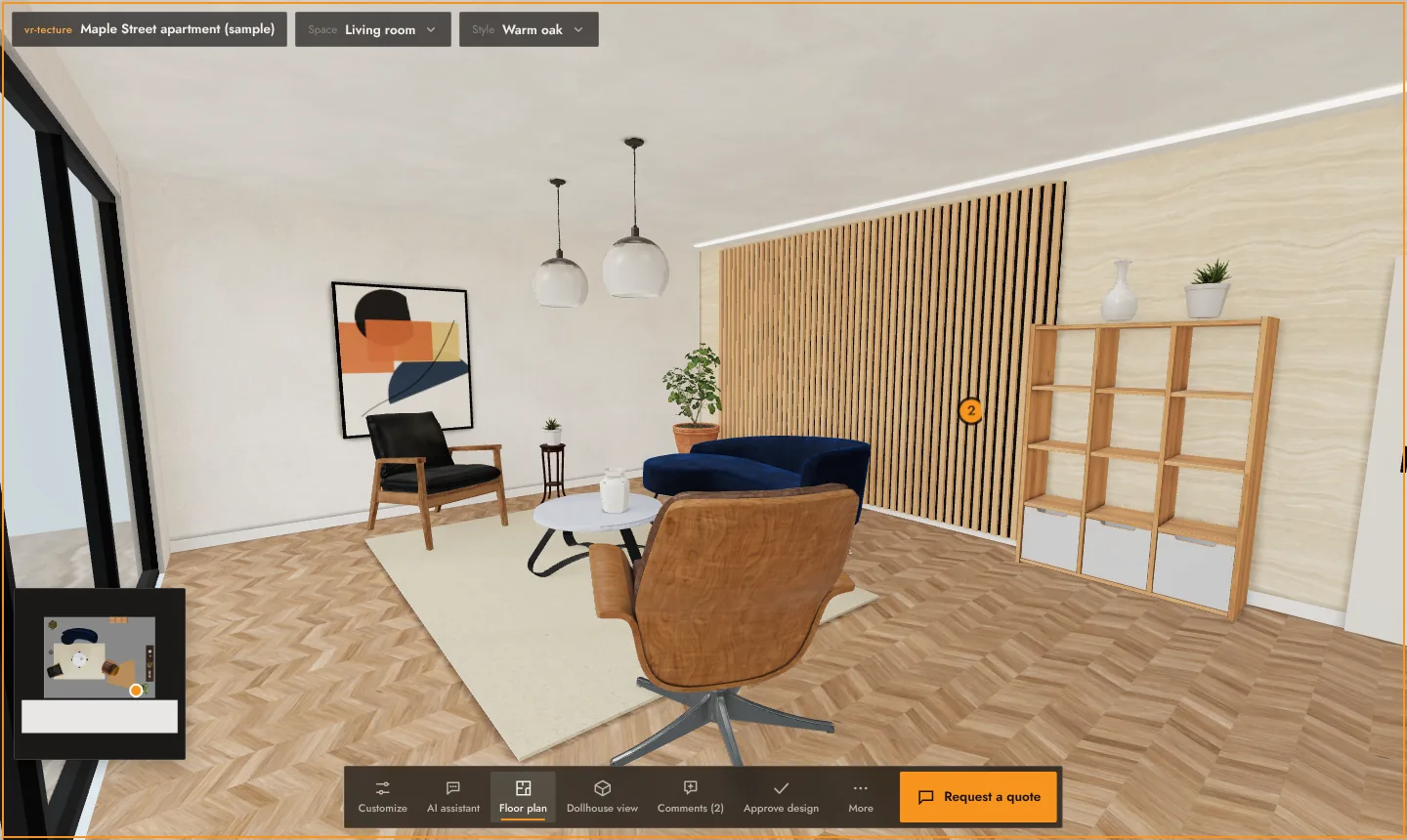
vr-tecture publishes your SketchUp, Revit, Blender, 3ds Max or Rhino model as a tour that runs on WebGL and WebXR. Clients walk through it from a private link, switch between finish options with prices, comment on the model and approve. In a headset they open the same link in the browser and enter VR mode; the steps are in Open a tour in a VR headset.
Common questions
Is WebXR the same as WebVR?
WebXR replaced the older WebVR and adds augmented reality to the same interface.
Does the client need an account?
No. A tour opens from its link; clients only give a name and email if they send a comment, a request or an approval.