
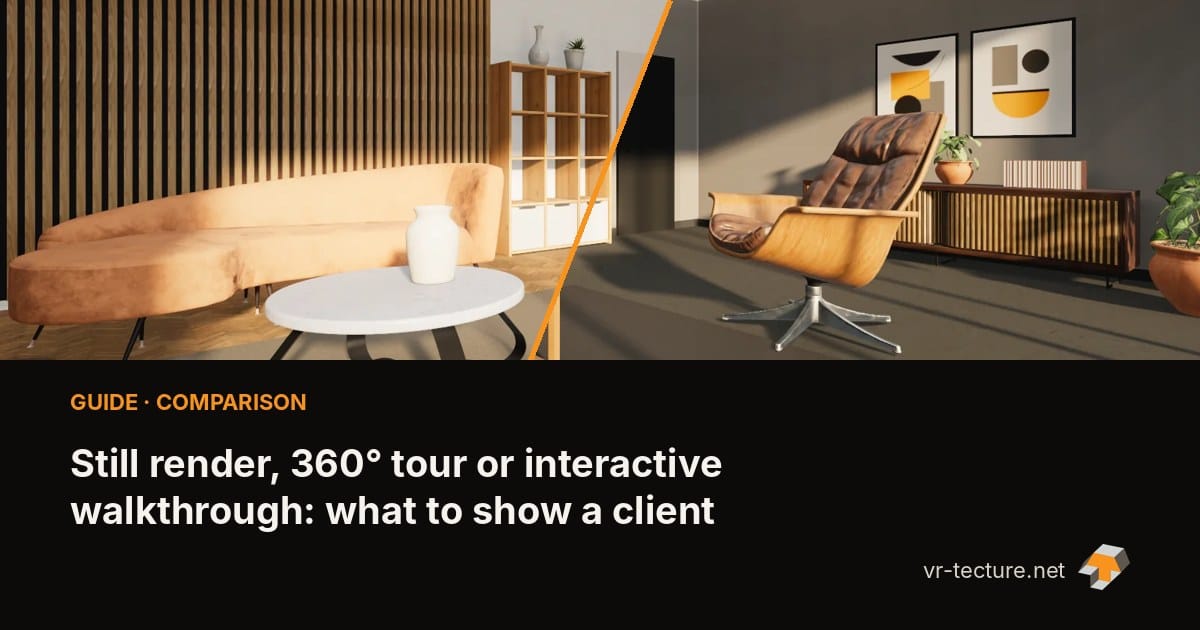
Short answer: use a still render when you need the best single image, a 360° tour when the space already exists and you want to show it as it is, and an interactive walkthrough when a client has to choose between options before anything is built.
Designers often treat these three as steps on one ladder, with VR at the top. They are better understood as three tools for three different jobs.
The three formats in one table
| Question | Still render | 360° tour | Interactive walkthrough |
|---|---|---|---|
| Can the client walk freely? | No | Only between captured points | Yes |
| Can the client switch finishes? | A new render per option | A new capture per option | Instantly, in the same room |
| Does each option show its price? | No | No | Yes |
| Is the choice recorded and sent to you? | No | No | Yes |
| Does it open from one link? | It is an image file | Yes | Yes |
| Lighting and detail | Highest | Very high | Good, in real time |
| Works for a space that is already built? | By photography | Best fit | Needs a 3D model |
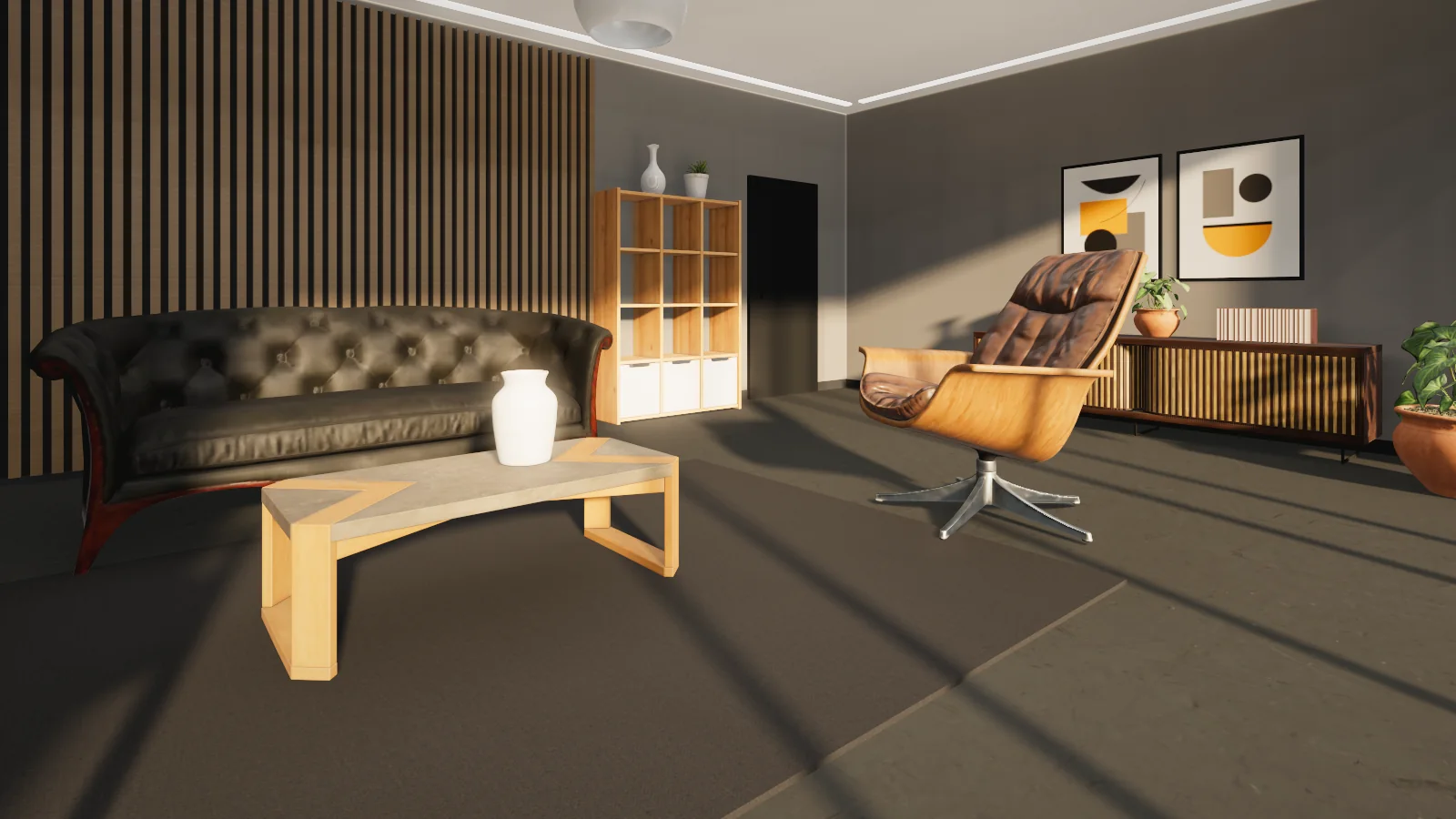
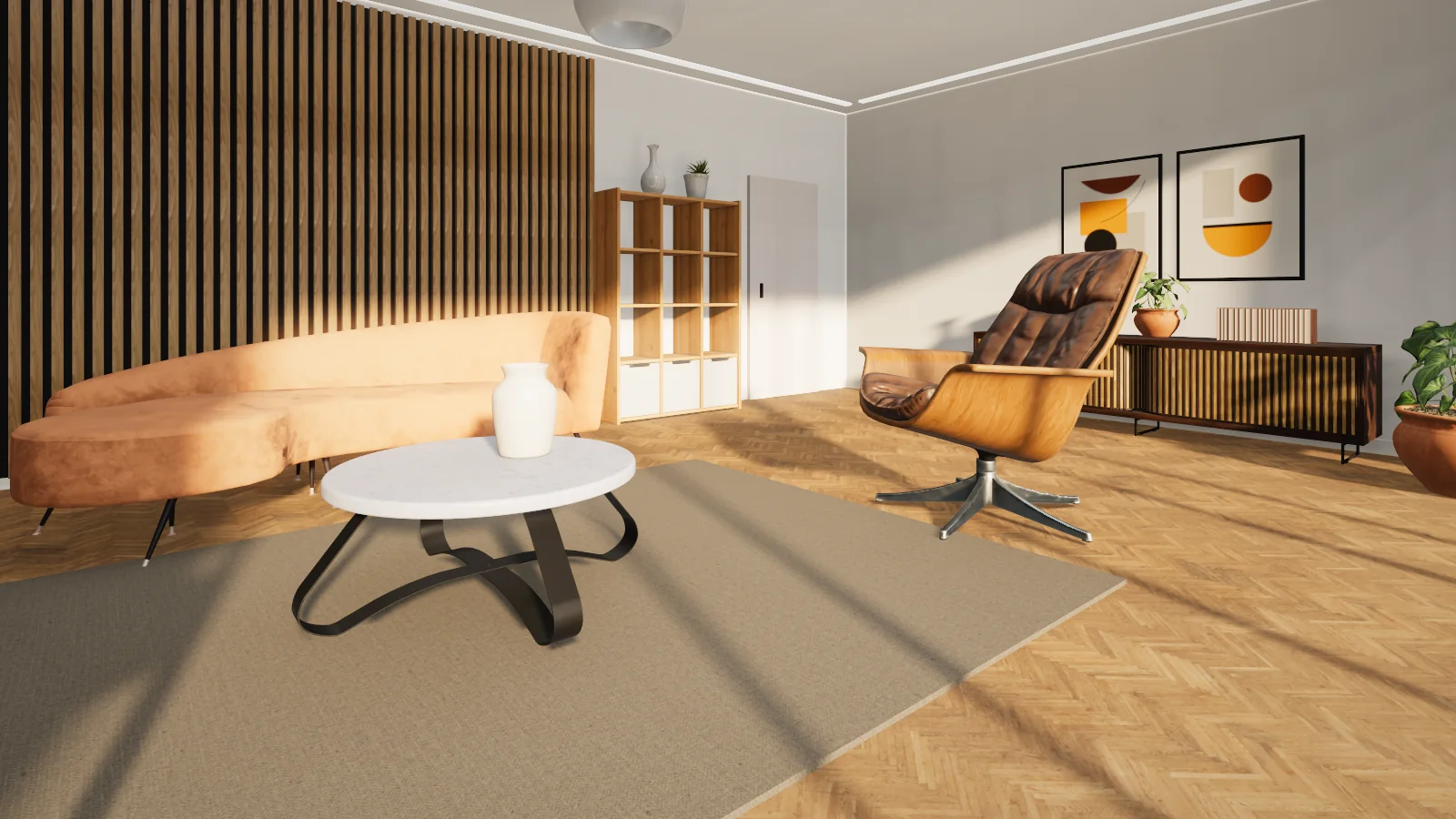 Style 1Style 2
When a still render is the right answer
A still render is one chosen view, lit and composed with care. Nothing else looks as good on a brochure, a competition board or a website header. Its limit is that it answers only the question you framed: the client sees the room from where you stood.
Use it for marketing images, planning submissions and the one hero view that sells the concept.
When a 360° tour is the right answer
A 360° tour places the viewer at fixed points and lets them look around. For a finished home, a hotel or a showroom it is fast to make and close to reality, which is why property listings use it.
For an unbuilt design it works less well: each viewpoint is a separate render, and each material option multiplies the work. The client can look, but cannot move off the points you chose or change anything.
When an interactive walkthrough is the right answer
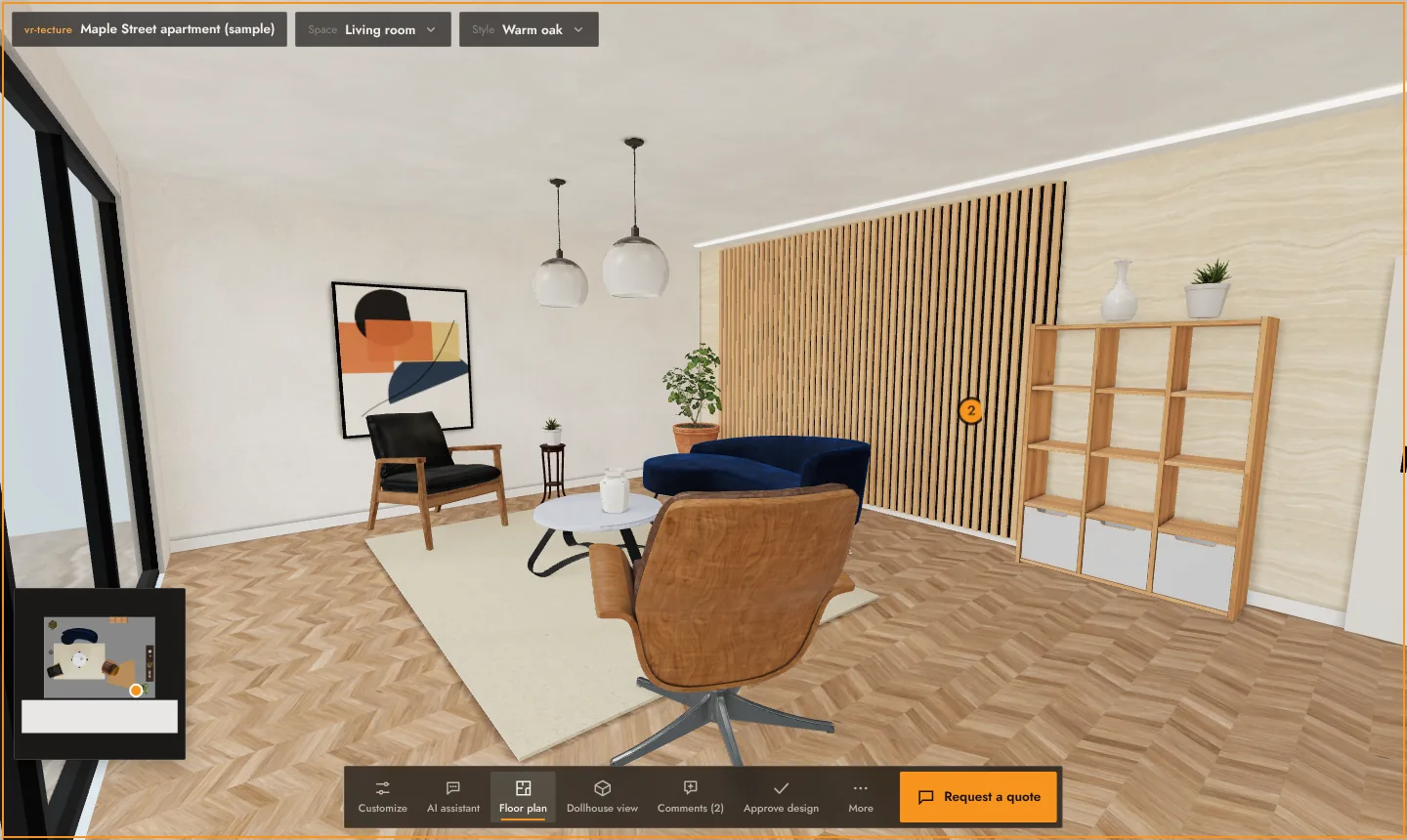
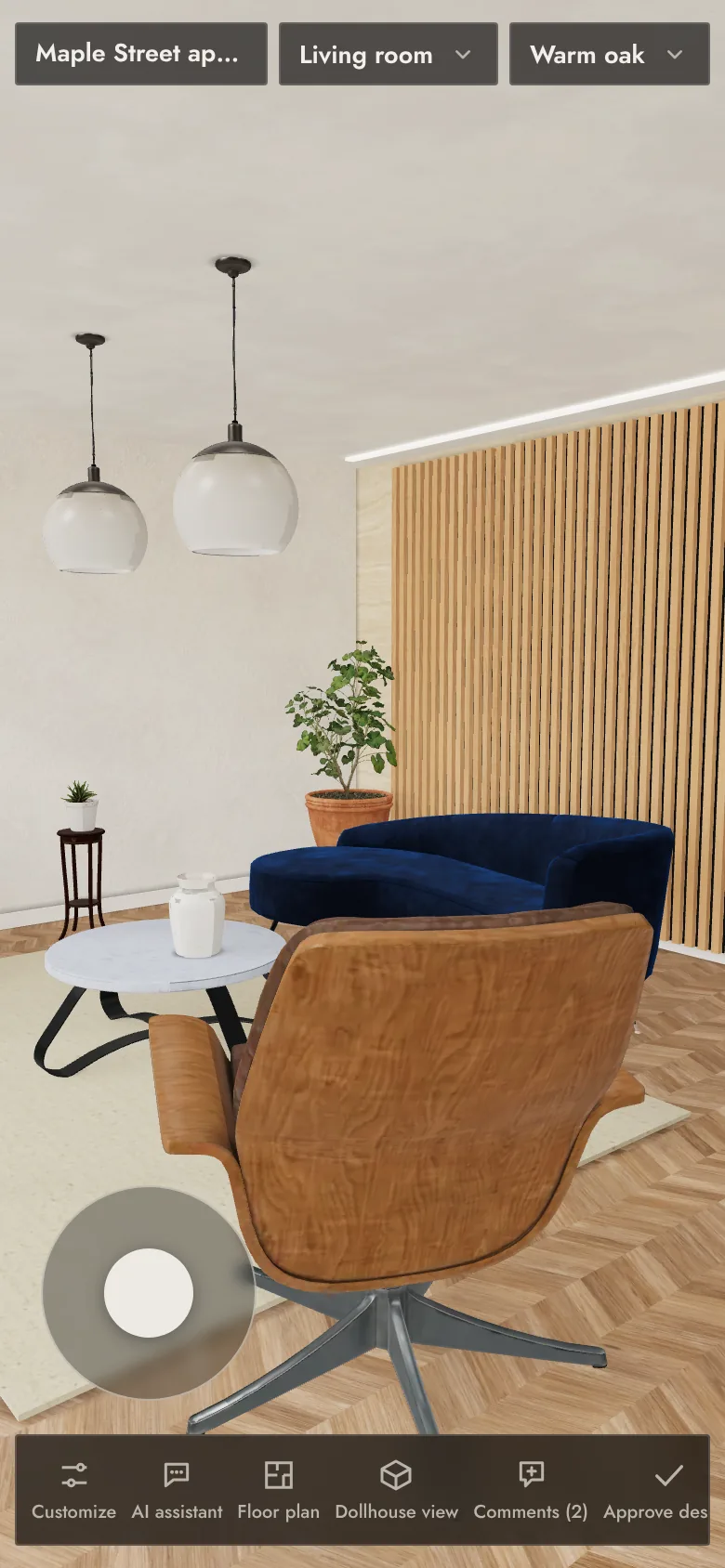
In an interactive walkthrough the model itself is on screen, so the client moves wherever they like, on a phone, a computer or a VR headset. Because it is the model and not a picture of it, the tour can also do things an image cannot:
- swap flooring, wall finishes, kitchens or furniture in the same room, and compare them side by side;
- show what each option costs;
- take comments on the exact spot they refer to;
- record the final approval, with the date and the options chosen.
That is the case vr-tecture is made for: the stage of a project where a client must decide, and every unclear decision turns into another meeting or a change on site.
A simple rule for choosing
- To impress: a still render.
- To show what exists: a 360° tour.
- To get a decision: an interactive walkthrough.
Most studios end up using two of the three on the same project: a walkthrough to agree the design with the client, then a handful of still renders of the agreed version for the portfolio.
Common questions
Is an interactive walkthrough the same as VR?
Not quite. The walkthrough runs in any modern browser; a VR headset is one more way to open the same link, and the one that gives a true sense of scale.
Do I have to rebuild my model?
No. Tours are published from the model you already have in SketchUp, Revit, Blender, 3ds Max or Rhino through free plugins, or uploaded as GLB, FBX or IFC files. See Supported files.
Where can I see one?
Open the demo tour in your browser. It takes a few seconds and needs no account.