
Short answer: a virtual tour lets someone look around a space from a screen or a headset. There are three kinds: a 360° photo tour, a 3D scan of a real place, and an interactive tour built from a 3D design model. Which one you need depends on whether the space already exists, and on whether the viewer only has to look or also has to decide.
The three kinds of virtual tour
1. 360° photo tour
A photographer takes panoramic photos at fixed points, and the viewer jumps from one point to the next. It is quick to make and looks exactly like the real place, because it is photography. The viewer cannot stand anywhere other than the points that were photographed, and nothing in the image can change.
2. 3D scan of a real place
A camera or phone with depth sensing captures the space as a 3D model. The viewer walks freely, sees a floor plan and can measure distances. It suits homes, showrooms and venues that are already built. See a scanned villa you can walk through.
3. Interactive tour from a design model
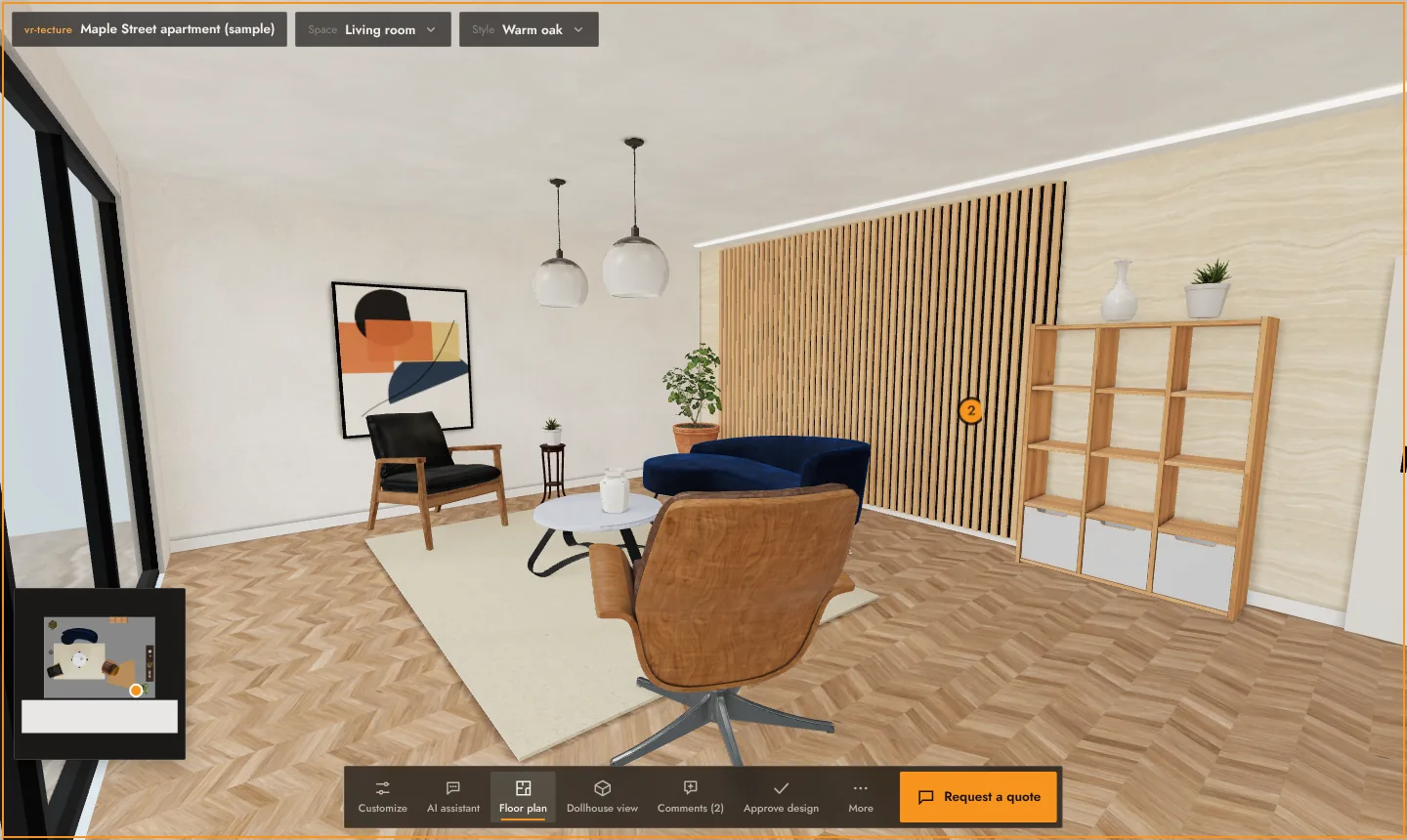
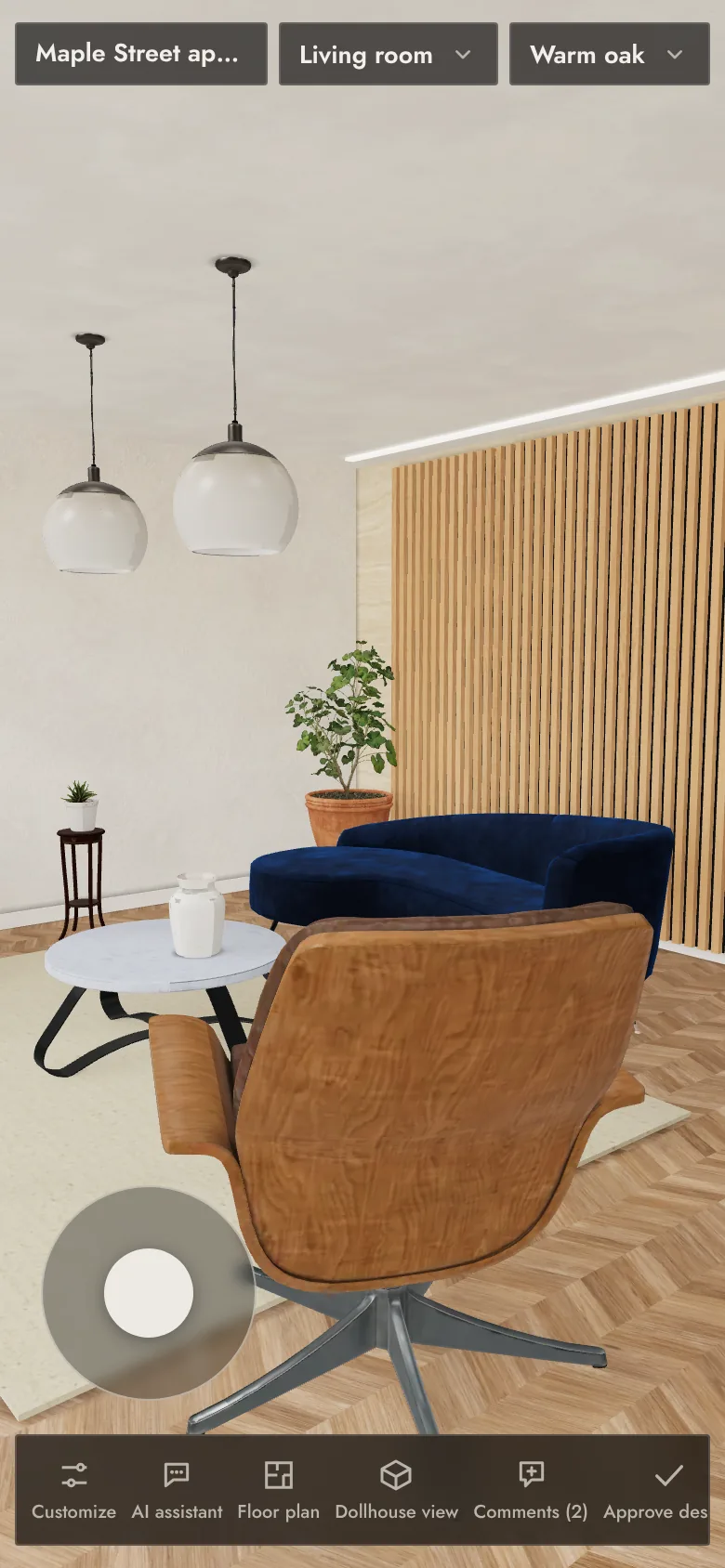
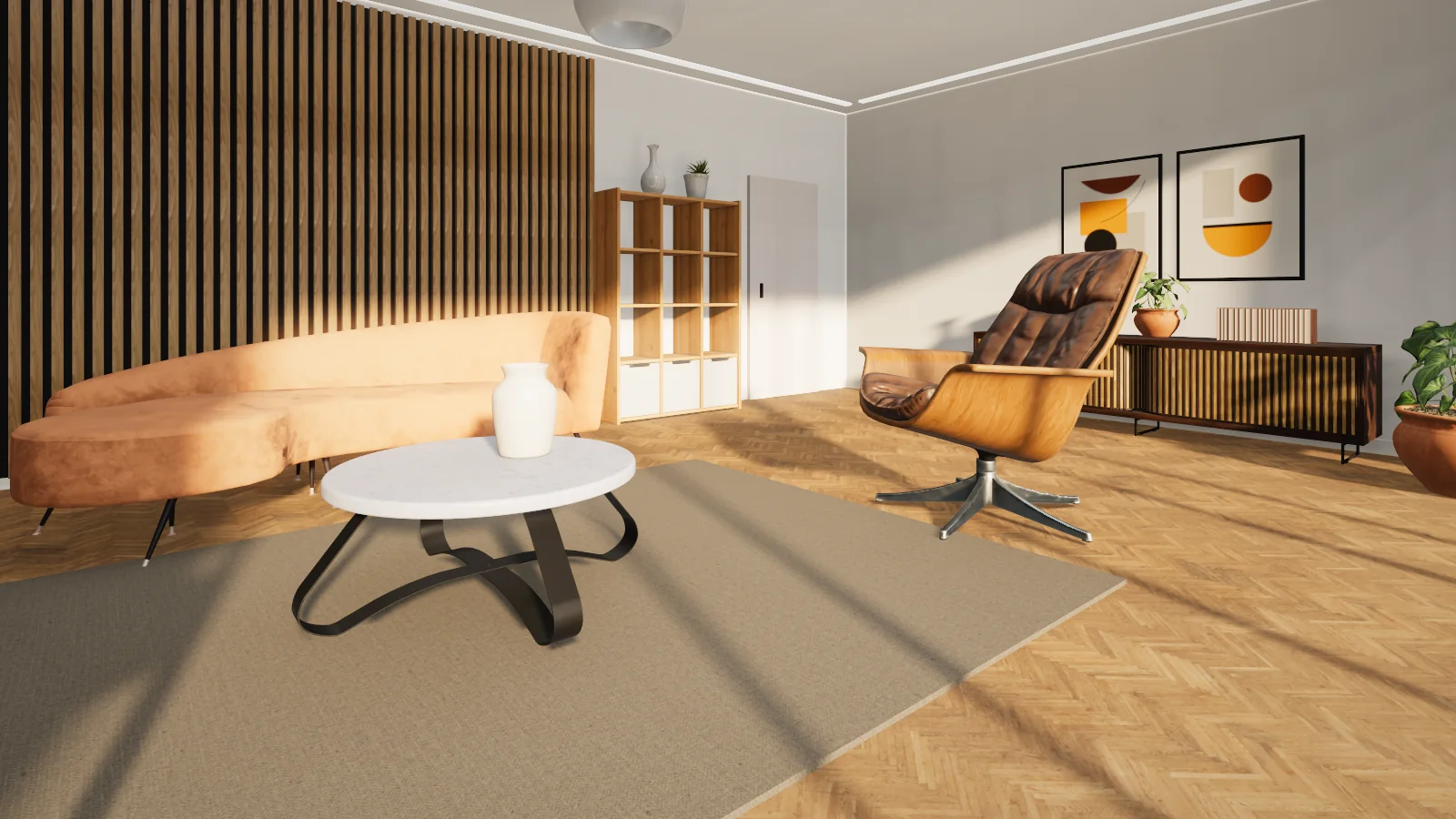
The space is drawn in design software such as SketchUp, Revit or Blender and published as a tour. Because it is a model and not a photograph, it can show something that is not built yet, and the viewer can change it: switch finishes and furniture, see prices, comment and approve. This is what architects, interior designers and developers use to agree a design. Try the demo tour.
Which one fits your case?
| Your situation | Best fit |
|---|---|
| A built property to rent or sell | 360° photo tour or 3D scan |
| A shop, hotel or venue to show online | 360° photo tour or 3D scan |
| A design the client has to approve | Interactive tour from the model |
| Units sold before construction | Interactive tour from the model |
| Furniture or finishes to show in a room | Interactive tour from the model |
What does the viewer need?
A modern virtual tour opens in a web browser from a link, on a phone or a computer. A VR headset is optional: it adds the feeling of standing in the room at real scale, which helps most when judging sizes and heights. See what WebXR is for how a link opens in a headset.
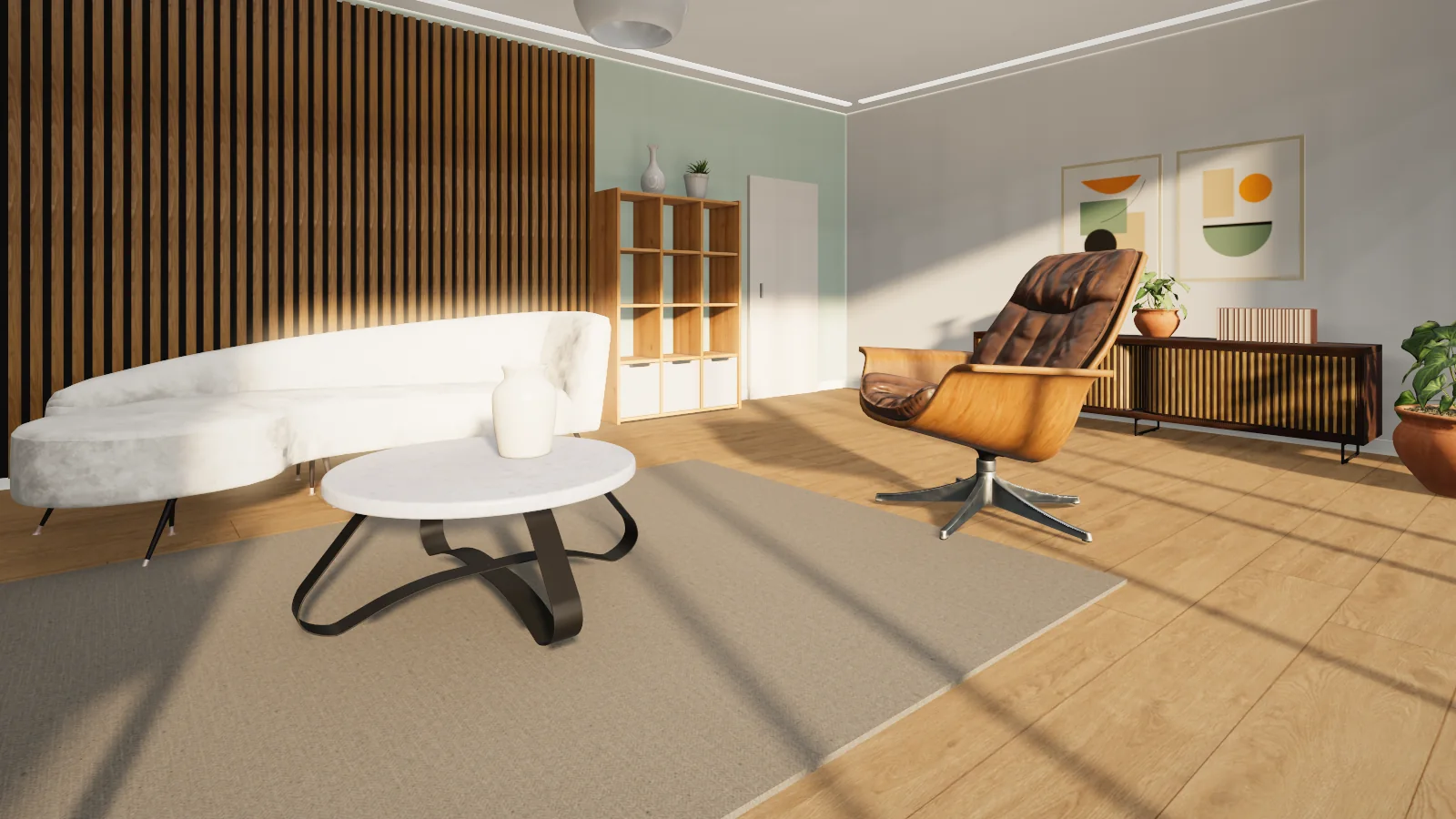 Style 1Style 2
How an interactive tour is made
vr-tecture is built for this third kind of tour, and its Free plan includes one active tour.
Common questions
Is a virtual tour the same as virtual reality?
Not quite. A virtual tour can be viewed on an ordinary screen. Virtual reality means viewing it in a headset, where you are surrounded by the space. Many tours support both.
Can a 360° tour show a design that is not built?
Only as rendered panoramas from fixed points. The client cannot walk freely or change materials; for that you need a tour built from the model. See render, 360° tour or interactive walkthrough.