
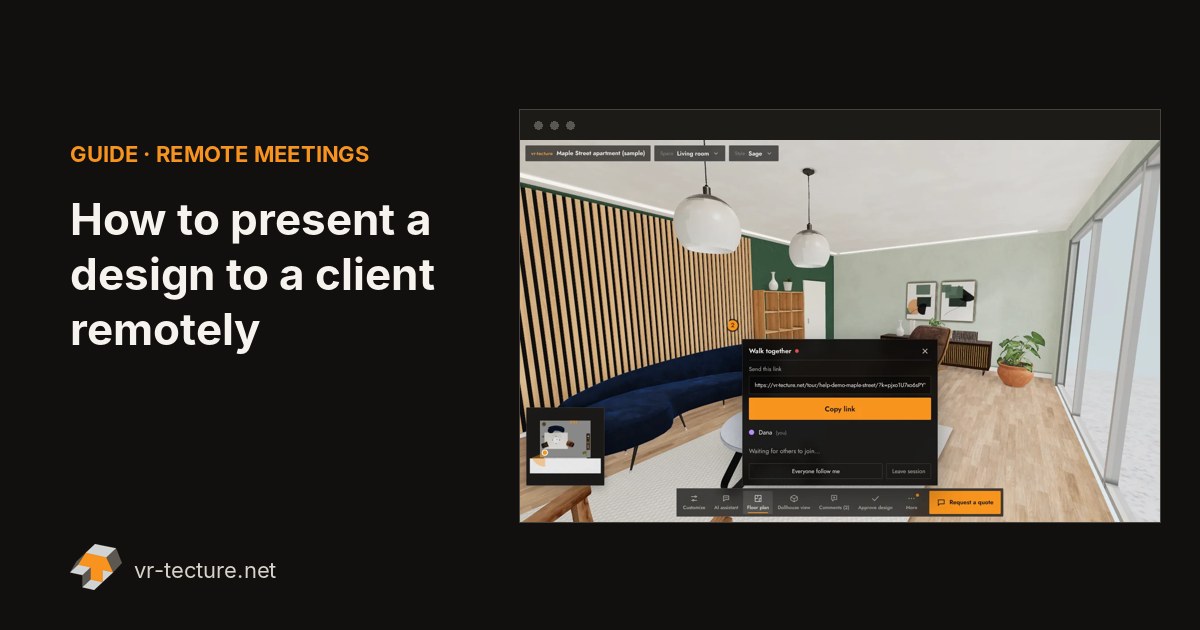
Short answer: a remote design presentation works when the client can explore the space themselves instead of watching your shared screen. Send a walkable tour as a link, walk it together in a live session if you want to guide them, and collect comments and approval inside the tour.
Why screen sharing falls short
On a video call the client watches you move through the model. The image is compressed, they cannot look where they want, and the people who were not on the call see nothing. After the call the feedback arrives in scattered messages.
A better remote presentation in four steps
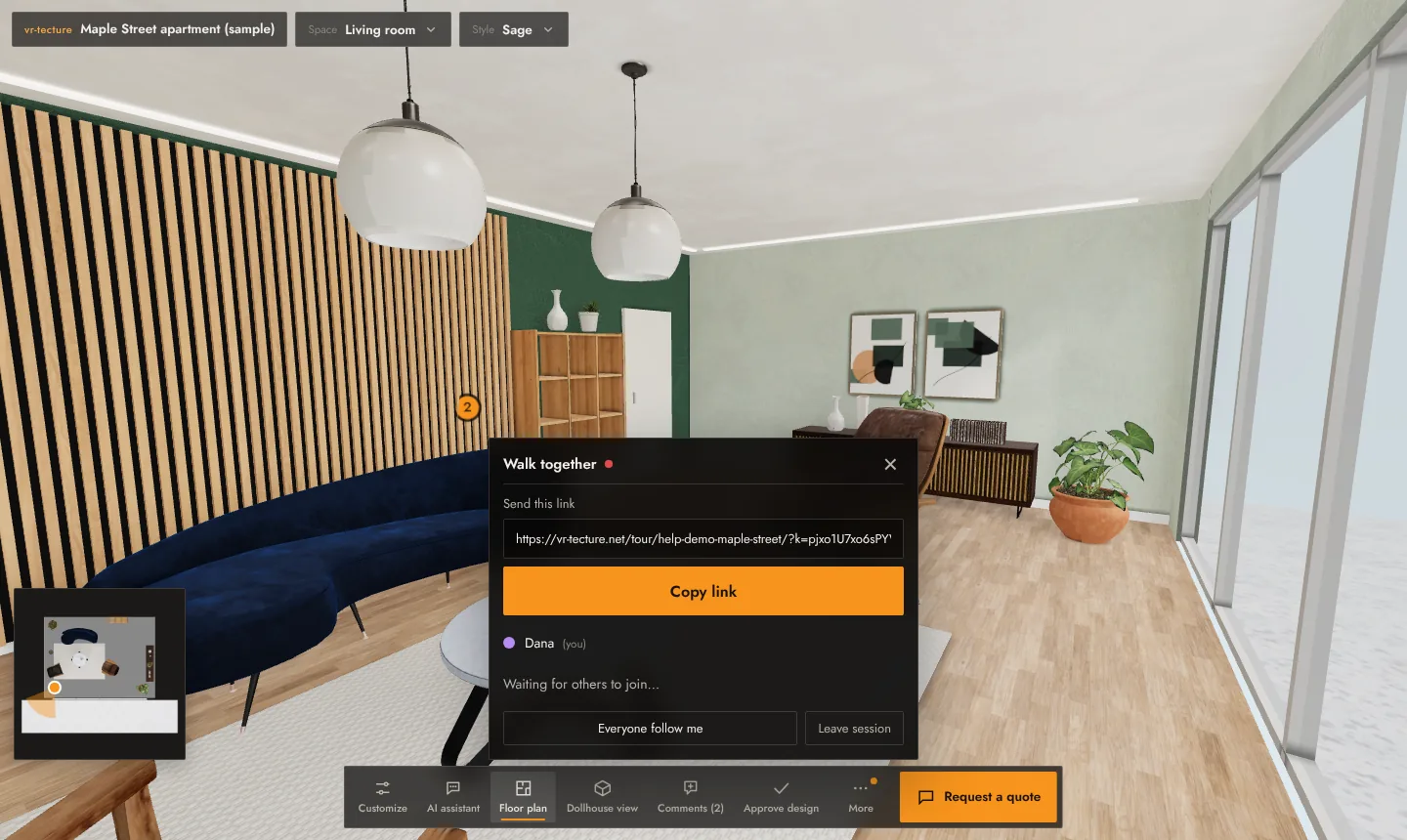
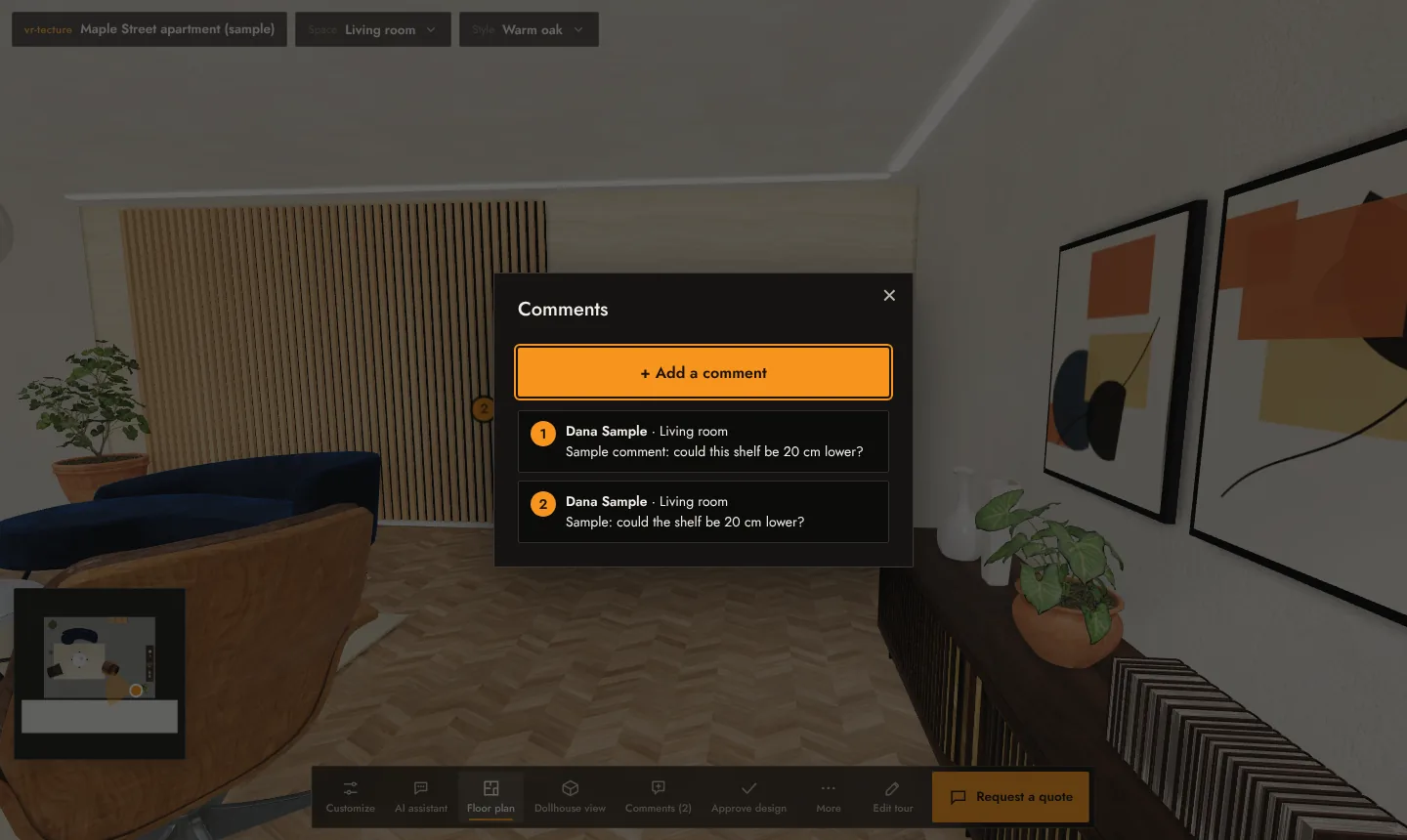
Tips for the session
- Start the tour at the view that explains the design best.
- Limit each decision to two or three options.
- Ask the client to open the link before the call, so the call is about the design and not about getting in.
- If the client owns a VR headset, the same link opens in its browser for real scale.
Common questions
What internet connection does the client need?
An ordinary home or mobile connection is enough to open a tour; the model is downloaded once and then drawn on the client’s own device.
Can I see whether the client opened it?
Yes. Tour insights show visits, the time spent in each space and what visitors picked. You can try it with the Free plan or open the demo tour.