
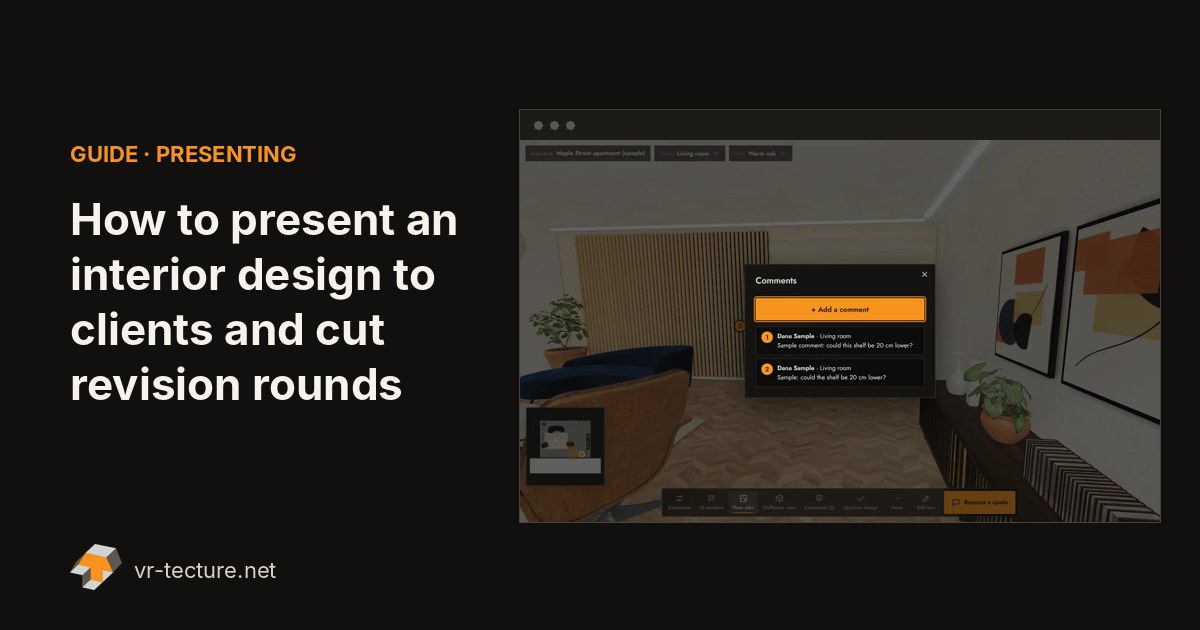
In brief: most revision rounds in interior design come from decisions that were approved without being understood. Showing options inside the space, with their prices, and recording the client’s choice in writing removes most of them.
Where revisions really come from
- The client could not picture it. A plan and two renders were approved; the built kitchen felt smaller than expected.
- Options were compared from memory. Three floor samples seen on three different days are not a comparison.
- Price arrived after the choice. The preferred finish turned out to be over budget, and the round started again.
- Nobody wrote it down. “We agreed on the oak” lives in a chat thread nobody can find.
Five habits that cut the rounds
1. Show the space, not a view of it
Let the client move through the design at real scale. Width, height and distance are understood by walking, not by reading dimensions. A walkable tour on a phone is enough; a VR headset makes it stronger.
2. Offer two or three options per decision
More choice feels generous and slows everything down. Prepare a small number of alternatives you would be happy to build.
3. Put the price next to each option
When the difference between two worktops is visible while choosing, the budget conversation happens once, at the right moment.
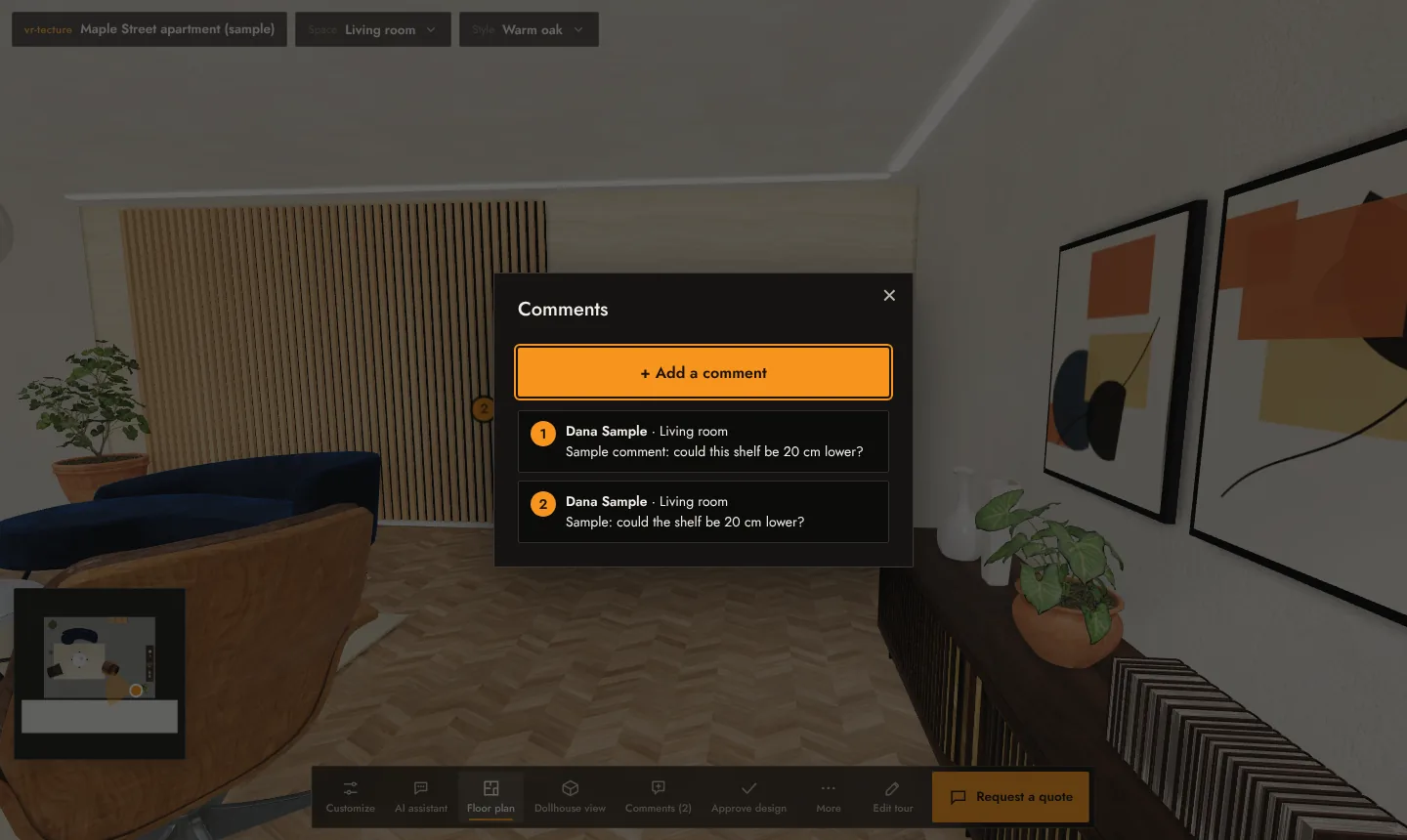
4. Collect comments on the design itself
A note pinned to the wall it refers to cannot be misread. “The light one in the second picture” can.
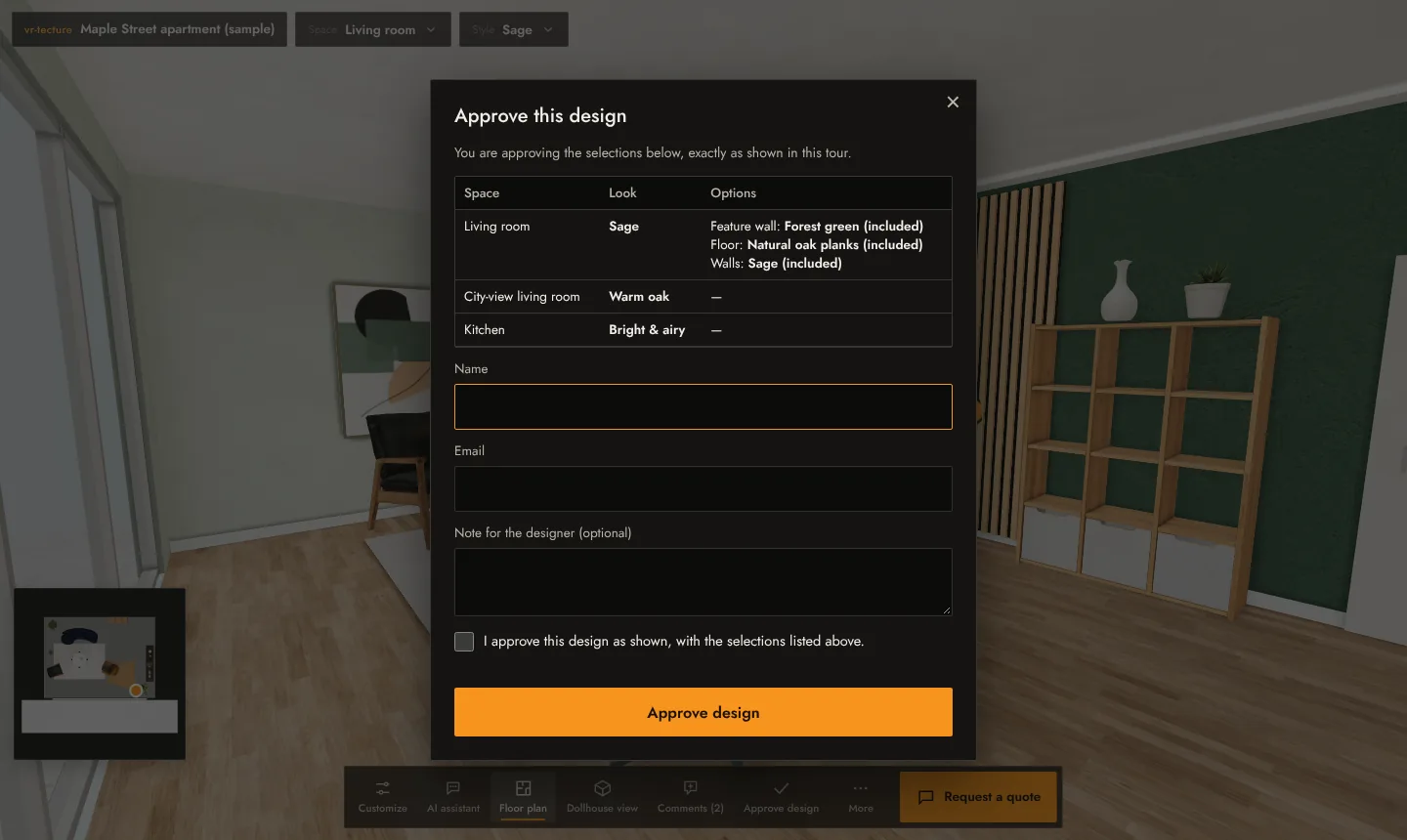
5. Record the approval
Keep a dated record of what was approved, with the options chosen. It protects both sides when the work is on site.
Doing all five with one link
vr-tecture turns the 3D model you already have into a tour the client opens from a private link. Inside it they walk freely, switch between your options, see each price, leave comments on the model and approve. You receive the choices as a record. Tours are published from SketchUp, Revit, Blender, 3ds Max and Rhino with free plugins.
You can try the approach on one project with the Free plan, or open the demo tour to see what a client sees.
Common questions
Will clients really use it on their own?
The tour opens in the browser with no app and no account, so it is as easy as opening a photo. Many clients walk through it at home with the people who share the decision.
Does this replace renders?
No. Use the tour to agree the design, then render the agreed version for your portfolio. See render, 360° tour or interactive walkthrough.