
In short: these are the terms that come up when architects and interior designers start showing 3D models in VR, each explained in a sentence or two.
Experiences
Virtual reality (VR)
A headset replaces what you see with a 3D space, so you feel present inside it. In design it is used to judge a space at real scale before it is built.
Augmented reality (AR)
Digital objects are shown on top of the real world, usually through a phone camera or a headset with passthrough. A typical use is placing a piece of furniture in your own room.
Mixed reality and XR
Mixed reality blends real and virtual objects so that they interact. XR is the umbrella term for VR, AR and mixed reality together.
Walkthrough
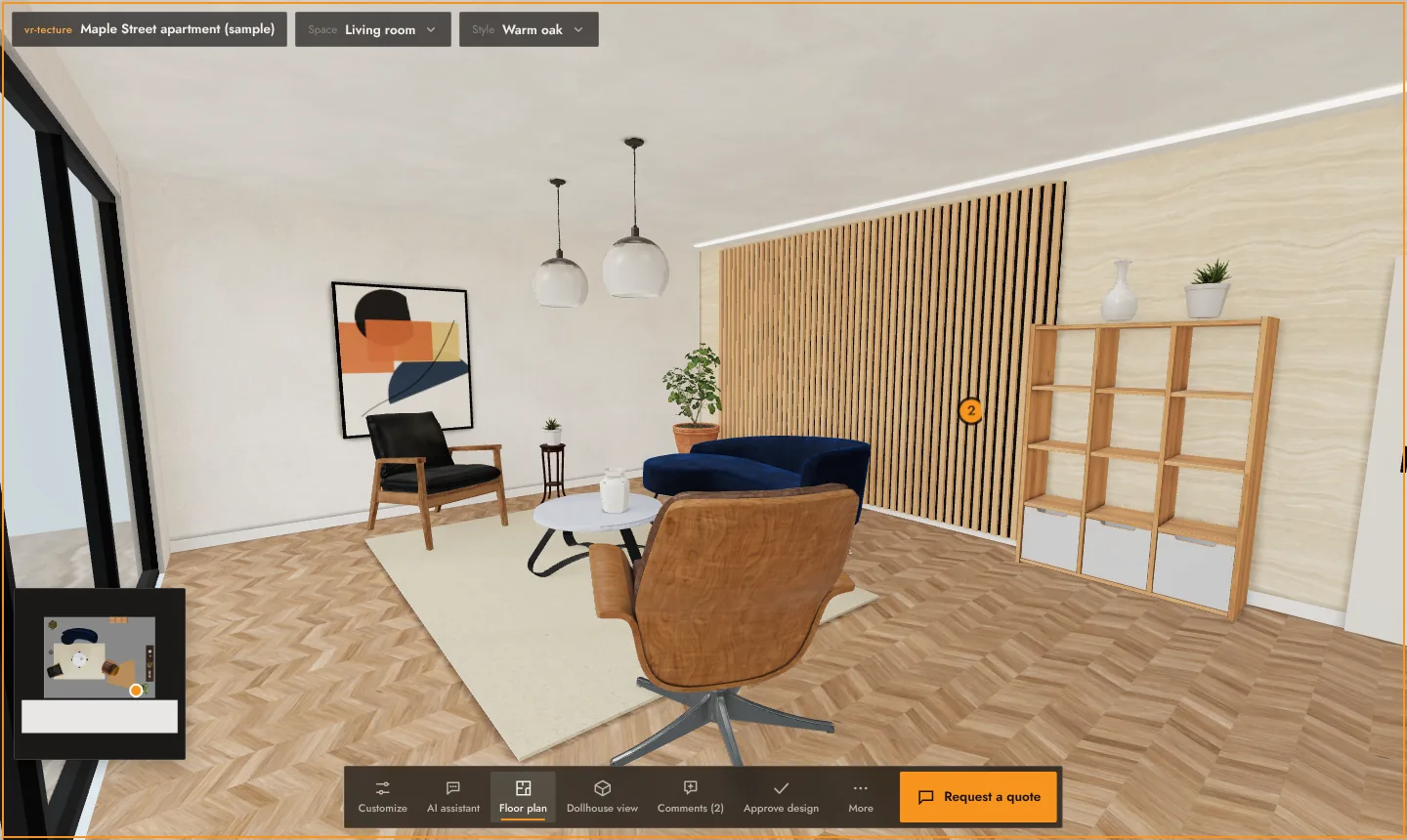
A presentation in which the viewer moves through a 3D model freely, instead of looking at fixed images. Also called a walkable or interactive tour.
360° tour
A set of panoramic images linked together. The viewer looks around from fixed points and jumps between them. See the three types of virtual tour.
3D scan and digital twin
A 3D scan captures an existing place as a 3D model. A digital twin is a digital copy of a real building or space that is kept for viewing, measuring or managing it.
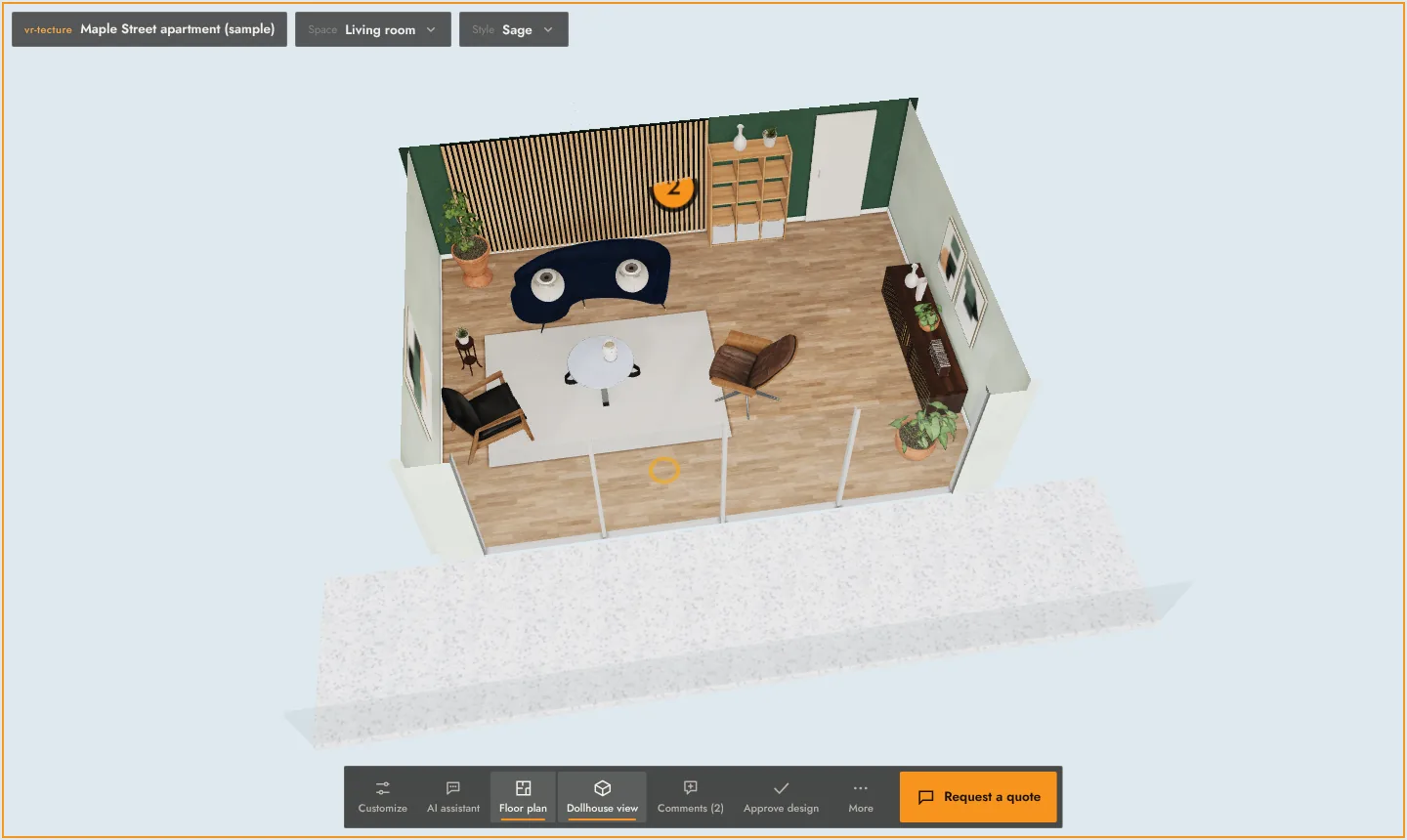
Dollhouse view
A view of the whole space from above with the ceilings removed, used to understand the layout before walking through it.
Web standards
WebGL
The browser standard for drawing 3D graphics with the device’s graphics chip. It lets a 3D scene run in a web page without a plugin.
WebXR
The browser standard that lets a web page open in a VR or AR headset. See what WebXR is.
Files and formats
glTF and GLB
glTF is the open standard for 3D scenes and models, maintained by the Khronos Group and read natively by browsers and game engines. GLB is the same content packed into a single binary file.
FBX
An exchange format from Autodesk, widely used to move models between 3D applications.
OBJ
An older, simple format for geometry, with materials in a separate file.
BIM
Building information modeling: a building is modeled as elements that carry data (a wall, a door, a slab), not only as shapes. Revit and Archicad are BIM tools.
IFC
The open exchange format for BIM models, maintained by buildingSMART. See IFC to a walkable tour.
Rendering
Real-time rendering
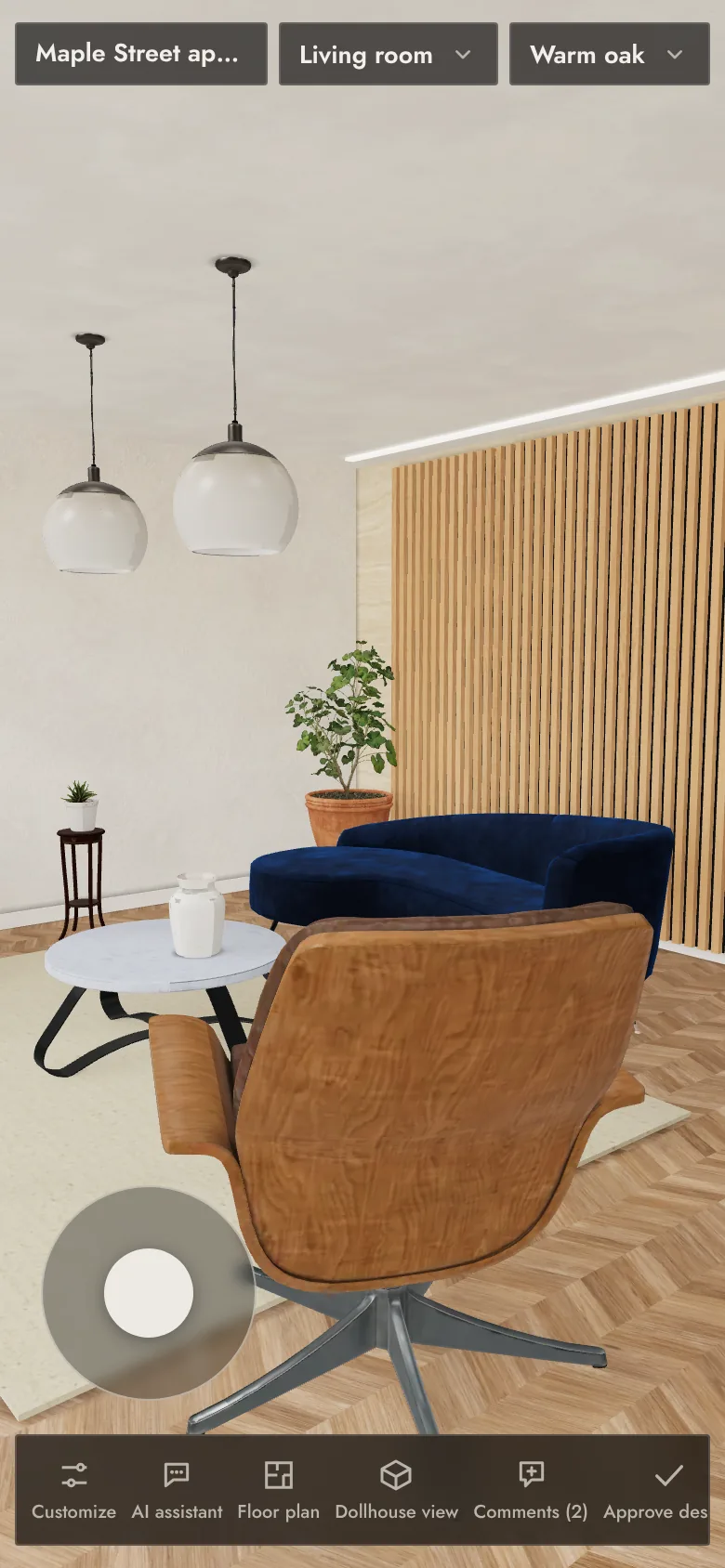
The image is drawn many times a second as you move, so you can walk and look around. It is what VR and interactive tours use.
Offline rendering
Each image is calculated for seconds or minutes to reach the highest realism, often by path tracing, which follows the paths of light through the scene. It is what still renders and animations use.
PBR material
A physically based material, described by properties such as base color, roughness and metalness, so that it reacts to light consistently in different tools.
Texture
An image applied to a surface to give it color or detail, such as wood grain or a fabric weave.
Baked lighting
Light and shadow calculated in advance and stored in textures, so that a scene looks realistic while staying fast to draw.
Polygon count
The number of faces in a model. Heavier models are slower to load and draw, which matters most on phones and standalone headsets.
Frame rate
How many images are drawn each second. VR needs a high, steady frame rate, typically 72 frames per second or more, to stay comfortable.
Headsets
Standalone headset
A headset with its own processor and battery, such as Meta Quest or Pico. It needs no computer and can open web tours in its own browser.
PC VR
A headset driven by a computer’s graphics card. Image quality can be higher, and the computer has to be VR-ready.
3DoF and 6DoF
Degrees of freedom. With 3DoF the headset follows only the rotation of your head; with 6DoF it also follows your position, so you can step and lean inside the space.
Passthrough
The headset’s cameras show the real room, so virtual objects can appear in it and you can see your surroundings.
To see these ideas at work, open the demo tour or read six practical uses of VR in architecture and interior design.
Common questions
What is the difference between VR and AR?
VR replaces your view with a virtual space. AR adds virtual objects to the real space you are standing in.
Which file format should I use to put a model on the web?
glTF or GLB: it is the open format that browsers read natively. Other formats are converted to it; see Supported files, sizes and units.