
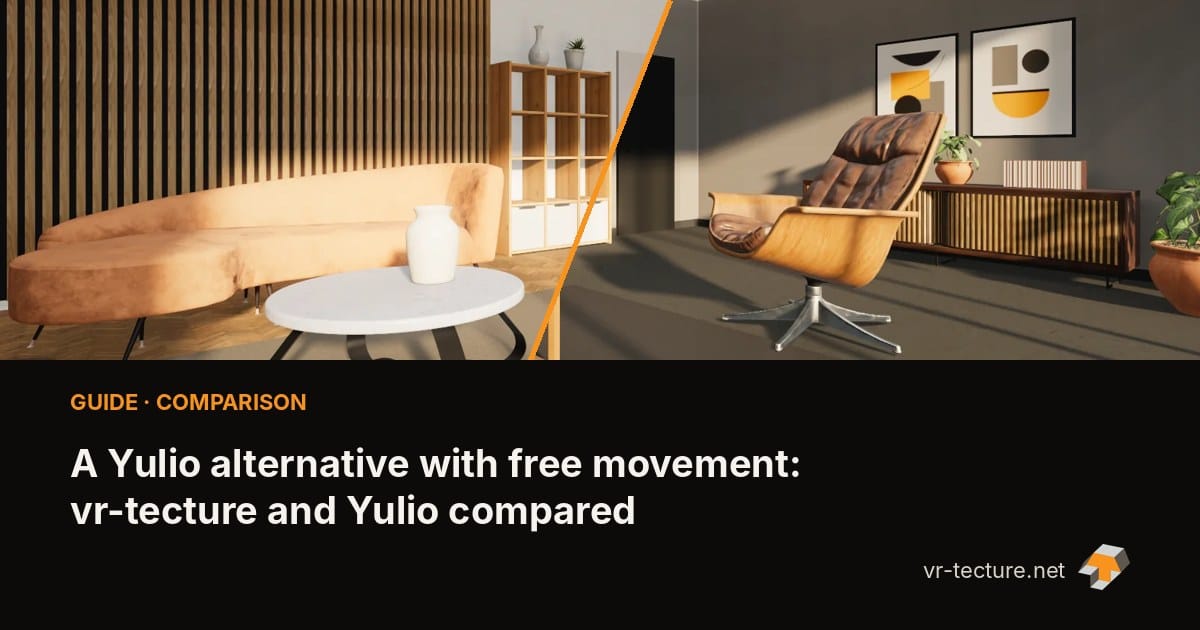
Short answer: Yulio turns a design into 360-degree images, rendered in the cloud and linked by hotspots, that a client views in a browser or a headset. vr-tecture publishes the 3D model itself: the client walks anywhere, switches between the finish options you prepared, sees their prices and approves. Yulio fits a polished, guided presentation from Revit, SketchUp or CET Designer, with voice and headset delivery built in; vr-tecture fits a review where the client still has choices to make and you want them recorded.
How Yulio works
Yulio is a VR presentation platform for architecture and design. Its cloud renderer, Yulio Jump, is built for Revit, SketchUp and CET Designer and produces 360-degree images or 2D renders from the model. A floor plan and the navigation between views are generated for you. You add text, image, audio and video hotspots and links to product pages, and share the project by a URL that opens in a browser or a VR headset.
Yulio also does several things a browser tour does not. Its Collaborate mode shows you what the client is looking at, with voice chat through Live Meeting. Projects can be sent to a client’s headset as a gallery managed from your account. Clients can leave feedback in a markup layer, and objects can be tagged for AR. Scene Options show the same view in other colours, finishes or layouts that you rendered in advance.
Because each view is a finished render, the picture is consistent on every device, including light mobile headsets.
How vr-tecture works
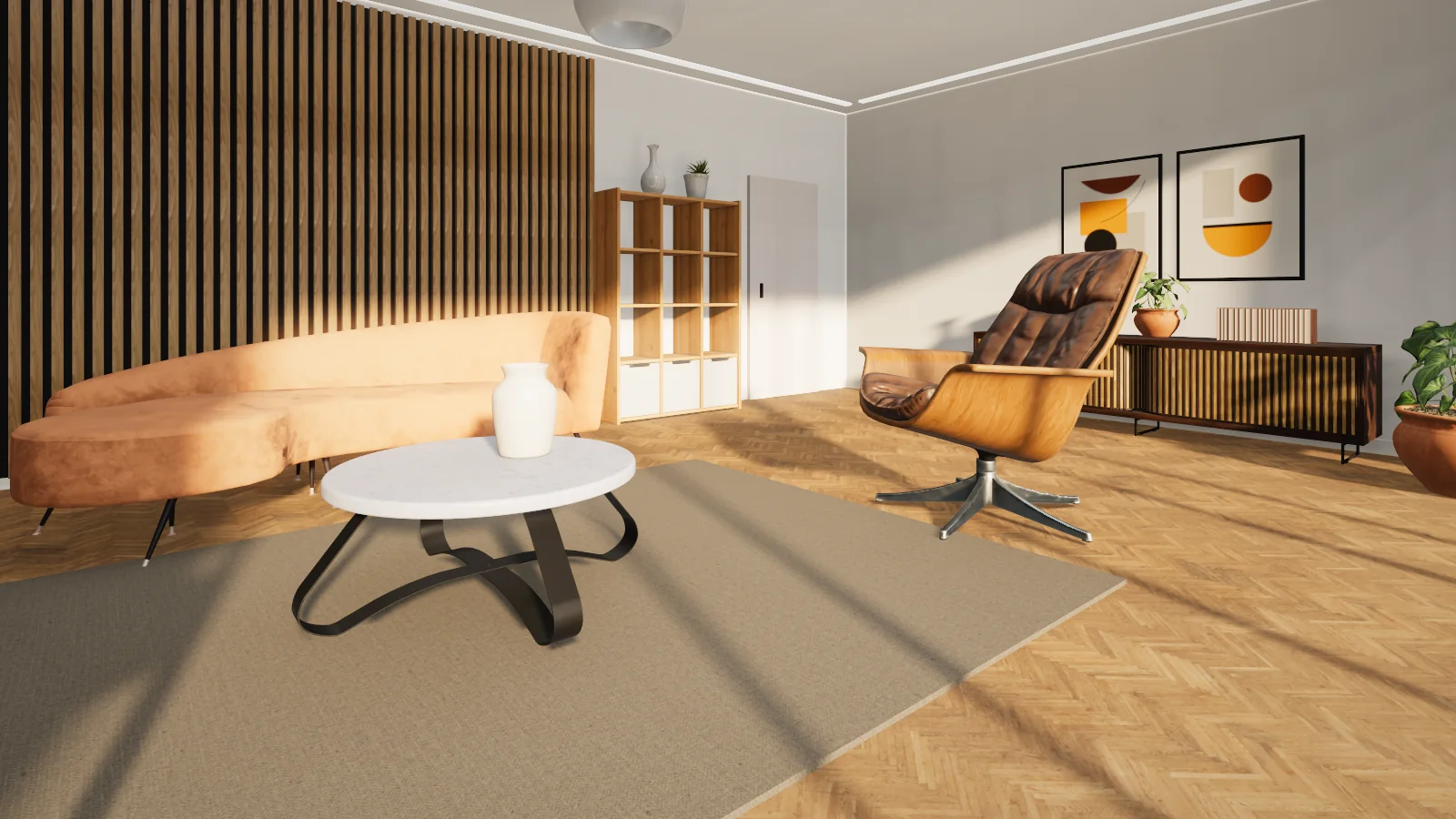
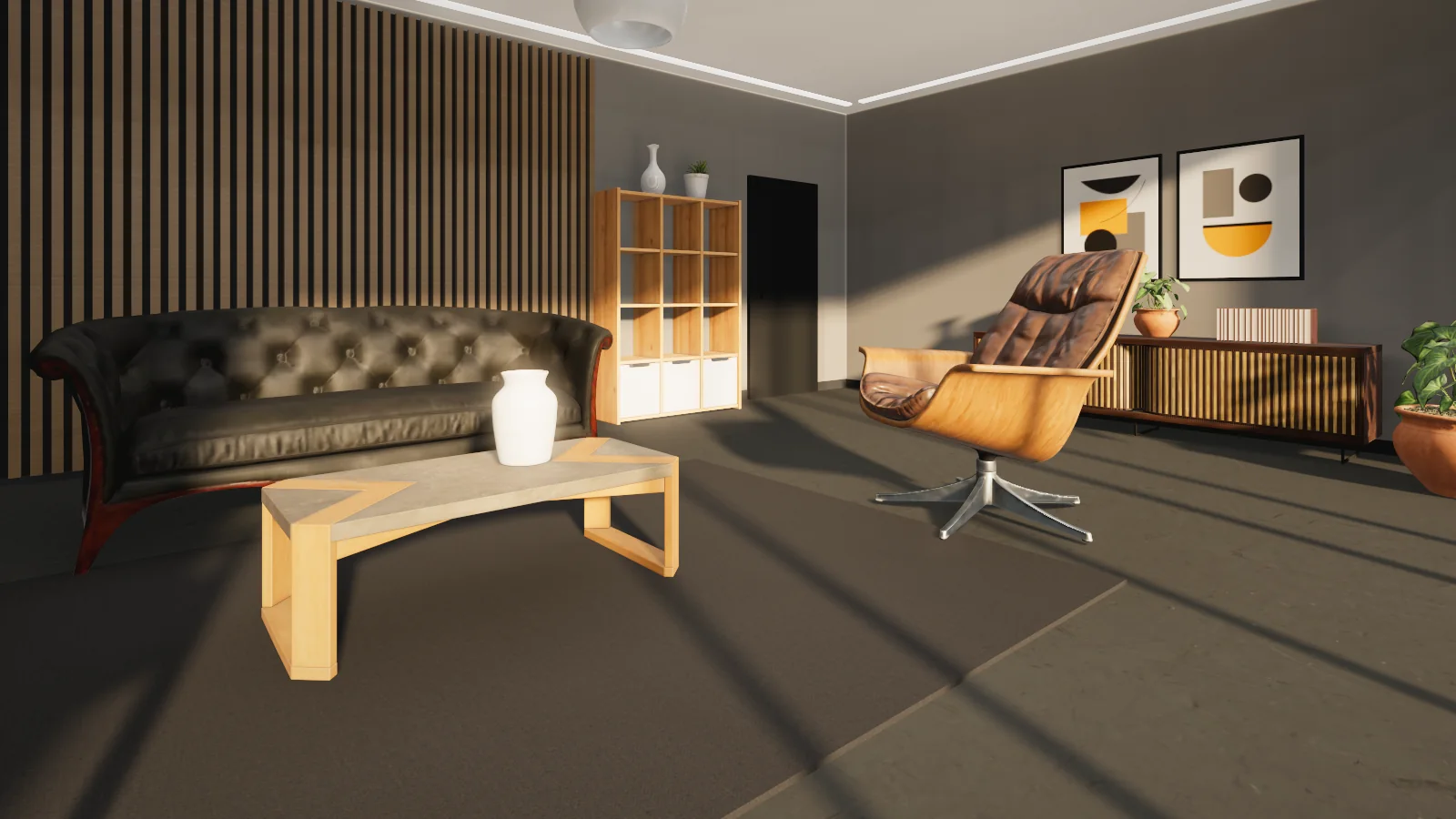
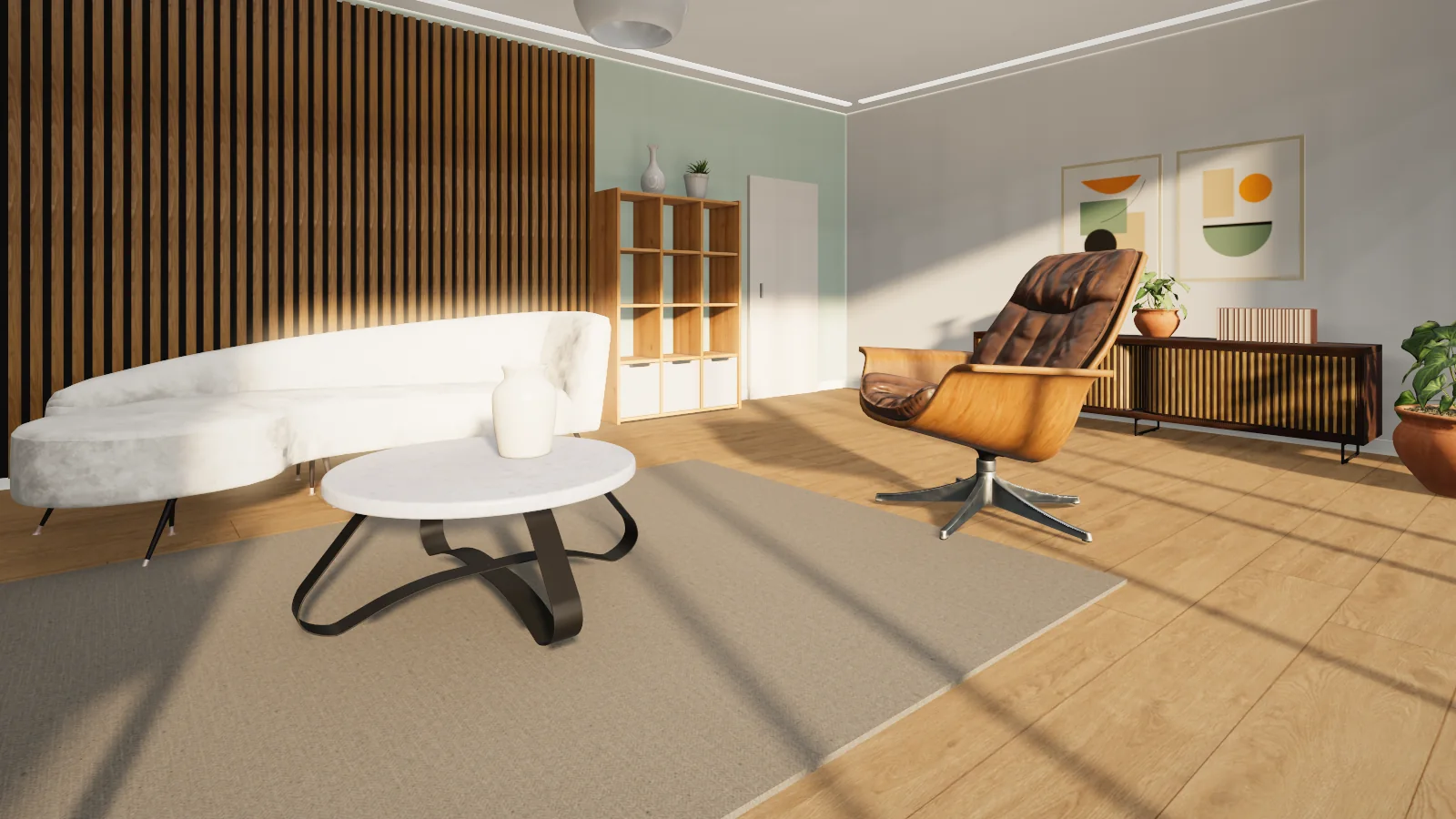
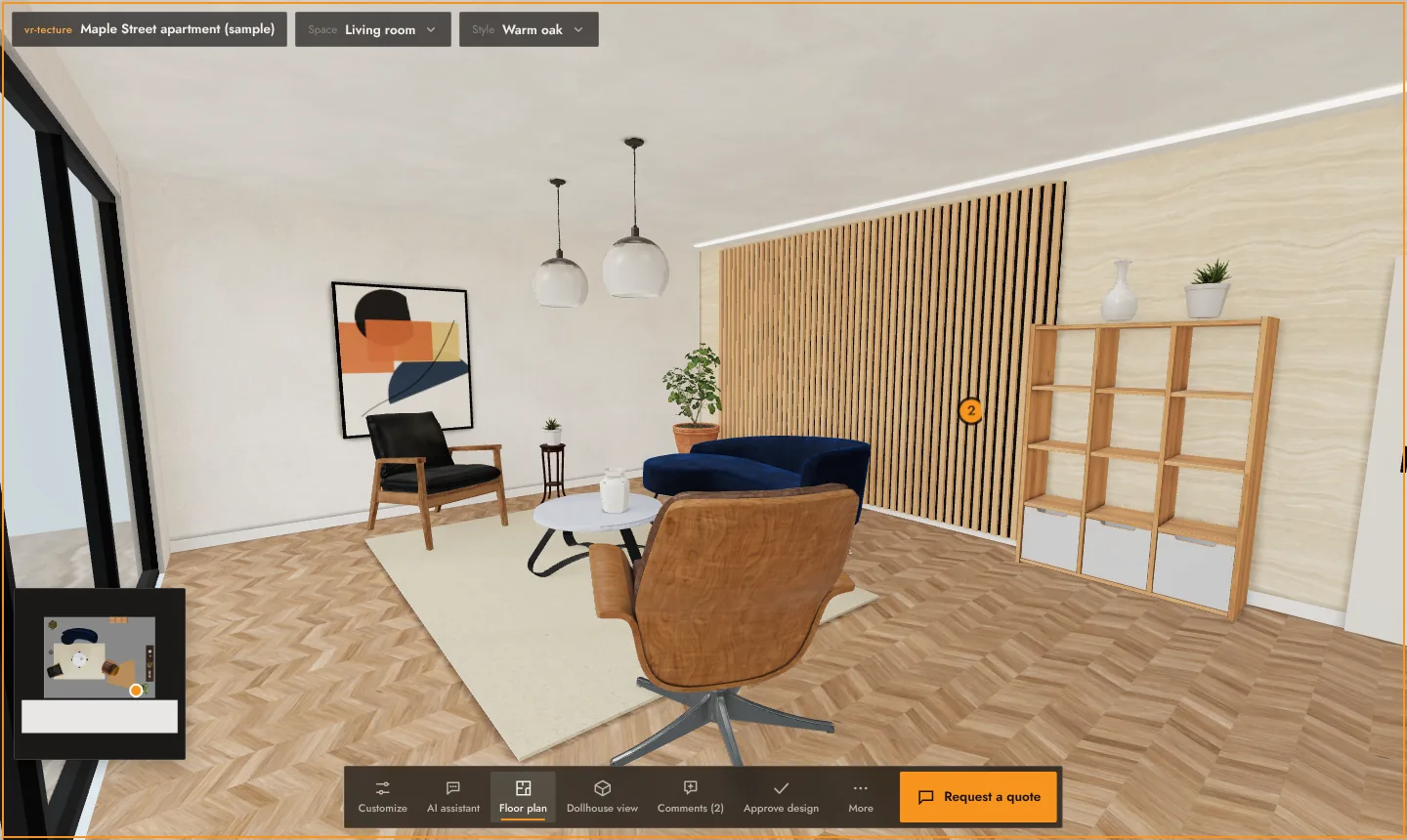
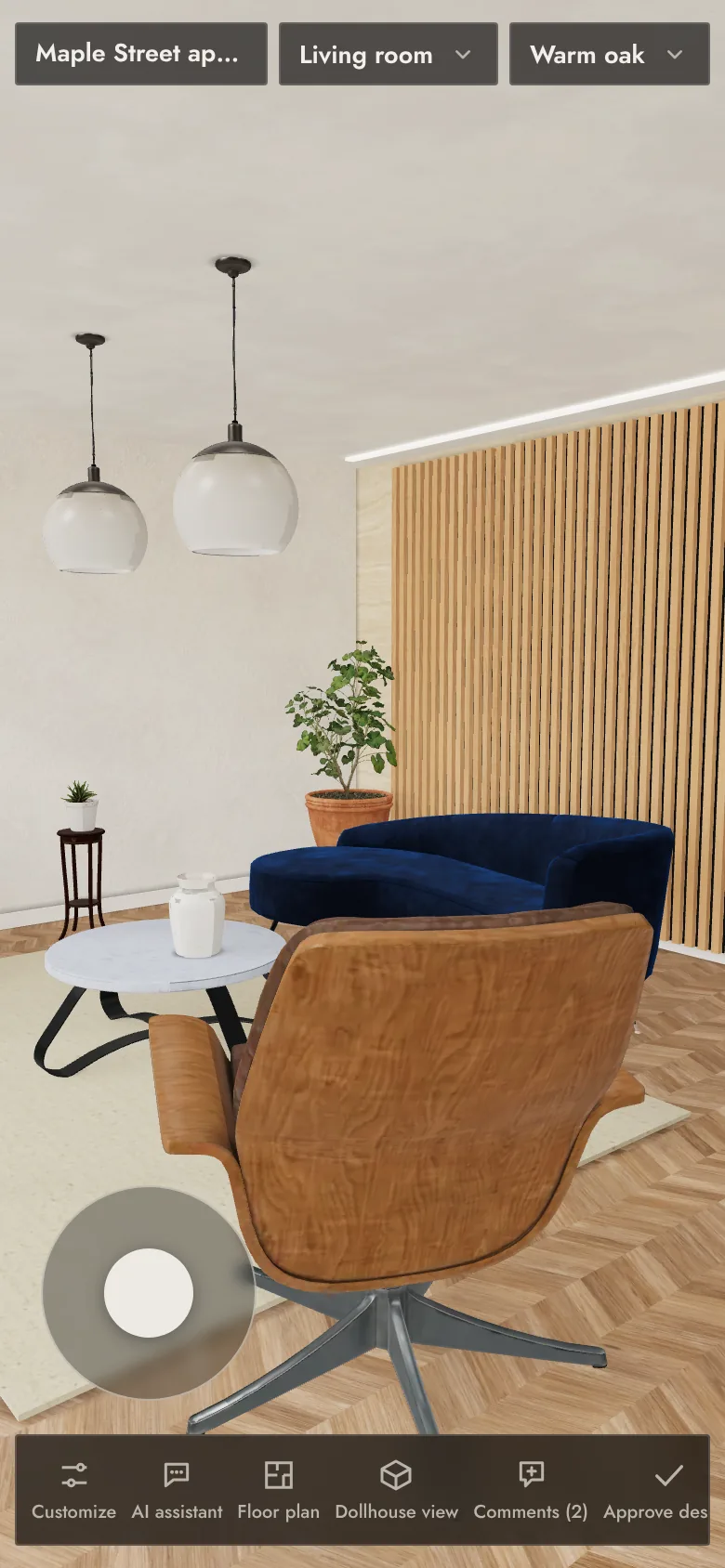
vr-tecture keeps the design as a 3D scene that the client’s phone, computer or headset draws live. Tours are published with free plugins for SketchUp, Revit, Blender, 3ds Max and Rhino, which are in public beta, or by uploading GLB, FBX or IFC files. The client moves freely, compares the options you set up with the price of each, pins comments to the model and approves the design with a dated record.
Side by side
| Yulio | vr-tecture | |
|---|---|---|
| What the client sees | 360-degree renders from fixed viewpoints | A 3D model drawn live |
| Moving around | From one viewpoint to the next, by hotspot | Free walking |
| Showing alternatives | Scene Options and image hotspots: versions you rendered in advance | Switched live on the model, with the price of each option |
| Client choice sent to you, quote request | Not listed among its features | Yes |
| Client feedback | Markup layer on the project | Comments pinned to the model |
| Recorded approval | Not listed among its features | Yes, with its date |
| Presenting together | Collaborate: see what the client sees, lead or let them explore; voice chat with Live Meeting | Live session for up to 8 people with a follow mode; no sound |
| Audio narration, video | Yes | Sound and video on info cards; a background sound per space |
| Headset delivery | Browser, viewer app, and galleries sent to a client headset | The headset browser |
| AR | Yes, objects tagged for AR | No |
| Opens in a browser and a VR headset | Yes | Yes |
| Direct route from | Revit, SketchUp, CET Designer | SketchUp, Revit, Blender, 3ds Max, Rhino (beta) |
| Free to start | 30-day trial, watermarked | Free plan, one active tour |
| Paid price | $595 a year for one user | From $9 a month; not open for purchase yet |
What each costs
Yulio’s Standard plan is $595 US a year for one user, with unlimited projects and cloud rendering. Each subscription includes 10,000 views a year. A 30-day free trial is available, with watermarks, and larger teams are quoted individually.
vr-tecture has a Free plan with one active tour. Paid plans are listed at $9 (Starter, 3 active tours), $29 (Studio, 15 tours and 3 team seats) and $79 (Developer, 60 tours and 10 seats) a month in US dollars. They are not open for purchase yet; until they are, every account runs on Free.
How to choose
- Choose Yulio if you present from Revit, SketchUp or CET Designer and want photo-real 360-degree views with no model preparation, if you lead clients through the design by voice, or if you manage content on headsets you hand to clients.
- Choose vr-tecture if the client needs to walk the whole space, compare alternatives and tell you which one they want.
- Use both if you like: agree the design in a walkable tour, then render the agreed version as 360-degree views for marketing.
The difference between the two formats is explained in still render, 360° tour or interactive walkthrough. You can walk the vr-tecture demo tour without an account.
Common questions
Is a 360-degree tour the same as a walkable tour?
No. A 360-degree tour lets you look around from fixed points. A walkable tour is a 3D model you move through freely, which is why finishes can be changed in it.
Do I need a strong computer for either?
Not for publishing. Yulio renders in the cloud, and vr-tecture tours are drawn by the client’s own device.
Does my client need a headset?
No. Both open in a browser. A headset adds the sense of real scale; see choosing a VR headset for a design studio.
Prices and features of Yulio are taken from its own website as it stood on 24 November 2026; they change, so check there before you decide. Yulio is a trademark of its owner. vr-tecture is not affiliated with or endorsed by it.