
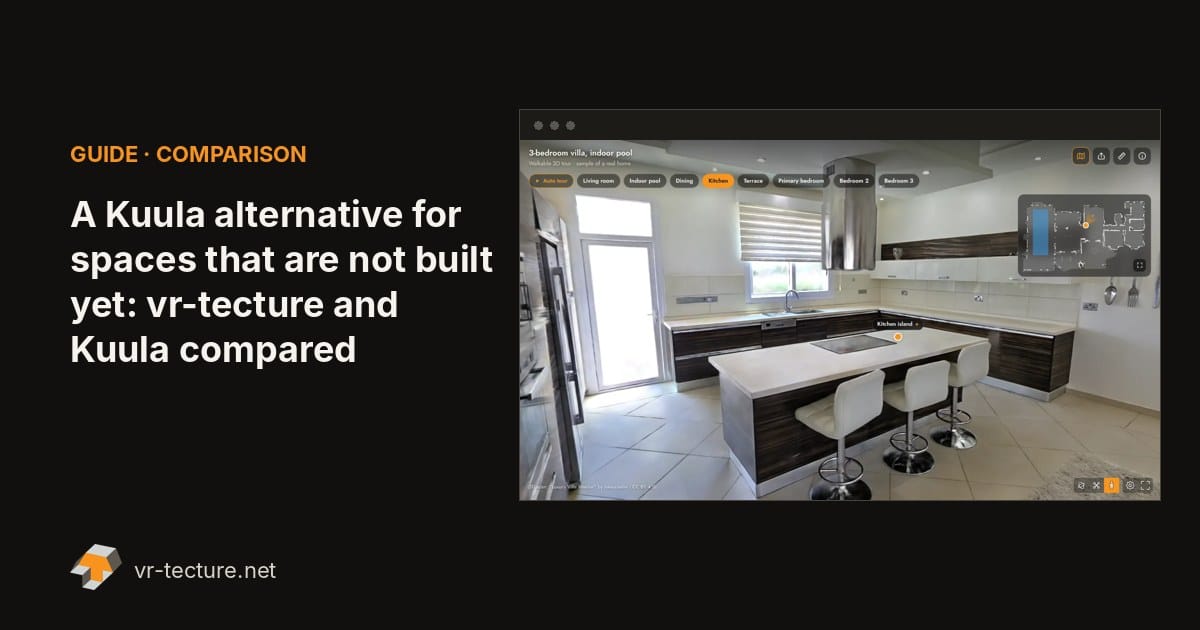
Short answer: Kuula makes virtual tours from 360-degree photos, so it suits places that already exist: a finished home, a hotel, a showroom. vr-tecture makes tours from a 3D model, so it suits designs that are not built yet, where the client still has to choose finishes and furniture. If you have a 360 camera and a real space, use Kuula. If you have a model and a decision to get, use a walkable tour.
What Kuula does well
- Tours from panoramas in minutes. You upload 360-degree photos, connect them with hotspots, and add labels, floor plans, audio, video, image galleries and interactive cards in its tour editor.
- Forms inside the tour. Lead capture, surveys and other forms can be added to a tour.
- Easy sharing. Tours are shared by link or embedded in a website or a property listing, and open in VR on Meta Quest headsets and on phones.
- Tools for a tour business. The Business plan adds a custom domain, a logo per client, password-protected tours, access by invitation and statistics for each tour.
A designer can also upload rendered 360-degree panoramas of an unbuilt design to Kuula. The client then looks around from the points you rendered.
What changes with a 3D model
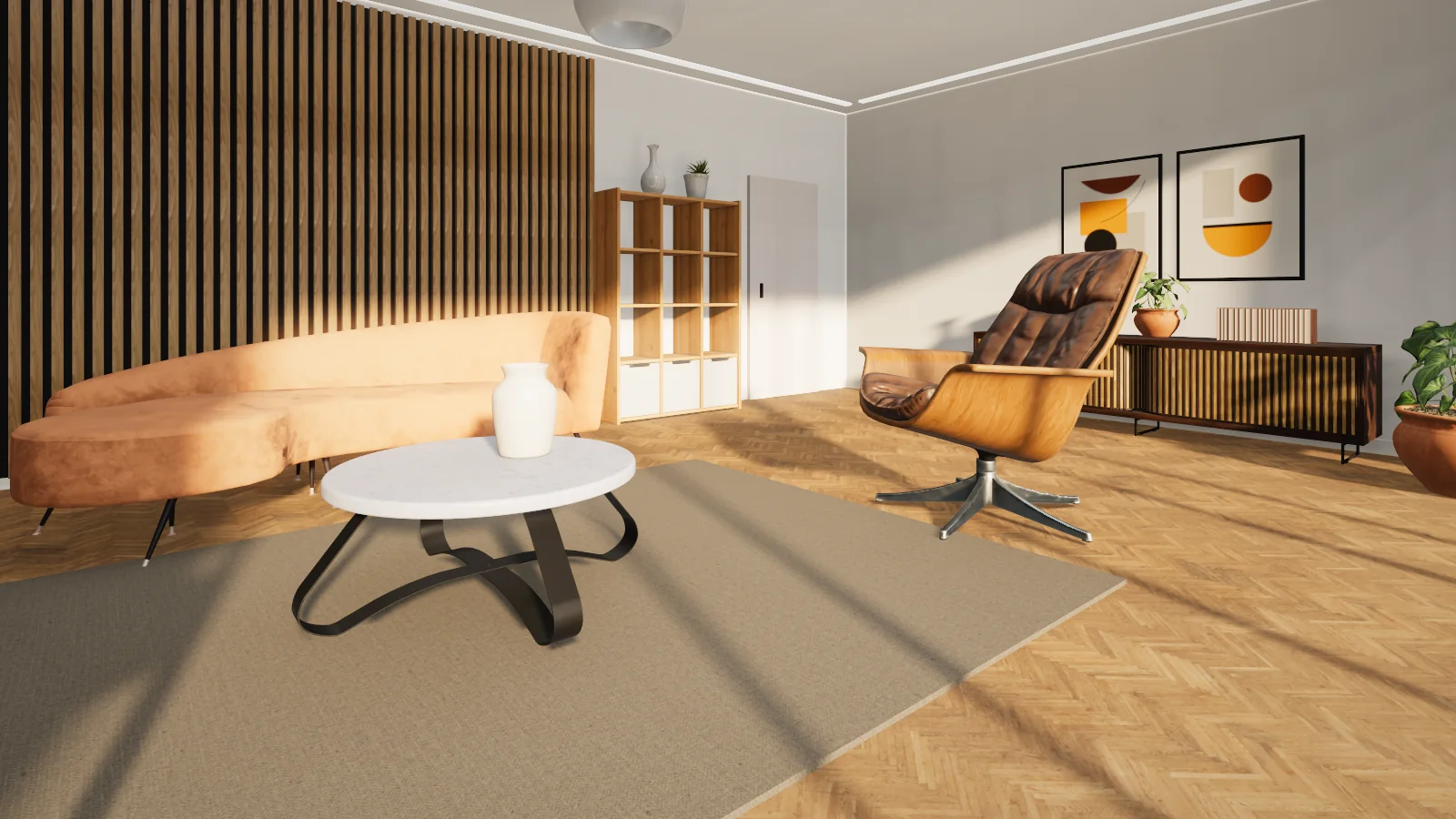
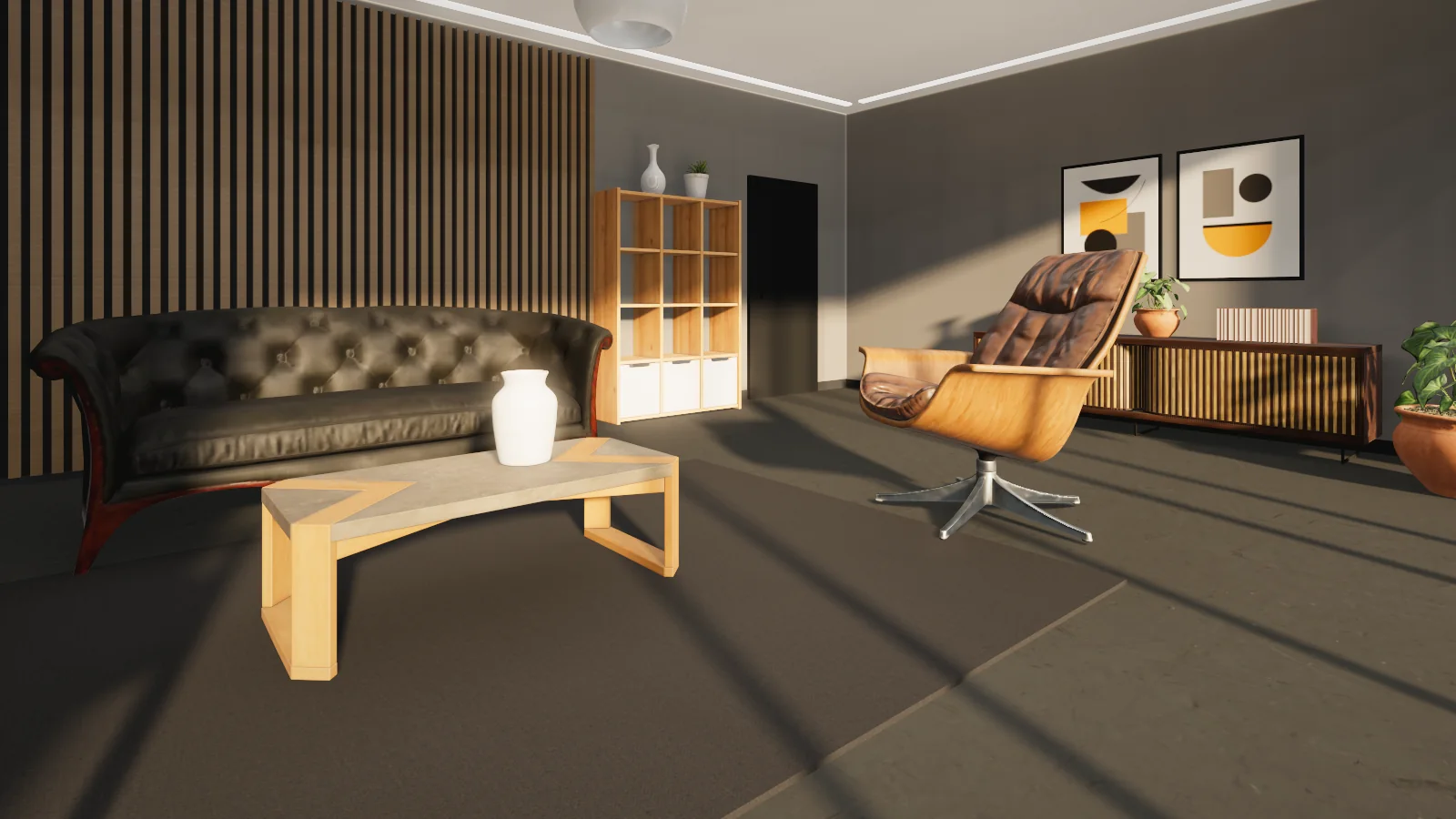
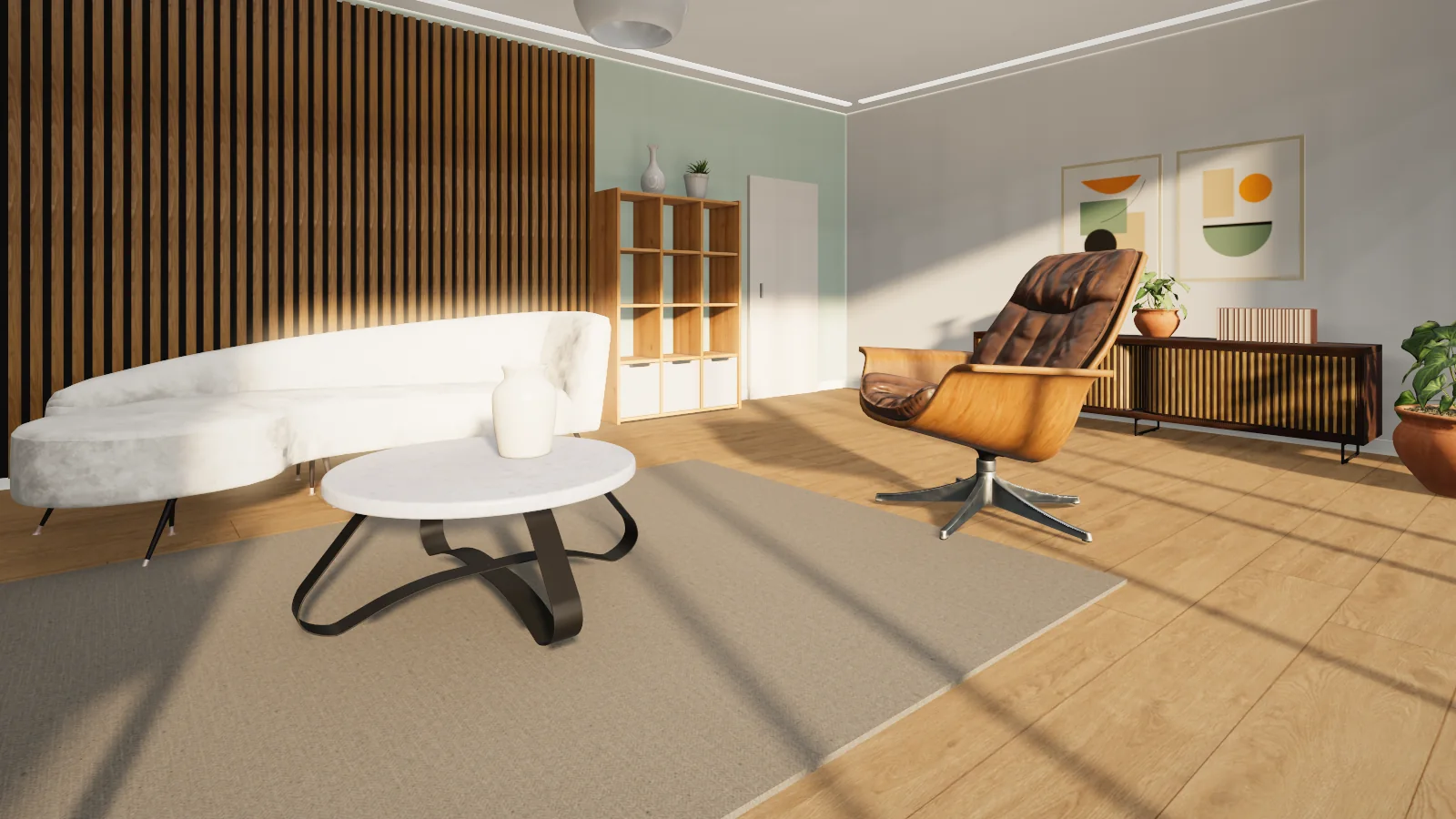
A tour made from a model is not a set of pictures. The client walks anywhere in the space, at real scale. Because the scene is drawn live, a surface can change while the client looks at it: you prepare the options, attach a price to each, and the client switches between them and sends you the one they want. Comments are pinned to the model, and approval is recorded with its date.
Tours are published with free plugins for SketchUp, Revit, Blender, 3ds Max and Rhino, which are in public beta, or by uploading GLB, FBX or IFC files.
Side by side
| Kuula | vr-tecture | |
|---|---|---|
| Made from | 360-degree photos or rendered panoramas | A 3D model |
| Best for | Spaces that exist | Designs before they are built |
| Moving around | From one panorama to the next, by hotspot | Free walking |
| Changing finishes or furniture | No; each panorama is a fixed image | Yes, with the price of each option |
| Floor plan | Yes, added in the tour editor | Yes, with a measuring tool |
| Audio and video in the tour | Yes | Sound and video on info cards; a background sound per space |
| Forms and requests | Yes, forms for lead capture and surveys | Yes, quote requests that carry the client’s choices |
| Comments and recorded approval from the client | Not listed among its features | Yes |
| Password or invitation-only access | Yes, Business plan | A private link with an optional password and end date; no access by invitation |
| Custom domain | Yes, Business plan | No |
| Visitor statistics | Yes, Business plan | Yes |
| Opens in a browser and in VR | Yes | Yes |
| Free plan | Yes, Basic: up to 300 posts, 100 uploads a month | Yes, one active tour |
| Paid price | Pro $20 and Business $36 a month, billed yearly | From $9 a month; not open for purchase yet |
What each costs
Kuula’s Basic plan is free. Pro is $20 a month billed yearly, or $24 month to month, and Business is $36 a month billed yearly, or $48 month to month, in US dollars. You also need a 360 camera, or renders, to make the panoramas.
vr-tecture has a Free plan with one active tour. Paid plans are listed at $9 (Starter, 3 active tours), $29 (Studio, 15 tours and 3 team seats) and $79 (Developer, 60 tours and 10 seats) a month in US dollars. They are not open for purchase yet; until they are, every account runs on Free.
How to choose
- The space exists and you can photograph it: Kuula, or another 360-degree tour tool.
- The space is a design and the client must choose: a walkable tour from the model.
- A sales office with both: a walkable tour of the unit that is not built, and a photo tour of the show home that is.
The three kinds of tour are compared in what a virtual tour is. You can walk the vr-tecture demo tour without an account.
Common questions
Can vr-tecture make a tour from 360-degree photos?
No. vr-tecture tours are made from 3D models. For photos of a real place, a 360-degree tour tool is the right choice.
Can I render panoramas of my design and use Kuula?
Yes, and it works well for a fixed presentation. The client will not be able to walk between the points or change a finish.
What do I need to make a walkable tour?
The model you already have, in SketchUp, Revit, Blender, 3ds Max or Rhino, or a GLB, FBX or IFC file. See how to view a SketchUp model in VR.
Prices and features of Kuula are taken from its own website as it stood on 24 November 2026; they change, so check there before you decide. Kuula is a trademark of its owner. vr-tecture is not affiliated with or endorsed by it.