
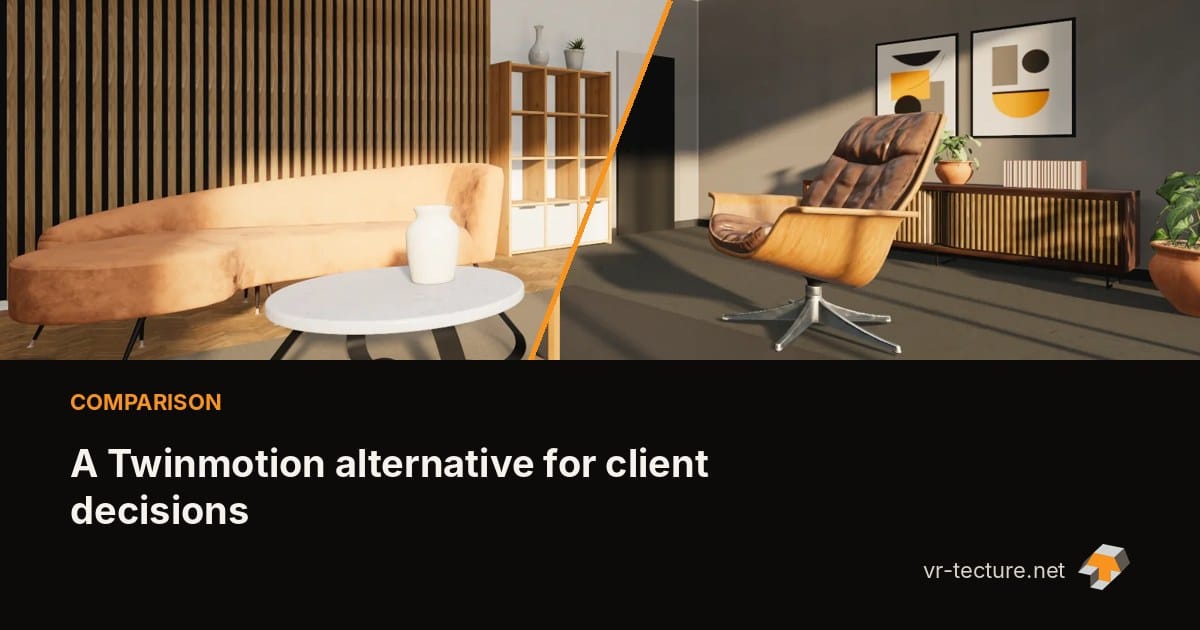
Short answer: Twinmotion and vr-tecture are different kinds of tool that meet at one point: sending a client a link to walk through a design. Twinmotion is a real-time visualization program built on Unreal Engine. You install it on a Windows or Mac computer and produce images, panoramas, videos and interactive presentations; its Twinmotion Cloud service then streams a presentation to the viewer’s browser from a cloud graphics card. vr-tecture makes no renderings at all. It turns the model you already have into a walkthrough the client’s own device draws, where the client switches between finish options with their prices and approves the design. If you need images and film, Twinmotion is the tool. If you need a client’s decision on record, look at vr-tecture, and many studios will use both.
How Twinmotion reaches a client
According to its documentation there are three routes. A Presentation uploaded to Twinmotion Cloud is hosted on a cloud GPU and streamed to the browser, so a phone shows the same picture quality as a workstation; the viewer moves freely and can change the time of day and the rendering mode. A Panorama Set is a group of up to 100 linked 360-degree views with hotspots between them, which also opens in a VR headset. A Local Presentation is a packaged program for a Windows or Mac computer, with no file-size limit, that can drive a VR headset connected to that computer. Cloud presentations and panorama sets are shared by link, QR code or embed code, with an optional password.
How vr-tecture works
vr-tecture keeps the design as a 3D scene that the client’s phone, computer or headset draws live, so nothing is streamed and no session is waiting on a server. Tours are published with free plugins for SketchUp, Revit, Blender, 3ds Max and Rhino, which are in public beta, or by uploading GLB, FBX or IFC files. The client moves freely, compares the options you set up with the price of each, pins comments to the model, and approves the design; the choice reaches you as a quote request. You can try it in the demo tour.
Where Twinmotion is the stronger choice
- Picture quality and output. It is a rendering tool: its documentation lists a path tracer and the Lumen rendering mode, still images up to 64K, and video including 360-degree video. vr-tecture produces none of these.
- The same quality on any device. Because a Cloud presentation is drawn on a cloud GPU, a heavy scene looks the same on a phone as on a workstation. In vr-tecture the client’s device draws the model, so very large models have to be simplified.
- The viewer controls the light. Time of day and rendering mode can be changed while viewing a presentation.
- A program you can hand over. A Local Presentation runs without internet and has no size limit.
- Free for small firms. The desktop program is free for individuals and companies with annual gross revenue up to $1 million US.
Where vr-tecture is different
- The client decides inside the tour. Finish options carry a price, the client switches between them on the model, and the chosen set arrives as a quote request and a recorded approval. The Twinmotion Cloud documentation we read does not describe this.
- No streaming limits. Twinmotion’s documentation lists limits for Cloud presentations: a session of at most 60 minutes, a disconnect after 30 minutes without input, a queue when no cloud GPU is free, a recommended connection of 25 Mbps, a 4 GB upload and 2K textures. A vr-tecture tour is a web page: it stays open as long as the client likes and is not queued.
- Walking in a headset from the same link. In Twinmotion Cloud, VR is described for Panorama Sets; walking a full scene in VR needs a headset connected to a computer running Twinmotion or a Local Presentation. A vr-tecture link opens in the headset’s browser.
- No desktop program and no graphics card. Twinmotion asks for a graphics card with at least 6 GB of memory. vr-tecture is published from a plugin in your design software or by uploading a file.
- Sound. Twinmotion’s documentation says sound is not supported in Cloud presentations and panorama sets. A vr-tecture tour can carry a background sound for each space and a spoken note on a product card.
Side by side
| Twinmotion (with Twinmotion Cloud) | vr-tecture | |
|---|---|---|
| What it is | Real-time visualization program on Unreal Engine, Windows and macOS | A web service; nothing to install |
| Images, panoramas and video | Yes: images up to 64K, 360-degree video, path tracer | No; visitors can save a picture of their view |
| What the client opens | A streamed presentation, a set of linked panoramas, or a program on a computer | A 3D model drawn live in the browser |
| Who draws the picture | A cloud GPU (Cloud presentations) | The client’s phone, computer or headset |
| Link, QR code, embed, optional password | Yes | Yes |
| Session limits | 60 minutes; disconnect after 30 minutes idle; queue when GPUs are busy | None |
| Walking the scene in a VR headset | Headset connected to a computer (Local Presentation or Twinmotion); panoramas in Cloud | The headset browser, from the same link |
| Viewer changes time of day | Yes | No |
| Finish options with prices, switched by the client | Not described in the Cloud documentation | Yes |
| Client choice sent as a quote request; recorded approval | Not described in the Cloud documentation | Yes |
| Comments pinned to the model | Not described in the Cloud documentation | Yes |
| Sound | Not supported in Cloud presentations and panorama sets | Background sound per space; sound on product cards |
| Free to start | Free under $1 million revenue; Cloud only with paid seats; 30-day trial | Free plan, one active tour |
| Paid price | $445 per seat per year | From $9 a month; not open for purchase yet |
What each costs
Twinmotion is free for students, educators, and individuals and companies whose annual gross revenue does not exceed $1 million US. Above that, or when you need Twinmotion Cloud, a seat costs $445 US a year; its licence page says Twinmotion Cloud is only available to companies that purchase seats, and that prices can vary by region. A 30-day trial covers the Cloud too.
vr-tecture has a Free plan with one active tour. Paid plans are listed at $9 (Starter, 3 active tours), $29 (Studio, 15 tours and 3 team seats) and $79 (Developer, 60 tours and 10 seats) a month in US dollars. They are not open for purchase yet; until they are, every account runs on Free.
How to choose
- Choose Twinmotion if you need rendered images, video or the highest picture quality, or want to present from your own computer with a headset attached.
- Choose vr-tecture if the goal is a client choosing finishes and signing off a space from a link, on whatever device they have, with the choice and its price on record.
- Use both if you do both: render the hero images in Twinmotion and send the decision link from vr-tecture. Both start from the same SketchUp, Revit or Rhino model.
Common questions
Is vr-tecture a renderer?
No. It makes no still images or videos beyond a picture a visitor saves of their own view. Realistic lighting can be computed for a style so the walkthrough looks natural, but for presentation renderings a tool like Twinmotion is the right one.
Can I share a Twinmotion scene with a client for free?
The desktop program is free under the revenue threshold, and you can hand over a Local Presentation to run on a Windows or Mac computer. The licence page says Twinmotion Cloud, the part that opens from a link in a browser, is only available with paid seats.
Does my client need a fast connection?
For a streamed Twinmotion Cloud presentation its documentation recommends at least 25 Mbps. A vr-tecture tour downloads the model once and then runs on the device; how long that takes depends on the model’s size.
Prices and features of Twinmotion are taken from its own website as it stood on 24 November 2026; they change, so check there before you decide. Twinmotion is a trademark of its owner. vr-tecture is not affiliated with or endorsed by it.